
Help Center

Getting Started
Trading
My Account
Mutual Funds
IPOs
Stock SIP
Gold
NPS
Government Securities
Fixed Deposits
Insurance
Loan
Smallcase
DartStock
Upstox API
NCD
US Stocks
How to launch Chart 360 in Upstox?
To place an order using Chart 360, you first need to launch the feature. There are several ways to access Chart 360 within the app. Just look for the Chart 360 icon.
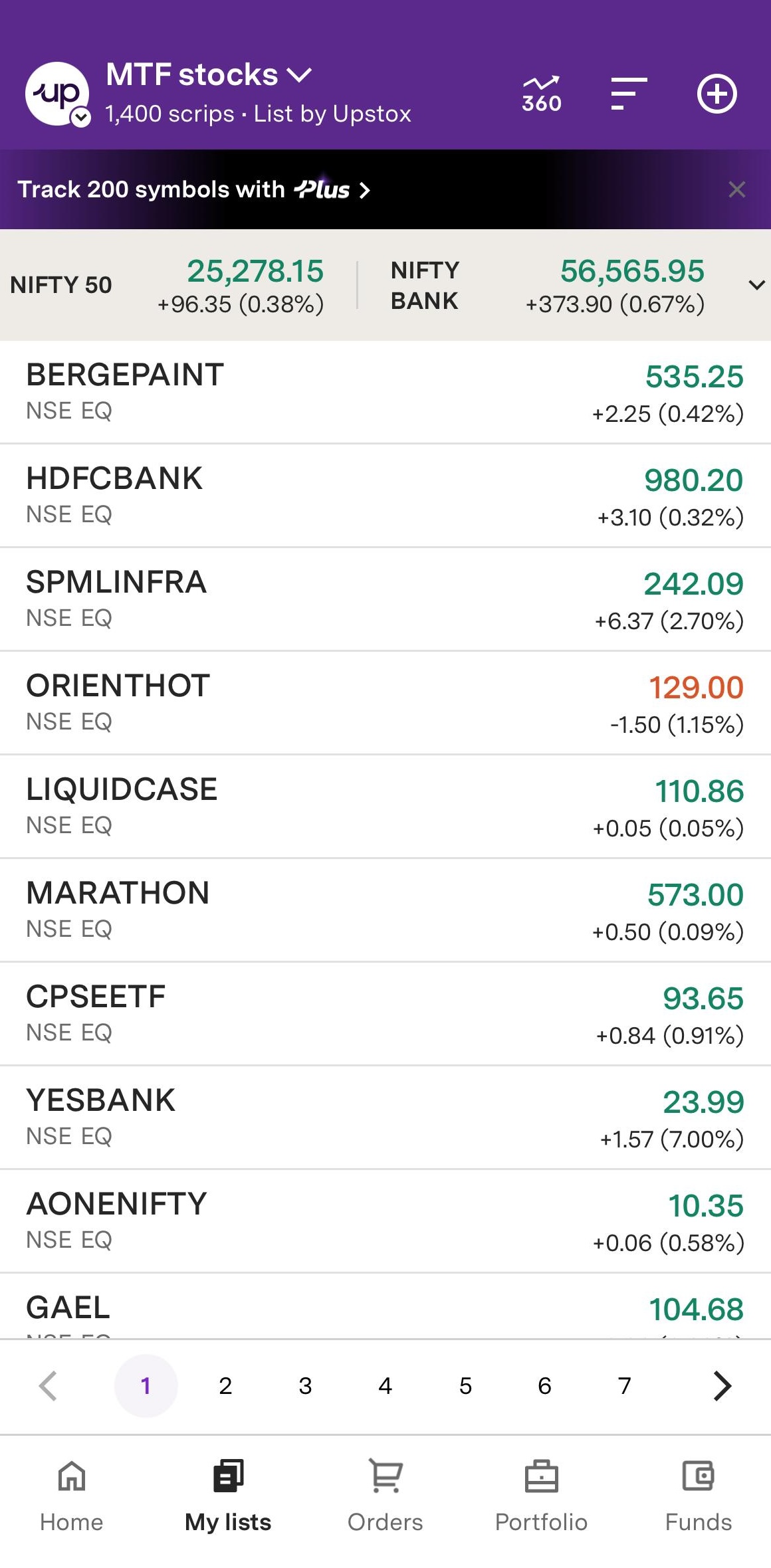
1. From the Watchlist: Tap the Chart icon in the top-right corner of your Watchlist to open Chart 360.
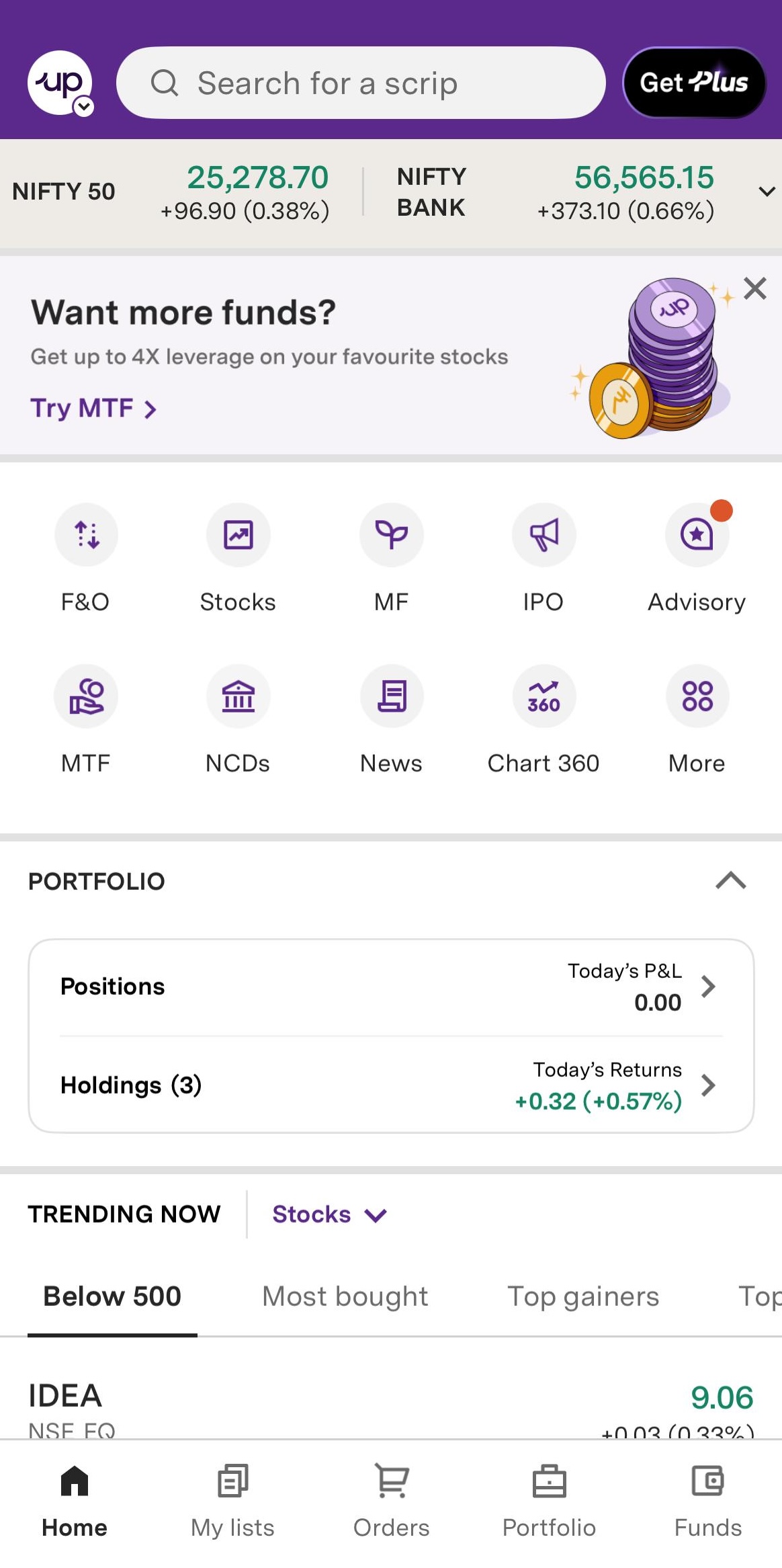
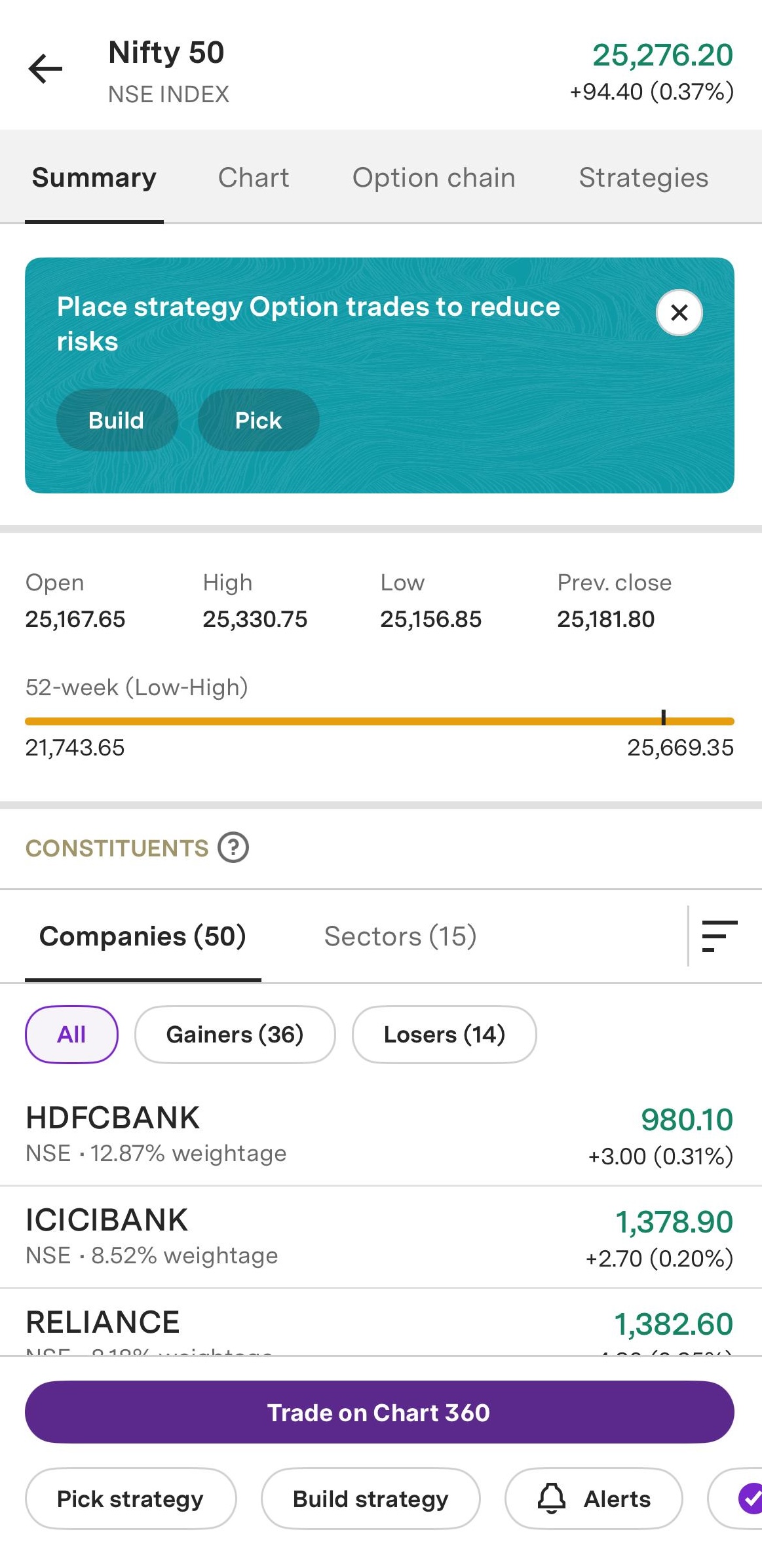
2. From the Indices/Stock Options Summary Page: Select any index/stock options from your Watchlist. On the summary page, tap Trade on Chart 360.
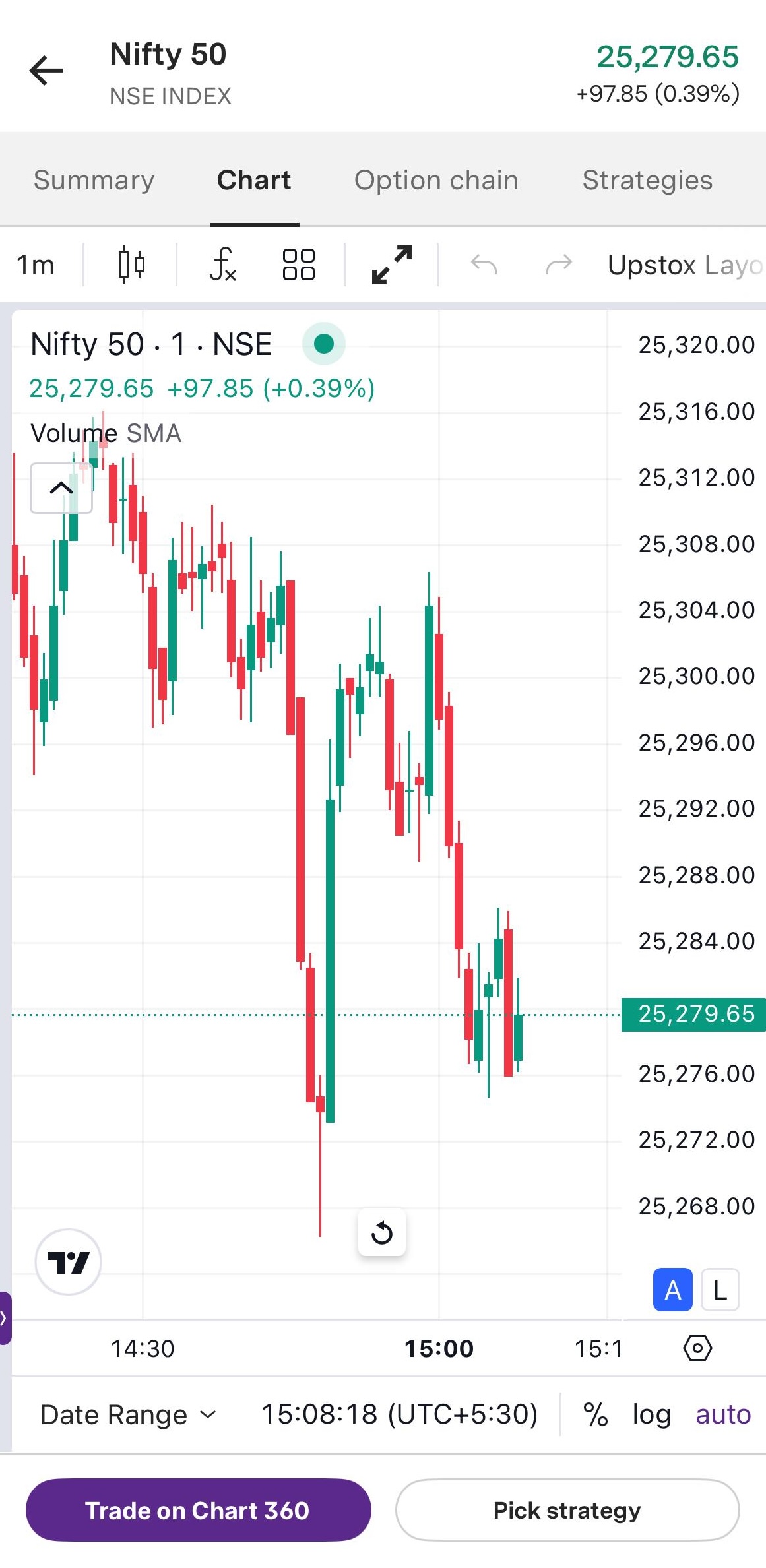
3. From the Indices/Stock Options Chart: Tap an index or stock options, then select the Trade on Chart icon to open Chart 360.
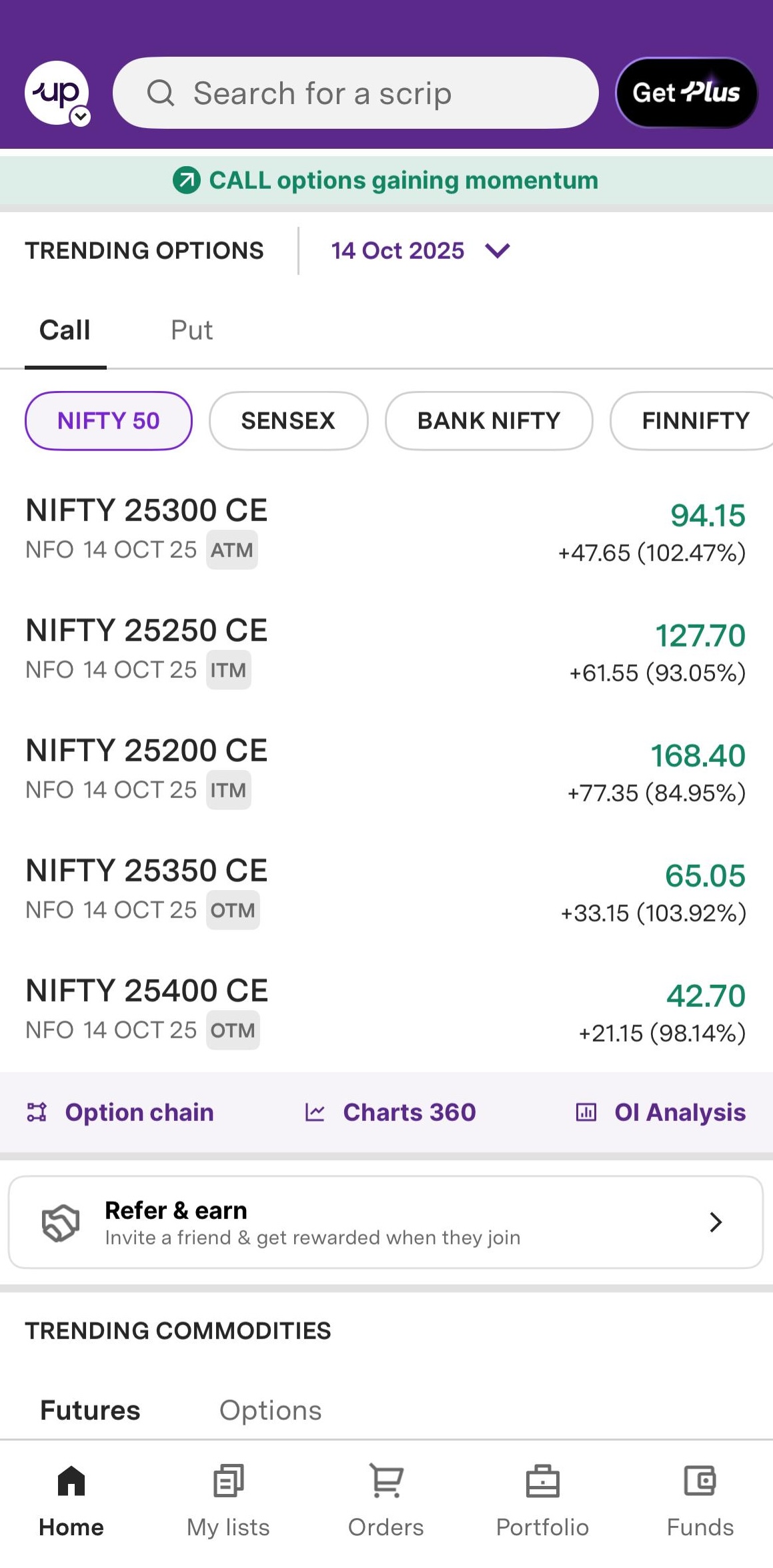
4. From the Home page:
- Scroll down to the trending options section.
- Tap on Chart 360 to launch the feature.
To go back from Chart 360, simply tap the back arrow or use your device's back button to return to the app.
Note:
- Chart 360 is currently available for Index and Stock Options.
- It is only available for Android, iOS, and Web platforms.
Trade with Upstox
Want to open a Demat account?
Open a FREE Demat and Trading account to invest in Stocks, Mutual Funds, IPOs and more.
By signing up you agree to receive transaction updates on Whatsapp. You may also receive a call from an Upstox representative to help you with the account opening process.
Upstox Community
Upstox Community
| Topic | Replies | Views | Activity |
|---|