
Help Center

Getting Started
Trading
My Account
Mutual Funds
IPOs
Stock SIP
Gold
NPS
Government Securities
Fixed Deposits
Insurance
Loan
Smallcase
DartStock
Upstox API
NCD
US Stocks
What are the keyboard shortcuts for trading on Upstox Pro Web?
The keyboard shortcuts for trading on Upstox Pro Web are special key combinations. These help you perform actions like buying or selling stocks and moving around the platform with just a few clicks. It's like a quick and efficient way to make your trades and save time while doing it.
The keyboard shortcuts on Upstox Pro Web can be used to quickly navigate through:
1. Components - Terminal, Watchlist, Order bar & Info bar
2. Activities - Navigation, Discovery, Transaction & Funds
To view the keyboard shortcuts, click on the ‘Help’ option on the web portal.
Components:
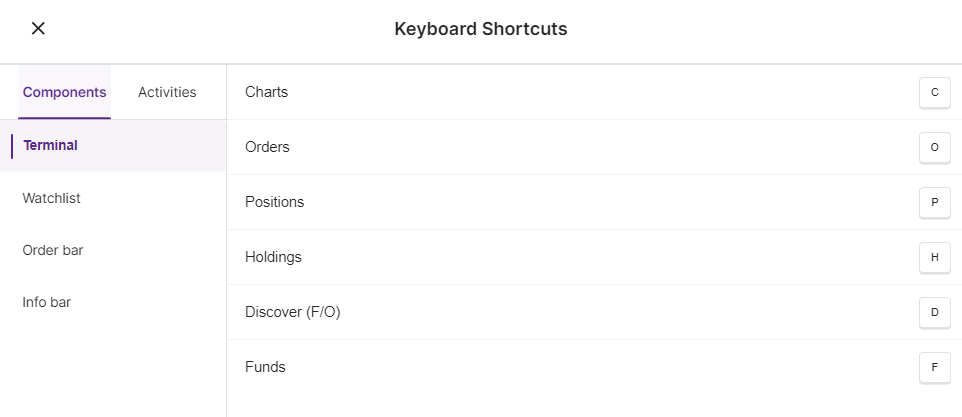
The keyboard shortcuts for Terminal are:
- Charts - C
- Orders - O
- Positions - P
- Holdings - H
- Discover (F/O) - D
- Funds - F
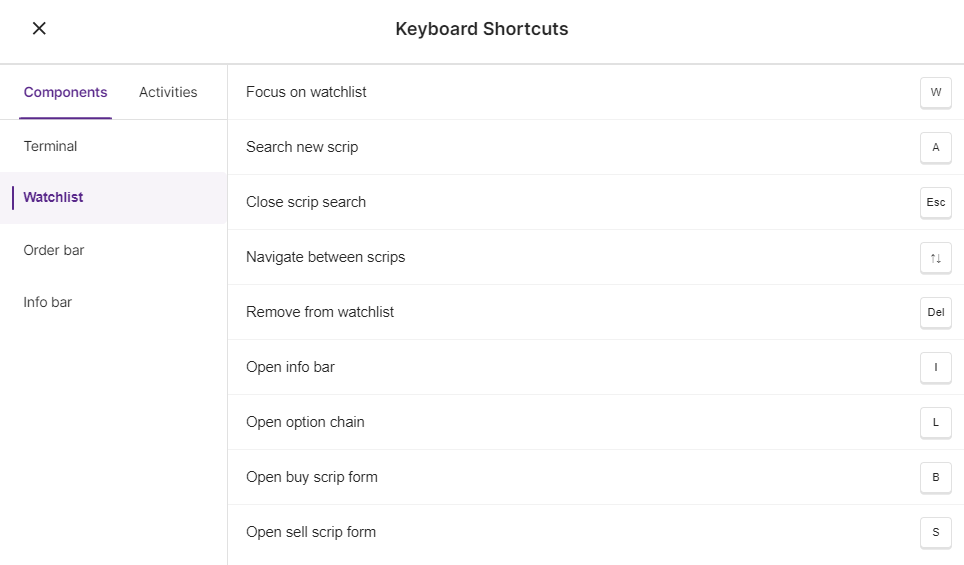
The keyboard shortcuts for Watchlist are:
- Focus on watchlist - W
- Search new scrip - A
- Close scrip search - Esc
- Navigate between scrips - ↑↓ (Up & Down arrow keys)
- Remove from watchlist - Del
- Open info bar - I
- Open option chain - L
- Open buy scrip form - B
- Open sell scrip form - S
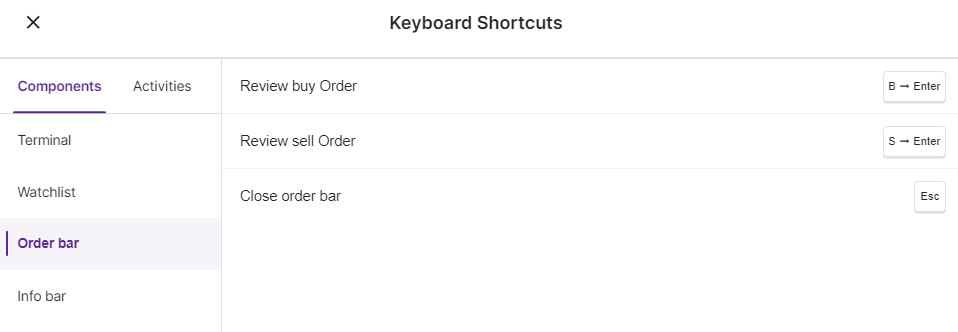
The keyboard shortcuts for Order bar are:
- Review buy order - B ➞ Enter
- Review sell order - S ➞ Enter
- Close order bar - Esc
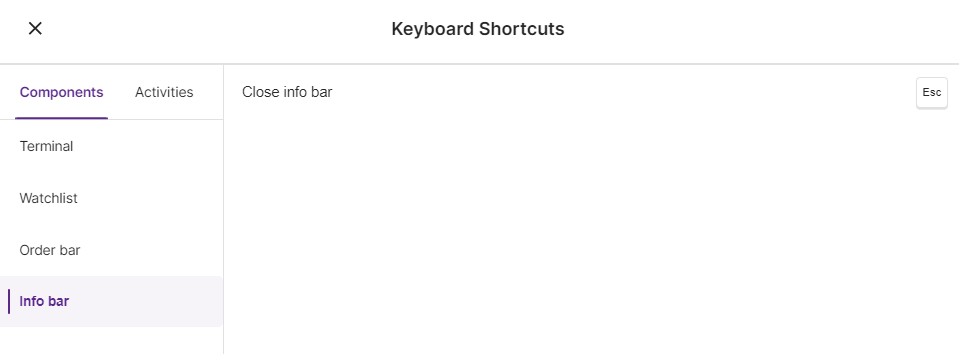
The keyboard shortcut for Info bar is:
- Close info bar - Esc
Activities :
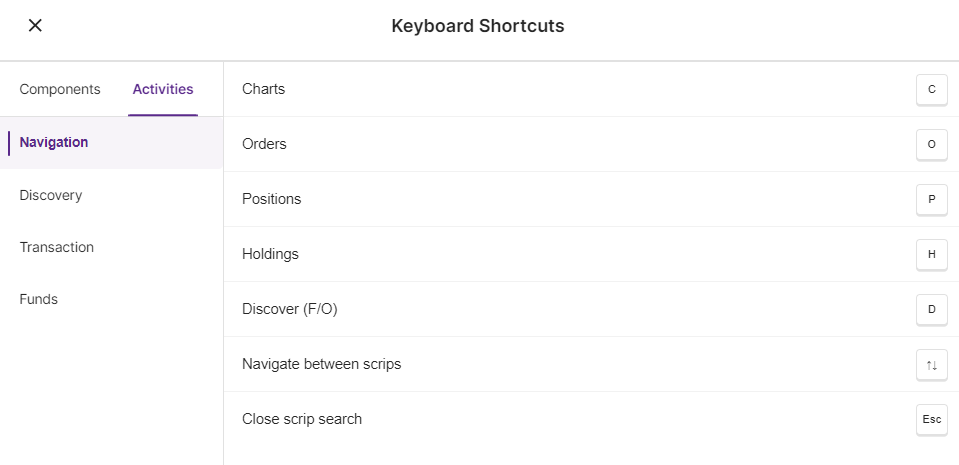
The keyboard shortcuts for Navigation are:
- Charts - C
- Orders - O
- Positions - P
- Holdings - H
- Discover (F/O) - D
- Navigate between scrips - ↑↓ (Up & Down arrow keys)
- Close scrip search - Esc
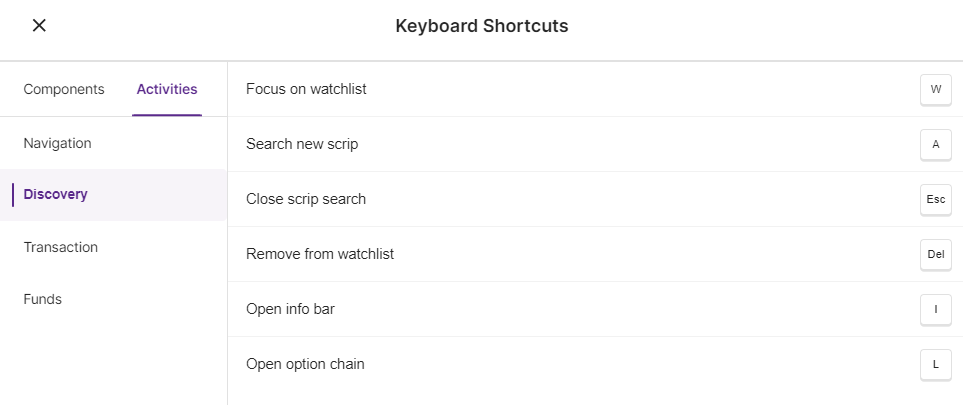
The keyboard shortcuts for Discovery are:
- Focus on watchlist - W
- Search new scrip - A
- Close scrip search - Esc
- Remove from watchlist - Del
- Open info bar - I
- Open option chain - L
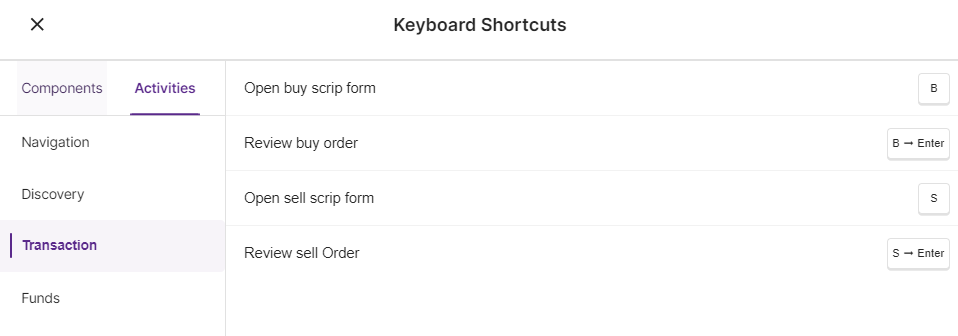
The keyboard shortcuts for Transaction are:
- Open buy scrip form - B
- Review buy order - B ➞ Enter
- Open sell scrip form - S
- Review sell Order - S ➞ Enter
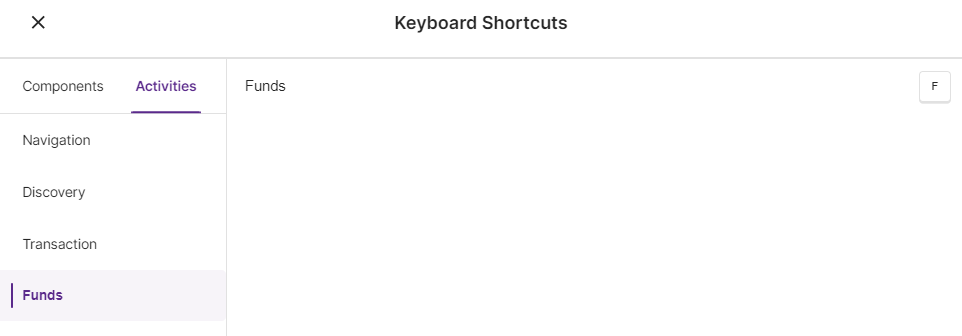
The keyboard shortcut for Funds is:
- Funds - F
Note: Keyboard shortcuts cannot be changed or customised as per the user's needs.
Trade with Upstox
Want to open a Demat account?
Open a FREE Demat and Trading account to invest in Stocks, Mutual Funds, IPOs and more.
By signing up you agree to receive transaction updates on Whatsapp. You may also receive a call from an Upstox representative to help you with the account opening process.
Upstox Community
Upstox Community
| Topic | Replies | Views | Activity |
|---|