
Help Center

Getting Started
Trading
My Account
Mutual Funds
IPOs
Stock SIP
Gold
NPS
Government Securities
Fixed Deposits
Insurance
Loan
Smallcase
DartStock
Upstox API
NCD
US Stocks
How can I edit an existing template in Scalper?
Step 1: Hover over an existing template tab on the top bar.
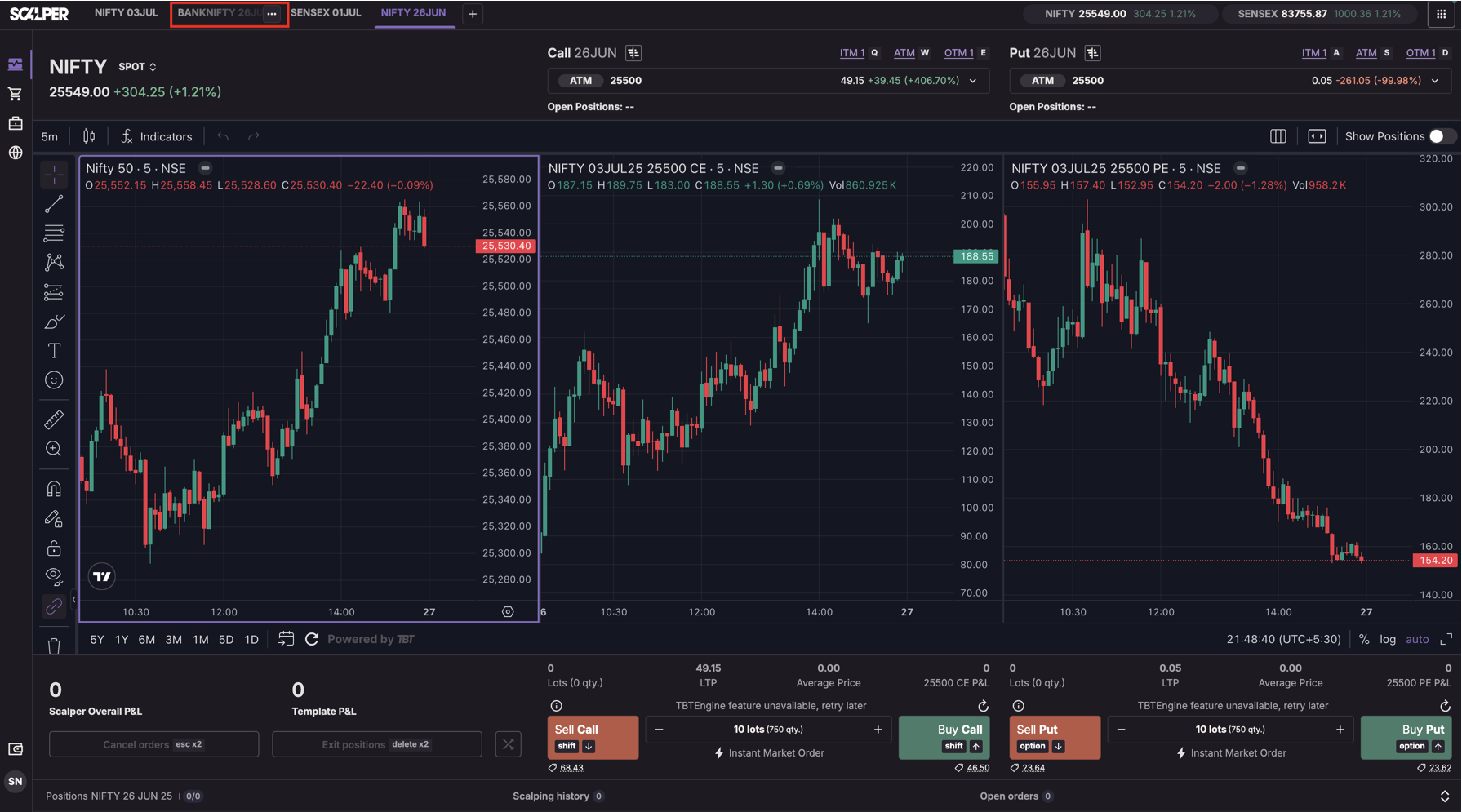
Step 2: Click the 3-dot menu → Select Edit template.
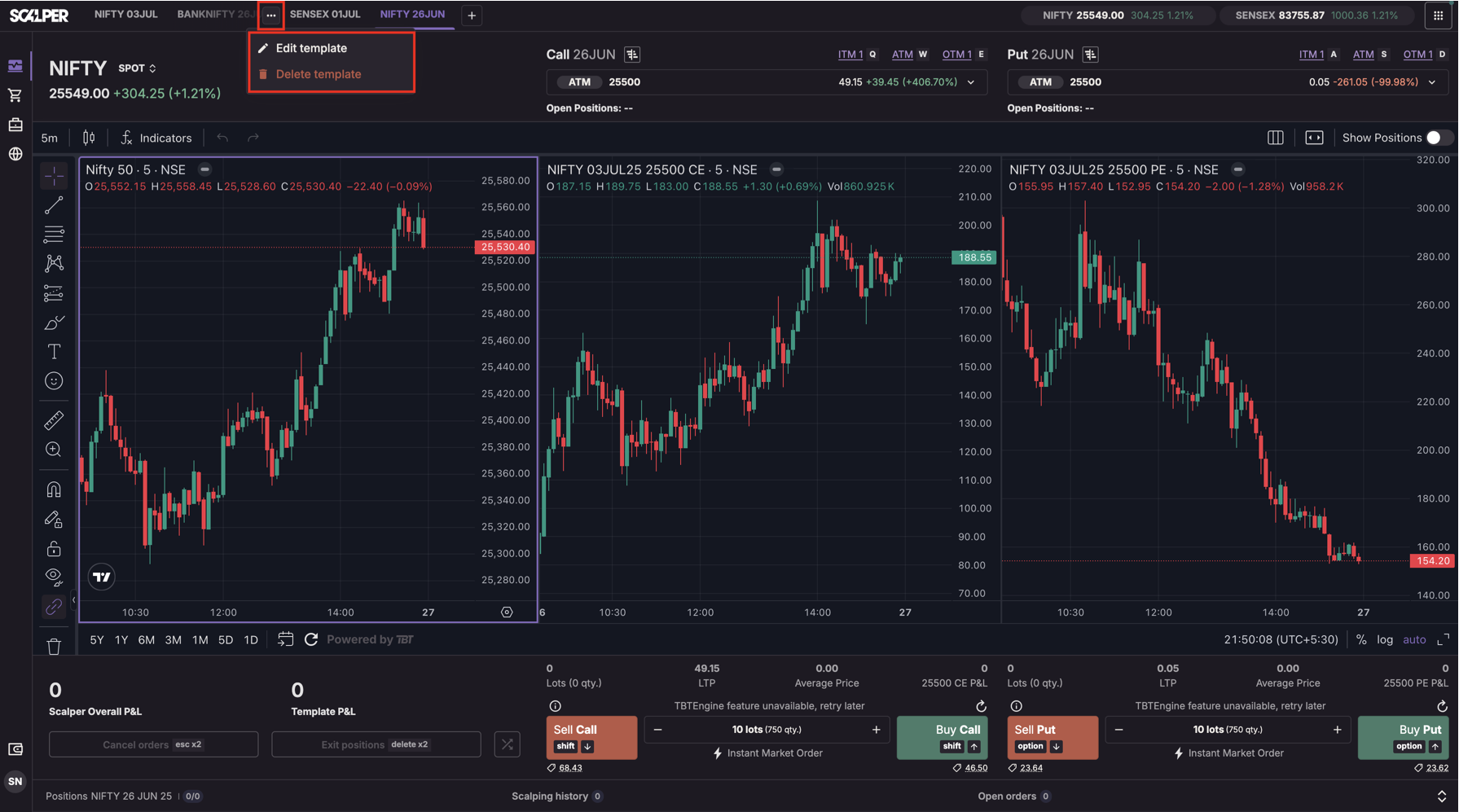
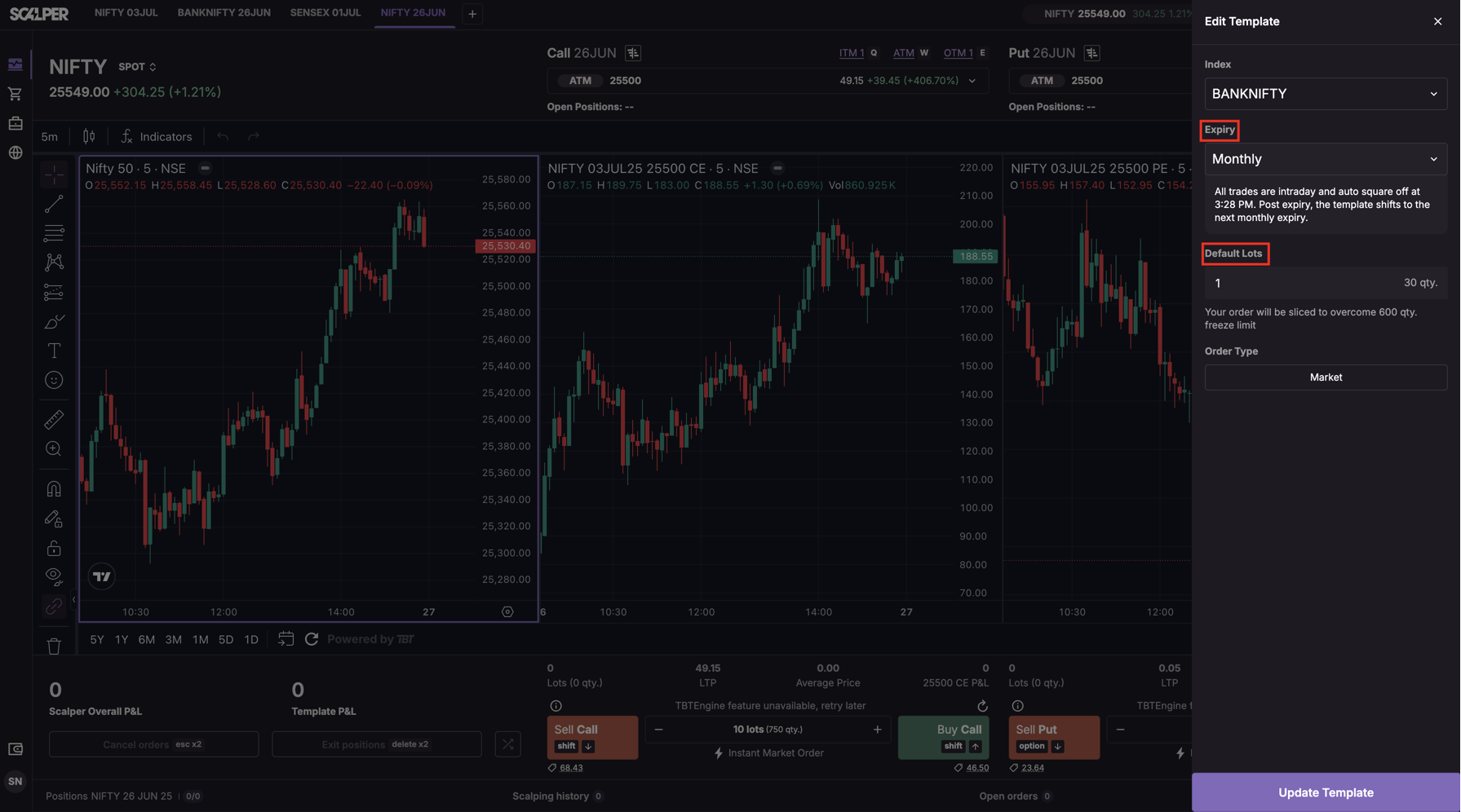
Step 3: You can modify:
- Lot size
- Instrument/Expiry (only if the new combination doesn’t already exist)
Step 4: Click Update Template to confirm changes.
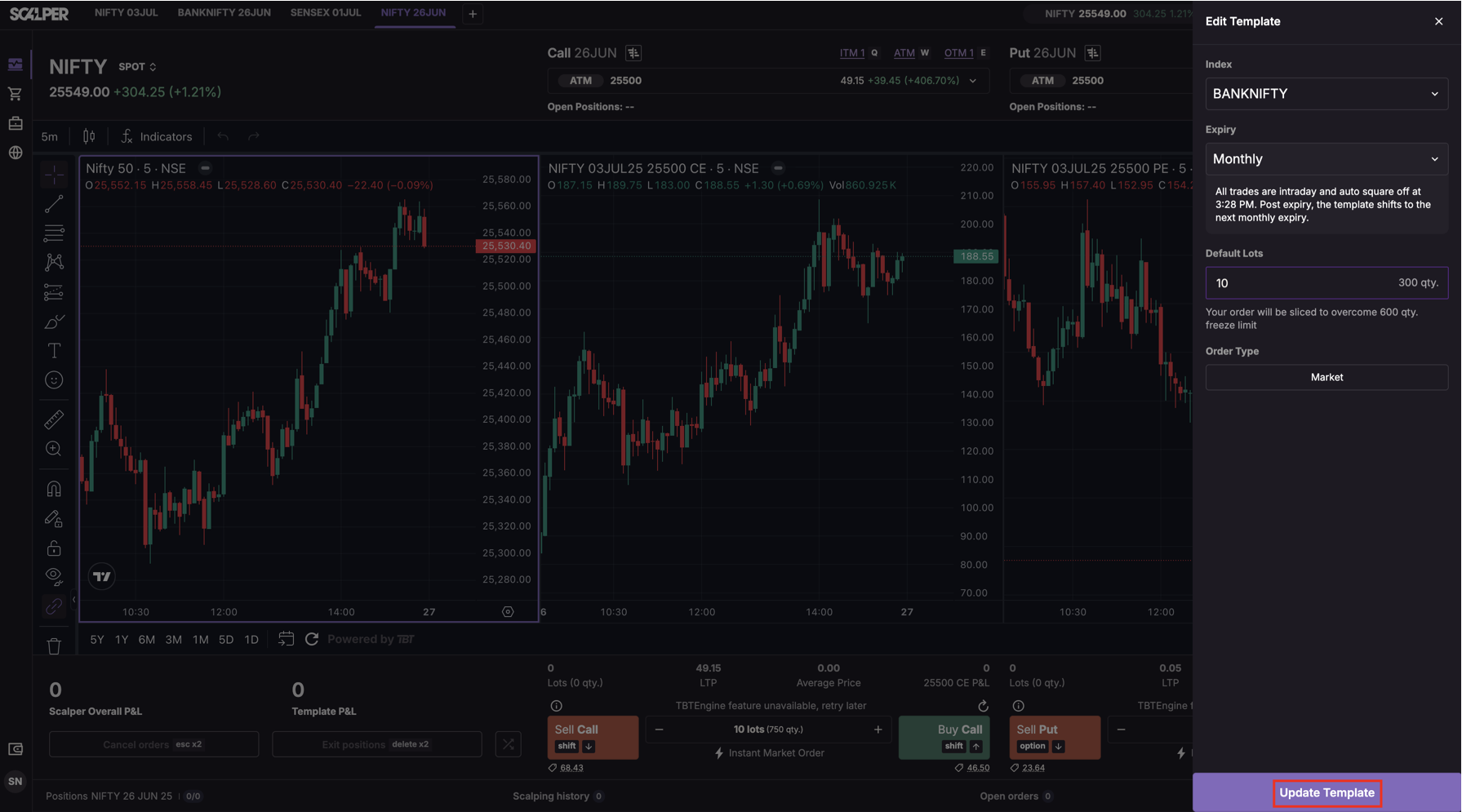
Note: Editing is blocked if it results in a duplicate setup.
Trade with Upstox
Want to open a Demat account?
Open a FREE Demat and Trading account to invest in Stocks, Mutual Funds, IPOs and more.
+91
By signing up you agree to receive transaction updates on Whatsapp. You may also receive a call from an Upstox representative to help you with the account opening process.
Upstox Community
Upstox Community
| Topic | Replies | Views | Activity |
|---|