
Help Center

Getting Started
Trading
My Account
Mutual Funds
IPOs
Stock SIP
Gold
NPS
Government Securities
Fixed Deposits
Insurance
Loan
Smallcase
DartStock
Upstox API
NCD
US Stocks
How can I create a new template (Monthly or Weekly Expiry) in Scalper?
Step 1: Click the “+” icon on the top template bar
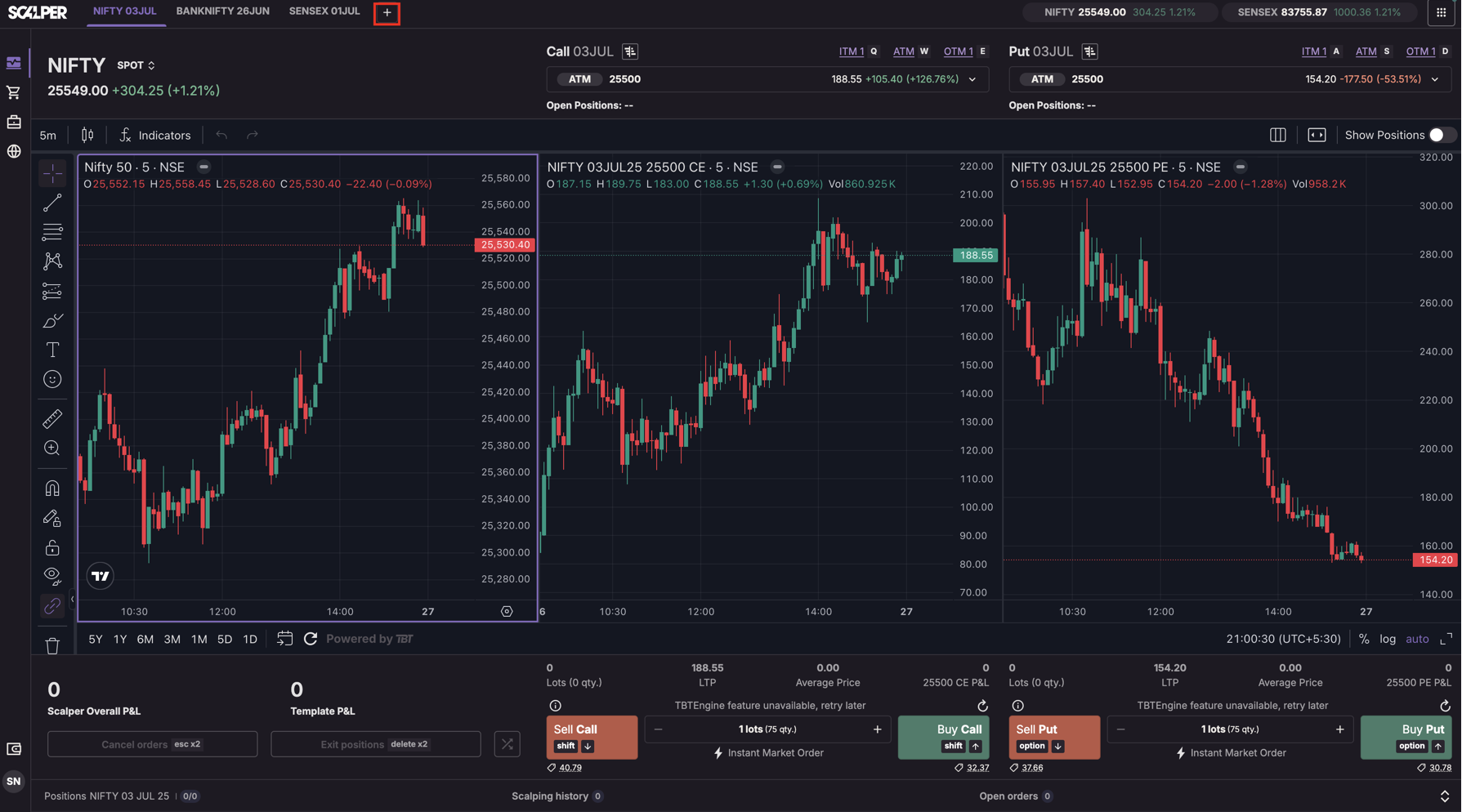
Step 2: In the template creation form, configure the following:
1. Segment: Only Index Options (F&O segment must be activated) 2. Exchange: NFO or BFO 3. Symbol: Choose from Nifty 50, Bank Nifty, Sensex, Finnifty, Midcap Nifty, Bankex, etc. 4. Expiry:
- CW (Current Week) for weekly scalping
- CM (Current Month) for monthly scalping
5. Order Size: Enter the number of lots (default is 1) 6. Order Type: Only Market Orders are supported (pre-selected)
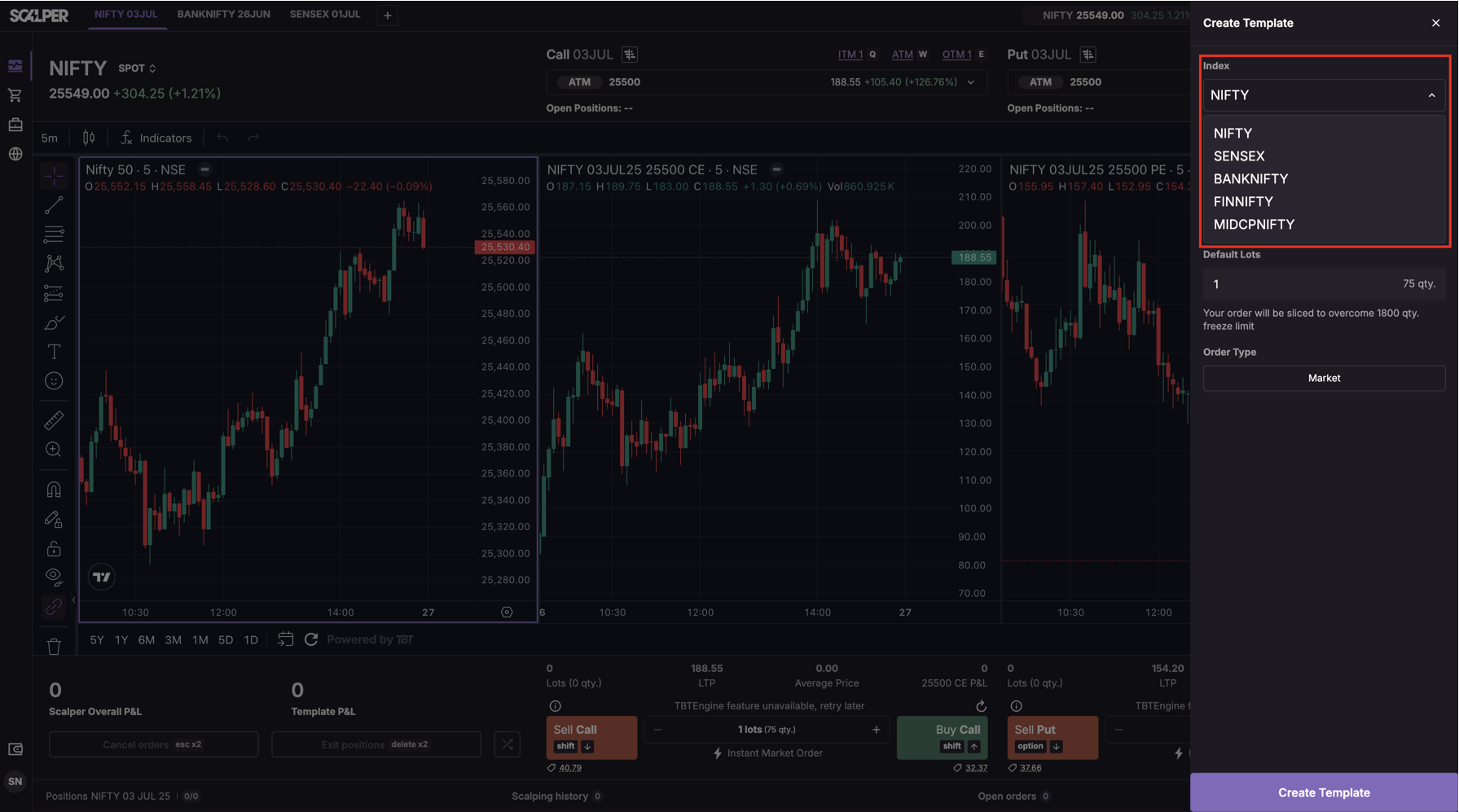
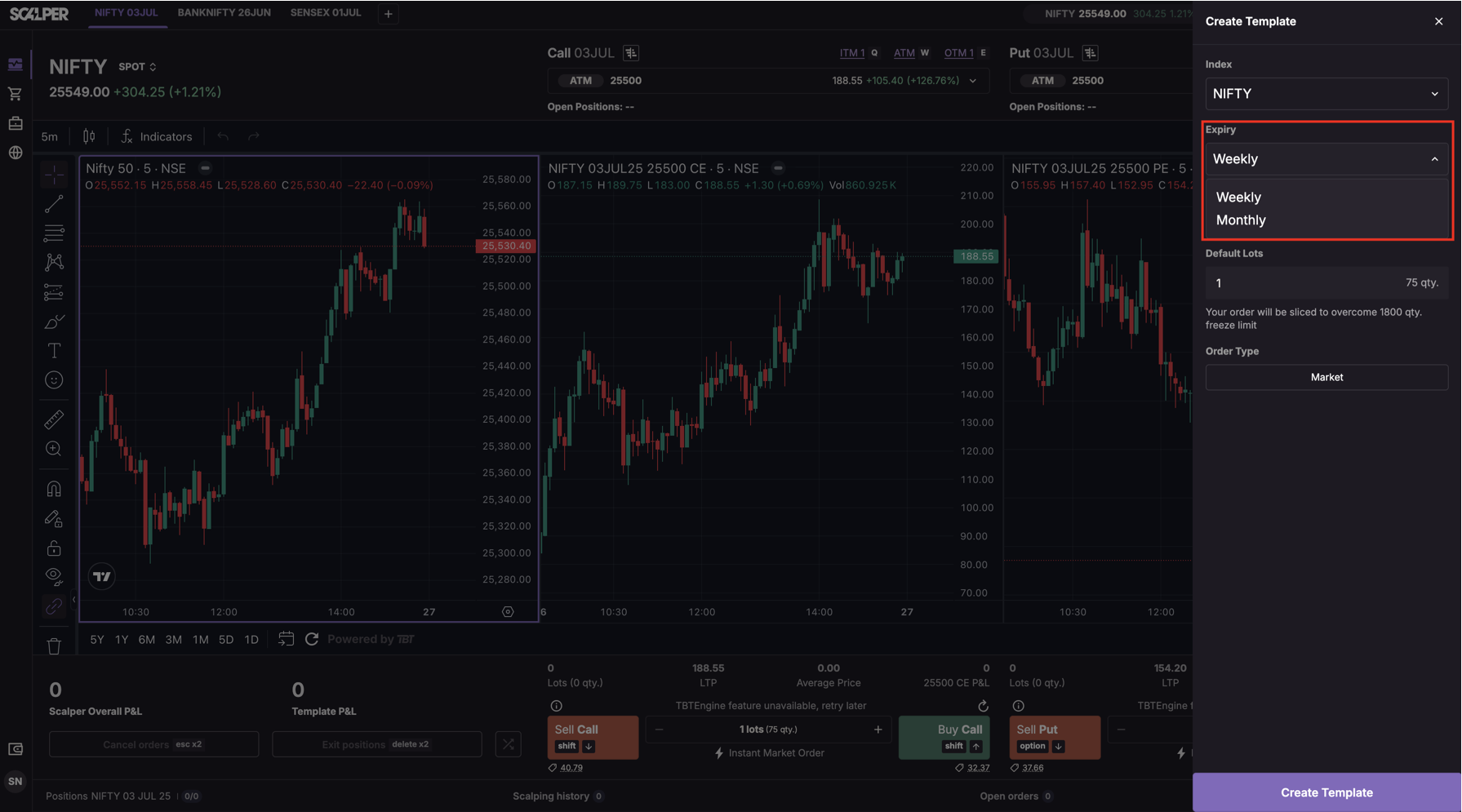
Step 3: Click “Create Template” to create
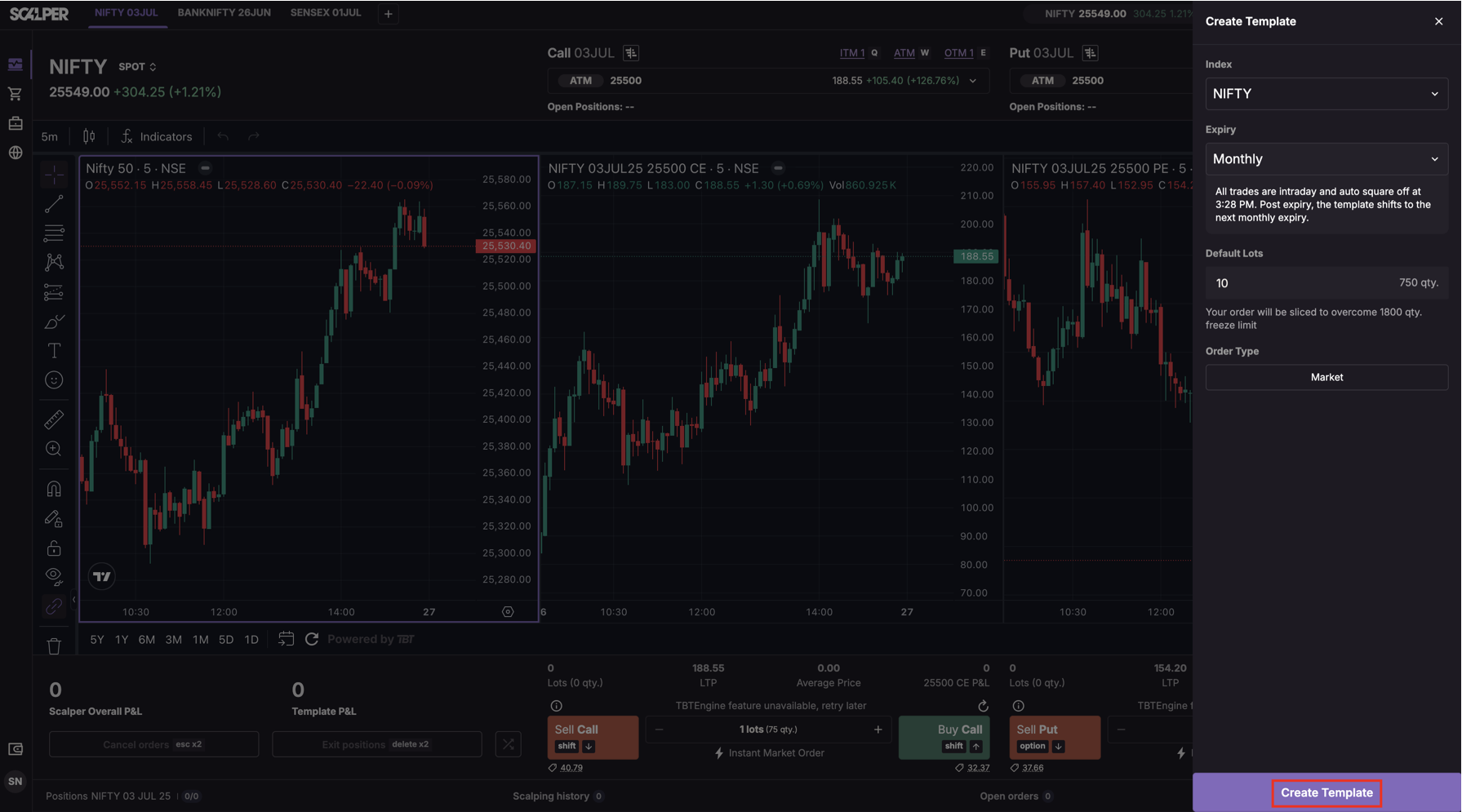
Note: You can create a maximum of 10 templates. Duplicate combinations (same symbol + expiry) are not allowed.
Trade with Upstox
Want to open a Demat account?
Open a FREE Demat and Trading account to invest in Stocks, Mutual Funds, IPOs and more.
By signing up you agree to receive transaction updates on Whatsapp. You may also receive a call from an Upstox representative to help you with the account opening process.
Upstox Community
Upstox Community
| Topic | Replies | Views | Activity |
|---|