How to Update Mobile Number in Aadhar Card: A Step-by-Step Guide

Written by Sachin Gupta
Published on May 12, 2026 | 5 min read
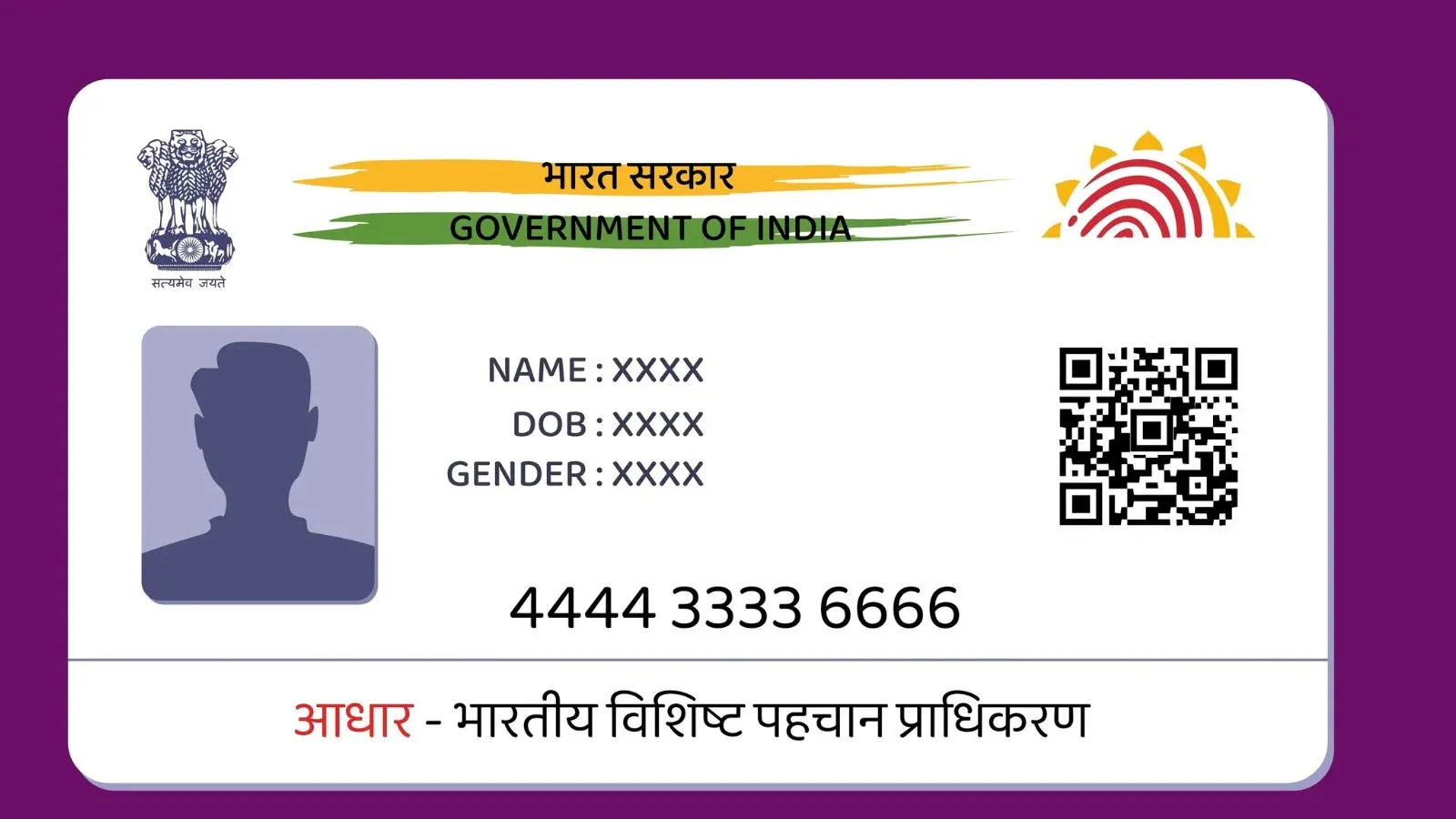

Key Takeaways
- Aadhaar mobile number update requires visiting enrolment centres with biometric verification.
- Booking online appointments helps save time and reduces waiting at Aadhaar centres.
- URN number allows easy tracking of Aadhaar mobile update status online anytime.
- Updated mobile number ensures secure access to OTP-based Aadhaar services and benefits.
People do not realise the importance of linking mobile number with Aadhar card. But without this, you will not be able to receive OTPs for online verification to access government schemes and banking services. Your registered mobile number acts as a key to various digital services in India.
But what happens if you change your mobile number, lose sim card, or no longer use the registered number? In such scenarios, you are required to update your mobile number on your Aadhar card.
You will be pleased to know that the process to update a mobile number in Aadhar card is simple and accessible. In this article, we have decoded the ways to update your mobile number, how to check update status.
How to Update Mobile Number in Aadhar Offline?
You can update your mobile number in Aadhar via a completely offline route, where you have to start the process by visiting physically at the Aadhar service centre.
Step 1: Find the nearest Aadhar Seva Kendra on the UIDAI website by using the “ Locate Enrolment Centre” feature.
Step 2: Visit the Aadhar centre and carry your Aadhar card.
Step 3: Fill the Aadhar update form with your new mobile number.
Step 4: The operator will verify your biometric details using fingerprint scanner, and iris scanner.
Step 5: Pay the applicable charges and receive the acknowledgement slip containing URN.
How to Update Mobile Number in Aadhar Online?
As per UIDAI official website, you need to visit the Aadhar Seva Kendra or Enrollment centre in person to update the mobile number as it requires submission of biometric verification. However, you can still start the process online by booking an appointment by following the below steps:
Step 1: Visit the official website of UIDAI
Step 2: Go to “My Aadhar” Section and click on “Book an Appointment”. With this, you can schedule a visit to the nearest Aadhar Seva Kendra.
Step 3: Fill details such as city, mobile number, and captcha code. After this, you will receive an OTP on your current mobile number for verification.
Step 4: Select the service option between “Mobile Number Update” or “Aadhar Update.”
Step 5: Visit the Aadhar centre on the scheduled date
Step 6: The operator will ask for biometric verification via fingerprint or iris scan.
Step 7: You have to pay a nominal fee of ₹50
Step 8: After successful submission, you will receive an Update Request Number (URN) on the acknowledgement slip.
How to Check Aadhar Mobile Number Update Status?
You can easily check the status of your mobile number update by following the steps below:
Step 1: Visit the official UIDAI website
Step 2: Click on “Aadhar Update Status” under Aadhar services section.
Step 3: Add your Aadhar number along with the Update Request Number provided on acknowledgement slip.
Step 4: After submitting, the portal will display the status of your request, whether it is under process, approved or completed.
Importance of Updating Mobile Number in Aadhaar
Many people underestimate the necessity of linking and updating their mobile number in Aadhaar. However, an active registered number is essential for multiple reasons.
- OTP-Based Authentication: Most Aadhaar-related services require OTP verification. Without access to your registered mobile number, you may not be able to authenticate transactions or access online services.
- Access to Government Services: Several government schemes and subsidies use Aadhaar authentication. A valid mobile number ensures smooth communication and verification.
- Banking and Financial Services: Banks often use Aadhaar-based OTP verification for KYC updates, account opening, and secure transactions.
- PAN Card Linking: Linking Aadhaar with PAN requires OTP verification through your registered mobile number.
- Easy Aadhaar Updates: Future Aadhaar corrections, such as address updates or document downloads, become easier when your mobile number is active.
- Security and Fraud Prevention: Receiving alerts and OTPs on your personal mobile number helps protect your identity and prevents unauthorized access.
- Access to DigiLocker and Online Platforms: Several digital platforms integrated with Aadhaar require mobile-based verification for login and document access.

Updating the mobile number in Aadhar is very simple but an important task that helps you enjoy essential services, government benefits and secure digital authentication. However, UIDAI has made it mandatory to submit biometric information at an Aadhar centre, the process has been eased down by online appointment and widespread Aadhar services centre across the country.
FAQs
Can I update my Aadhaar mobile number online?
No, UIDAI currently requires biometric verification, so you must visit an Aadhaar Enrollment Centre for the update.
What documents are required to update the mobile number in Aadhaar?
Usually, only your Aadhaar card or Aadhaar number is needed for verification at the centre.
How much does it cost to update the mobile number in Aadhaar?
UIDAI generally charges a fee of around ₹50 for updating demographic details.
How long does it take to update the mobile number in Aadhaar?
The update is usually processed within a few days but may take up to 30 days.
Can I check my Aadhaar mobile update status online?
Yes, you can track the status using the Update Request Number (URN) on the UIDAI portal.
Is it mandatory to link a mobile number with Aadhaar?
Yes, a registered mobile number is required for OTP verification and accessing many Aadhaar services.
Can I update my Aadhaar mobile number without the old number?
Yes, you can update it even if your old mobile number is inactive by visiting an Aadhaar centre. Will I receive confirmation after the mobile number update? Yes, UIDAI sends SMS notifications once the update request is processed successfully.
About Author
Sachin Gupta
Senior Sub-Editor

is a seasoned financial writer with over eight years of experience across global markets, including Australia, the UK, and New Zealand. He specialises in simplifying complex financial concepts, making them accessible and engaging for a wide range of readers. When he’s not writing or traveling, he can often be found exploring the mountains, drawing inspiration from the calm and clarity of the outdoors.
Read more from Sachin




















Upstox is a leading Indian financial services company that offers online trading and investment services in stocks, commodities, currencies, mutual funds, and more. Founded in 2009 and headquartered in Mumbai, Upstox is backed by prominent investors including Ratan Tata, Tiger Global, and Kalaari Capital. It operates under RKSV Securities and is registered with SEBI, NSE, BSE, and other regulatory bodies, ensuring secure and compliant trading experiences.
Related articles

Personal Finance
Investing in Debt Instruments: Meaning, Types, Benefits, Risks and More13 min read | Written by Sachin Gupta


Personal Finance
Time Value of Money: Meaning, Formula, How to Calculate It?10 min read | Written by Subhasish Mandal

Personal Finance
What is Public Provident Fund: Meaning, Benefits, Risks, Investment Process and More12 min read | Written by Sachin Gupta

Personal Finance
Complete Guide to Debt Investments in India: Types, Benefits, Risks, and More13 min read | Written by Sachin Gupta

Personal Finance
What is E-Insurance Account and How to Open it?12 min read | Written by Subhasish Mandal

Personal Finance
Post Office Time Deposit: A Complete Guide to Interest Rates, Eligibility & Benefits13 min read | Written by Sachin Gupta

Personal Finance
Bond Yields Explained: Understanding Coupon Rate, Current Yield, and YTM11 min read | Written by Sachin Gupta