EPFO Grievance Guideline 2026: Step-by-Step Process to file a Complaint via EPiGMS

Written by Sachin Gupta
Published on May 14, 2026 | 6 min read
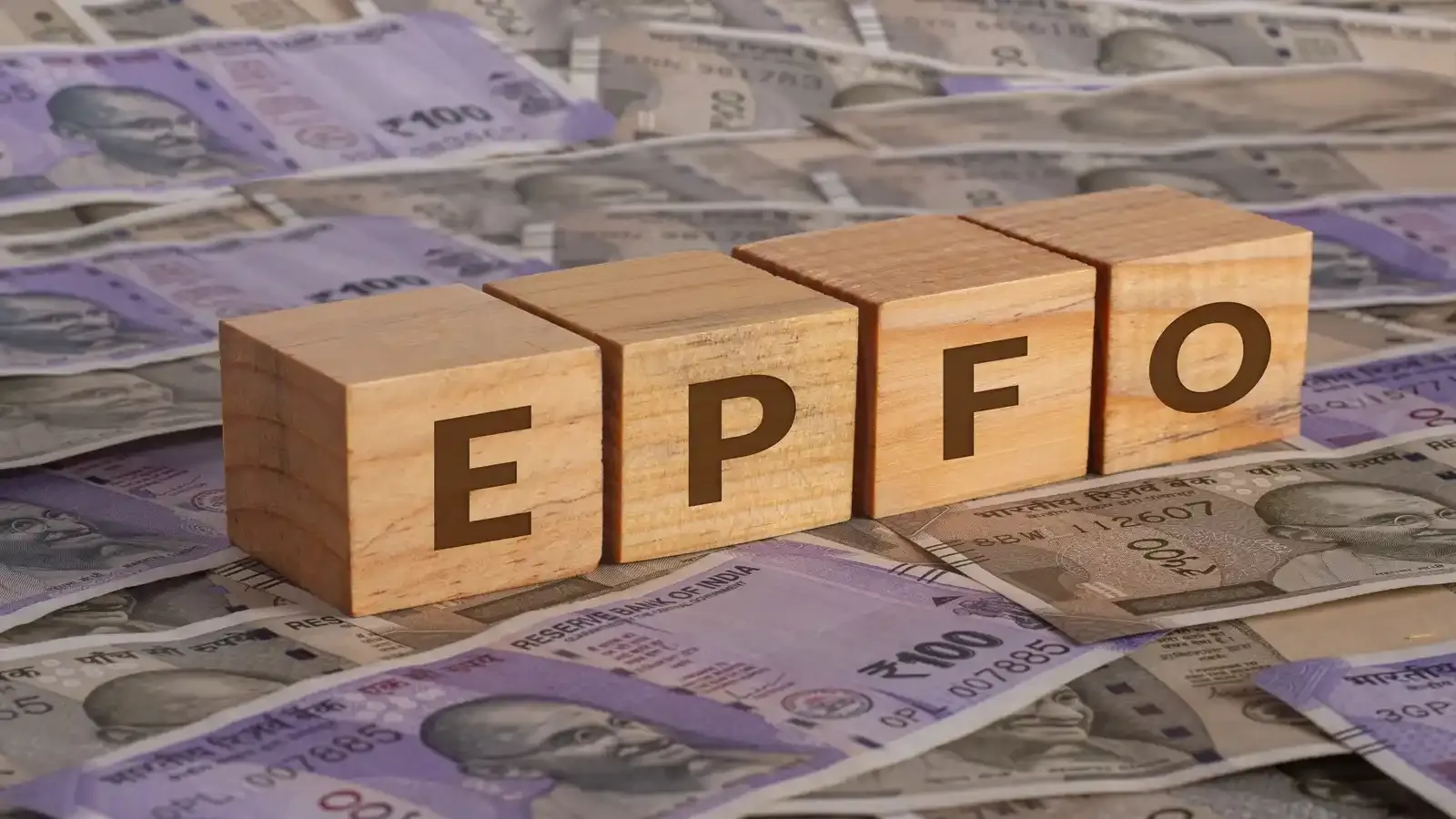

Key Takeaways
- EPFiGMS is the online grievance portal of the Employees' Provident Fund Organisation (EPFO) used for resolving EPF and pension-related issues.
- The EPFiGMS portal enables EPF members, pensioners, employers, and exempted establishments to file grievances.
- Users can file grievances related to PF withdrawal delays, transfer issues, KYC problems, pension claims, and employer contribution disputes.
- After submitting a complaint, users can track the grievance status online using the registration number provided by the EPFiGMS portal.
Picture this: your PF withdrawal is stuck, your employer has not deposited the contributions, or your UAN details are incorrect. Frustrating, right? Earlier, resolving these issues often required multiple visits to the EPFO office and endless paperwork. However, the good news is that things have changed; the process has now become easier with the EPFiGMS platform. In this article, we will explain how to register EPFO grievances online quickly and effectively.
What is EPiGMS?
EPFiGMS, or the EPF Internet Grievance Management System, is an online complaint portal operated and managed by the Employees Provident Fund Organization (EPFO). The EPFiGMS portal is designed to solve EPF complaints such as PF accounts, pension issues, transfers, withdrawals, and more.
The EPFiGMS portal allows EPF members, pensioners, employers, and even exempted establishments to lodge complaints online without visiting any EPFO office. Whether it is a pending PF claim, inactive UAN, or delayed pension payments, users can register grievances through the EPFiGMS portal and track their status online on a daily basis.
EPFiGMS portal allows users to:
- Submit complaints online.
- Upload supporting documents.
- Receive grievance registration numbers.
- Track grievance status.
- Receive responses directly from EPFO officials.
How to Register EPFO Grievance Online?
The eligible person, such as EPF members, pensioners, employers, and exempted establishments, can follow these steps to register EPFO grievances online:
Step 1: Visit the official EPFiGMS portal and click on the “Register Grievance” option on the homepage.
Step 2: You will see various categories such as PF Member, EPS Pensioner, Employer, and others. Select the category applicable to you.
Step 3: If you are an EPF member, enter your Universal Account Number (UAN) and captcha code and click on “Get Details”.
Step 4: Now verify your name, mobile number, and Email ID.
Step 5: Verify your mobile number by entering the OTP.
Step 6: Choose the PF account number under the personal details section.
Step 7: Select the grievance category from the common option, which may include:
- Final PF settlement
- Transfer and claims
- Pension-related issue
- KYC issue
- Delay in withdrawal
Step 8: Write your claim in the description box, clearly mentioning all relevant details.
Step 9: Upload supporting documents, such as claim receipts, bank passbook copy, Screenshots, Aadhaar, or PAN to strengthen your complaint.
Step 10: Submit the grievance. You will receive grievance registration, which should be saved carefully for future tracking purposes.
How to Check Your EPFO Grievance Status Online?
After submitting, one can check the status of the PF grievance by following the steps:
Step 1: Go to the official EPFiGMS portal.
Step 2: Click on the “View Status” option.
Step 3: Enter the registration number and password or mobile details.
Step 4: Click “Submit”, and you can see your complaint status.
Documents Required for Filing PF Grievance
Before starting the grievance process, one must keep the following documents and details handy for a smooth and effective registration:
- UAN or PF account number
- Registered mobile number
- Aadhaar card
- PAN card
- Salary slips (if required)
- Screenshots of errors
- Employer communication copies
- Claim reference number
- Bank details
Who Can Register EPFO Grievance Online?
The EPFiGMS portal is designed to serve different categories of users to resolve EPF and pension-related issues online. The following individuals and entities can raise a complaint using the portal:
- EPF Members
- Pensioners
- Employers
- Exempted establishments
PF Grievance Redressal Timeline
The EPFO aims to resolve most routine complaints received through the EPiGMS portal within 7 to 15 working days. As per the latest 2026 Citizens’ Charter, simple requests like KYC or claim status are generally settled within 7 days, while complex grievances, such as employer contributions issues, trigger a 7+7-day investigation cycle. It is important to note that if your EPF grievance remains unresolved for more than 15 days or the resolution is unsatisfactory, you can follow the escalation routes below:
- Level 1 Escalation: Individuals can use the “Send Reminder” feature on the portal or contact your regional office’s dedicated WhatsApp Helpline for immediate updates.
- Level 2 Escalation: If your complaint remains unresolved for over 15 days, you can escalate the matter by emailing the Regional PF Commissioner.

EPF-related issues can build up financial stress, especially in cases when withdrawals, transfers, or pension payments are delayed. However, the EPFO’s EPFiGMS portal has made grievance registration simple, transparent, and accessible for users across India. With the help of an online EPFO grievance system, employees and pensioners can raise complaints from anywhere without standing in long queues or visiting EPFO offices physically.
FAQs
What is EPFiGMS?
The EPFiGMS is the online grievance management portal launched by the Employees' Provident Fund Organisation to resolve EPF and pension-related complaints.
Can I file an EPF grievance online?
Yes, EPF members, pensioners, and employers can register complaints online through the EPFiGMS portal.
Is UAN mandatory for filing a grievance?
In most cases, users need a UAN, PF account number, or PPO number to submit a complaint.
How can I track my EPF grievance status?
You can track your complaint status online using the grievance registration number on the EPFiGMS portal.
What types of issues can be reported on EPFiGMS?
Users can report issues related to PF withdrawal, transfer claims, KYC updates, pension delays, and employer contributions.
Is there any fee for registering a complaint on EPFiGMS?
No, the grievance registration process on EPFiGMS is completely free of cost.
How long does EPFO take to resolve grievances?
Most complaints are resolved within 15 to 30 days, depending on the nature of the issue.
Can I upload documents while filing a grievance?
Yes, the portal allows users to upload supporting documents such as claim receipts, screenshots, and identity proofs.
About Author
Sachin Gupta
Senior Sub-Editor

is a seasoned financial writer with over eight years of experience across global markets, including Australia, the UK, and New Zealand. He specialises in simplifying complex financial concepts, making them accessible and engaging for a wide range of readers. When he’s not writing or traveling, he can often be found exploring the mountains, drawing inspiration from the calm and clarity of the outdoors.
Read more from Sachin












Upstox is a leading Indian financial services company that offers online trading and investment services in stocks, commodities, currencies, mutual funds, and more. Founded in 2009 and headquartered in Mumbai, Upstox is backed by prominent investors including Ratan Tata, Tiger Global, and Kalaari Capital. It operates under RKSV Securities and is registered with SEBI, NSE, BSE, and other regulatory bodies, ensuring secure and compliant trading experiences.
Related articles
Personal Finance
Investing in Debt Instruments: Meaning, Types, Benefits, Risks and More13 min read | Written by Sachin Gupta


Personal Finance
Time Value of Money: Meaning, Formula, How to Calculate It?10 min read | Written by Subhasish Mandal
Personal Finance
What is Public Provident Fund: Meaning, Benefits, Risks, Investment Process and More12 min read | Written by Sachin Gupta

Personal Finance
Complete Guide to Debt Investments in India: Types, Benefits, Risks, and More13 min read | Written by Sachin Gupta

Personal Finance
What is E-Insurance Account and How to Open it?12 min read | Written by Subhasish Mandal
Personal Finance
Post Office Time Deposit: A Complete Guide to Interest Rates, Eligibility & Benefits13 min read | Written by Sachin Gupta

Personal Finance
Bond Yields Explained: Understanding Coupon Rate, Current Yield, and YTM11 min read | Written by Sachin Gupta