5 Easy Ways to Know Your PRAN

Written by Sachin Gupta
Published on May 25, 2026 | 8 min read

Key Takeaways
- Visit the Protean or KFintech portal and use your PAN to find PRAN instantly.
- Your 12-digit PRAN is your lifelong NPS identity number for all transactions.
- You cannot access OTP verification if your mobile number has changed; visit a POP to update it first.
- One person, one PRAN for life, multiple PRANs are not permitted under NPS rules.
You can check your PRAN number online. For this, visit the official Protean eNPS portal or the KFintech NPS portal. Click on ‘Know Your PRAN’, after which a window asking for your PAN number, date of birth and registered mobile number will pop up. Enter those details.
Once entered, an OTP will be sent to your registered mobile. Once verified, your 12-digit PRAN number will appear on screen. That is the fastest way to find it, without any paperwork or branch visit.
However, if for some reason you do not find your PRAN here, there are five different methods to recover it.
What Is a PRAN Number?
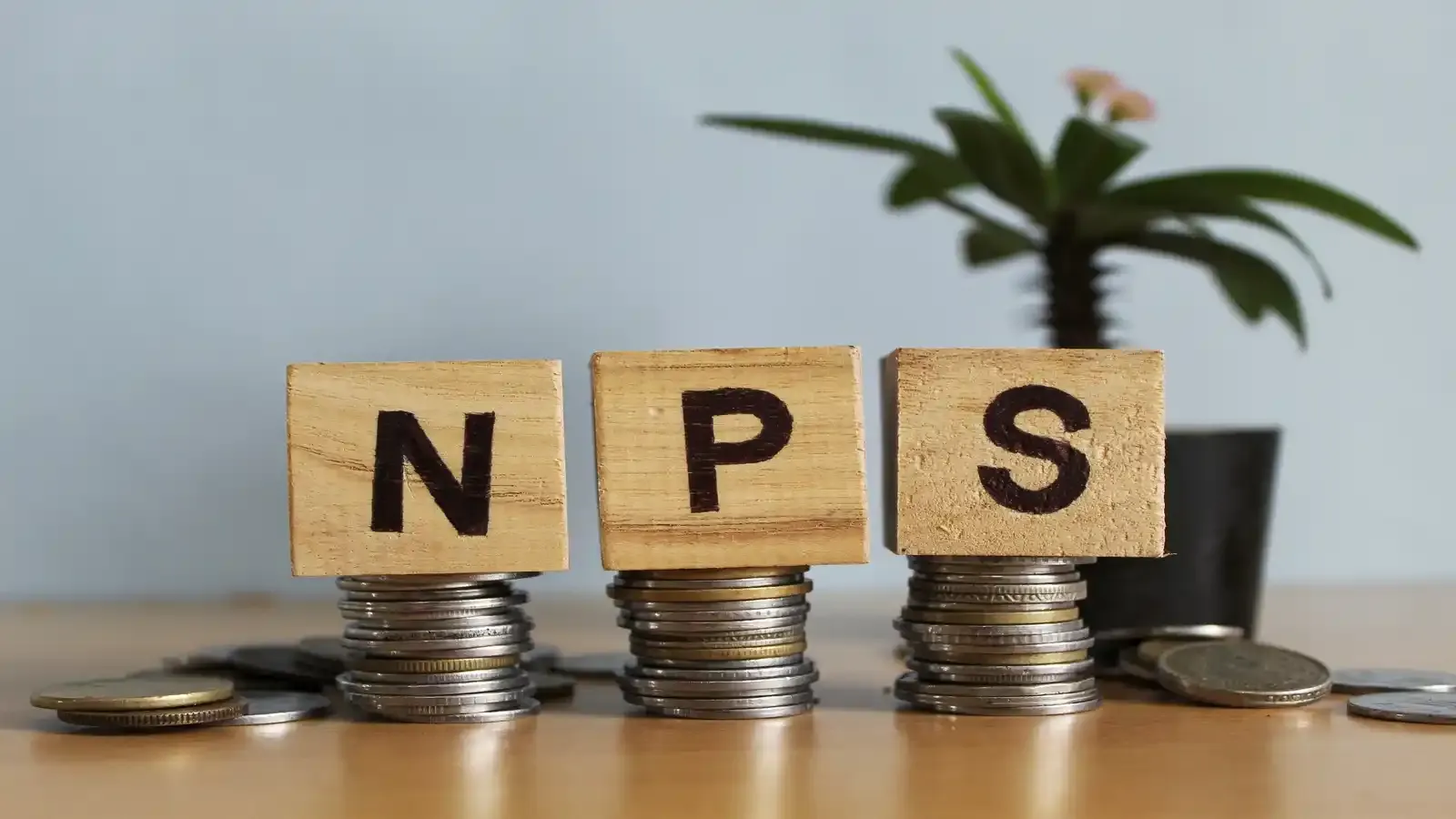
PRAN stands for Permanent Retirement Account Number. It is a unique 12-digit number assigned to each National Pension System (NPS) subscriber. NPS is India's government-backed retirement savings scheme, and is regulated by the Pension Fund Regulatory and Development Authority (PFRDA).
It is like your NPS identity card. Every contribution you make, every fund switch, every withdrawal request, every account query, all of it runs through your PRAN. Without it, you cannot access or manage your NPS account in any meaningful way.
Also read- Types of NPS Accounts
One person gets one PRAN. This number stays with you throughout your lifetime, irrespective of a change in job or the city you are living in.
How to Know Your PRAN?
There are five different ways to retrieve your PRAN. Most online methods do not require paperwork or a branch visit, provided your registered mobile number or email ID is active
Method 1) Protean eNPS Portal (Fastest)
- Go to enps.nsdl.com
- Click on ‘Know Your PRAN’ on the homepage
- Enter your PAN number, date of birth, and registered mobile number
- Enter the OTP sent to your mobile Your PRAN number will be displayed on the screen
What you need- PAN number, date of birth and access to your registered mobile number for OTP.
In case your mobile number is no longer active or has changed, this method will not work. Try Method 2 instead.
Method 2) KFintech NPS Portal
KFintech is one of the official Central Recordkeeping Agencies (CRAs) for NPS in India. If you registered through KFintech, this is your go-to portal.
- Visit kfintech.com/nps
- Click on ‘Know Your PRAN’
- Enter your PAN and date of birth
- Verify through OTP or email Your PRAN details will be displayed Protean and KFintech are official CRAs authorised by PFRDA. If you are unsure which CRA you are registered under, try both. One of them will have your record.
Method 3) NPS Mobile App
- Download the ‘NPS by Protean CRA’ app from the Google Play Store or Apple App Store
- Open the app and look for ‘Forgot PRAN’ or ‘Know Your PRAN’
- Enter your name, date of birth, PAN and registered mobile number
- Complete e-KYC or OTP-based verification
- Your PRAN will appear under your account details This method works well if your registered mobile number is active and the same one linked to your NPS account.
Method 4) Check Your Email or Welcome Kit
When you registered for NPS, either online or offline, a Welcome Kit or PRAN Kit was sent to your registered email address and postal address.
For email - Search your inbox for emails from NPS, NSDL, Protean, or KFintech. The subject line often contains words like ‘PRAN allotment’ or ‘NPS registration’. Your PRAN number is usually mentioned clearly in the body of the email.
For physical kit - If you registered offline through a bank or Point of Presence (POP), a physical PRAN card was sent to your correspondence address. The 12-digit PRAN number is printed on the front of the card.
This method requires no internet verification, no OTPs and is useful if your registered mobile number has changed.
Method 5) Call the NPS Helpline
If the above methods do not work, call the official NPS helpline. The support team will verify your identity and help you retrieve your PRAN.
You may be asked to provide your name, date of birth, PAN and Aadhaar details for verification. Keep these ready before you call.
You can also visit the nearest POP, which includes most nationalised banks, some private banks and post offices registered with NPS. Carry a valid photo ID such as Aadhaar, PAN or passport and the staff will assist you.
What If Your Registered Mobile Number Has Changed?
This is a common reason why people get stuck. OTP is sent to the mobile number registered with NPS. If that number is no longer active, you can try to access your PRAN through email. If you have access to your registered email, most portals allow you to verify through email OTP instead of mobile OTP.
If that does not work, then visit your nearest POP or nodal office with valid identity proof. Staff can update your mobile number after verification. Once updated, you can use the online methods to retrieve your PRAN.
Do not delay updating your mobile number. An outdated contact number can block access to your account when you need it most.
What Can You Do With Your PRAN Number?
Once you have your PRAN, here is what you can use it for:
- Check your NPS account balance and fund value at any time through the CRA portal or app.
- View your complete transaction history and contribution statements.
- Switch between pension fund managers or change your asset allocation.
- Submit requests for partial withdrawal or full exit on maturity.
- Download your PRAN card digitally if you have lost the physical one.
- Update your personal details, including nominee information, bank account details, and contact information.
Your PRAN is also required when your employer makes contributions to your NPS account.
Common Issues and How to Fix Them
- ‘PRAN not found’ error on the portal - Double-check that you are entering your PAN correctly, without spaces. Ensure the date of birth matches exactly what you provided at registration.
- OTP not received - Check that your registered mobile number is active. If not, use the email verification option or visit a POP offline.
- Forgot password to log into CRA portal - Use the ‘Forgot Password’ or ‘Forgot IPIN’ option on the portal. You will need your PRAN for this, so retrieve it first using the ‘Know Your PRAN’ tool.

Knowing your PRAN is essential for accessing and managing your NPS account, but forgetting the number does not mean you have lost access to your retirement savings. You can retrieve your 12-digit PRAN through the official Protean or KFintech NPS portals, the NPS mobile app, your registered email or PRAN kit, or by contacting the NPS helpline.
If your registered mobile number has changed, updating your contact details through the appropriate NPS channel can make future access much easier. Keeping your PRAN safely recorded and your contact information up to date can help you manage your NPS account without unnecessary delays.
FAQs
Can I find my PRAN number without PAN?
Yes, but online retrieval may be limited. If you do not have your PAN handy, call the official helpline or visit any NPS servicing branch with the related documents you have.
Is PRAN the same as the NPS account number?
Yes. PRAN is the unique identification number for your NPS account. It serves as both your account number and your identity within the NPS system.
Can I check my PRAN number offline?
Yes. Visit the nearest NPS Point of Presence with a valid photo ID. Banks, including SBI, PNB, HDFC and ICICI, are registered POPs and can assist you. Alternatively, you can call the official helpline.
How long does it take to get a PRAN after applying?
For online registration through eNPS, your PRAN is generated almost instantly after successful verification. For offline registration through a POP, it typically takes 3 to 5 working days after your application is processed.
What if I have lost my PRAN card?
You can download a digital copy of your PRAN card from the CRA portal after logging in with your PRAN and password. If you do not know your PRAN, use the "Know Your PRAN" tool first, then log in to download the card.
About Author
Sachin Gupta
Senior Sub-Editor

is a seasoned financial writer with over eight years of experience across global markets, including Australia, the UK, and New Zealand. He specialises in simplifying complex financial concepts, making them accessible and engaging for a wide range of readers. When he’s not writing or traveling, he can often be found exploring the mountains, drawing inspiration from the calm and clarity of the outdoors.
Read more from Sachin







Upstox is a leading Indian financial services company that offers online trading and investment services in stocks, commodities, currencies, mutual funds, and more. Founded in 2009 and headquartered in Mumbai, Upstox is backed by prominent investors including Ratan Tata, Tiger Global, and Kalaari Capital. It operates under RKSV Securities and is registered with SEBI, NSE, BSE, and other regulatory bodies, ensuring secure and compliant trading experiences.
Related articles

Personal Finance
Investing in Debt Instruments: Meaning, Types, Benefits, Risks and More13 min read | Written by Sachin Gupta


Personal Finance
Time Value of Money: Meaning, Formula, How to Calculate It?10 min read | Written by Subhasish Mandal
Personal Finance
What is Public Provident Fund: Meaning, Benefits, Risks, Investment Process and More12 min read | Written by Sachin Gupta

Personal Finance
Complete Guide to Debt Investments in India: Types, Benefits, Risks, and More13 min read | Written by Sachin Gupta

Personal Finance
What is E-Insurance Account and How to Open it?12 min read | Written by Subhasish Mandal
Personal Finance
Post Office Time Deposit: A Complete Guide to Interest Rates, Eligibility & Benefits13 min read | Written by Sachin Gupta

Personal Finance
Bond Yields Explained: Understanding Coupon Rate, Current Yield, and YTM11 min read | Written by Sachin Gupta