
Help Center

Getting Started
Trading
My Account
Mutual Funds
IPOs
Stock SIP
Gold
NPS
Government Securities
Fixed Deposits
Insurance
Loan
Smallcase
DartStock
Upstox API
NCD
US Stocks
Minor Account
How to Pin Indices in the Upstox Scalper Terminal?
Traders using Upstox Scalper Terminal can now pin the indexes they prefer for faster access. Navigate to the upper portion of the terminal to see the template tabs and the index list.
Step 1: Traders using Upstox Scalper Terminal can now pin the indexes they prefer to get faster access to them. Navigate to the upper portion of the terminal where the template tabs and index list appear.
Step 2: Locate the index you want to pin (e.g., Nifty, Bank Nifty, Sensex) in your Active template or watchlist.
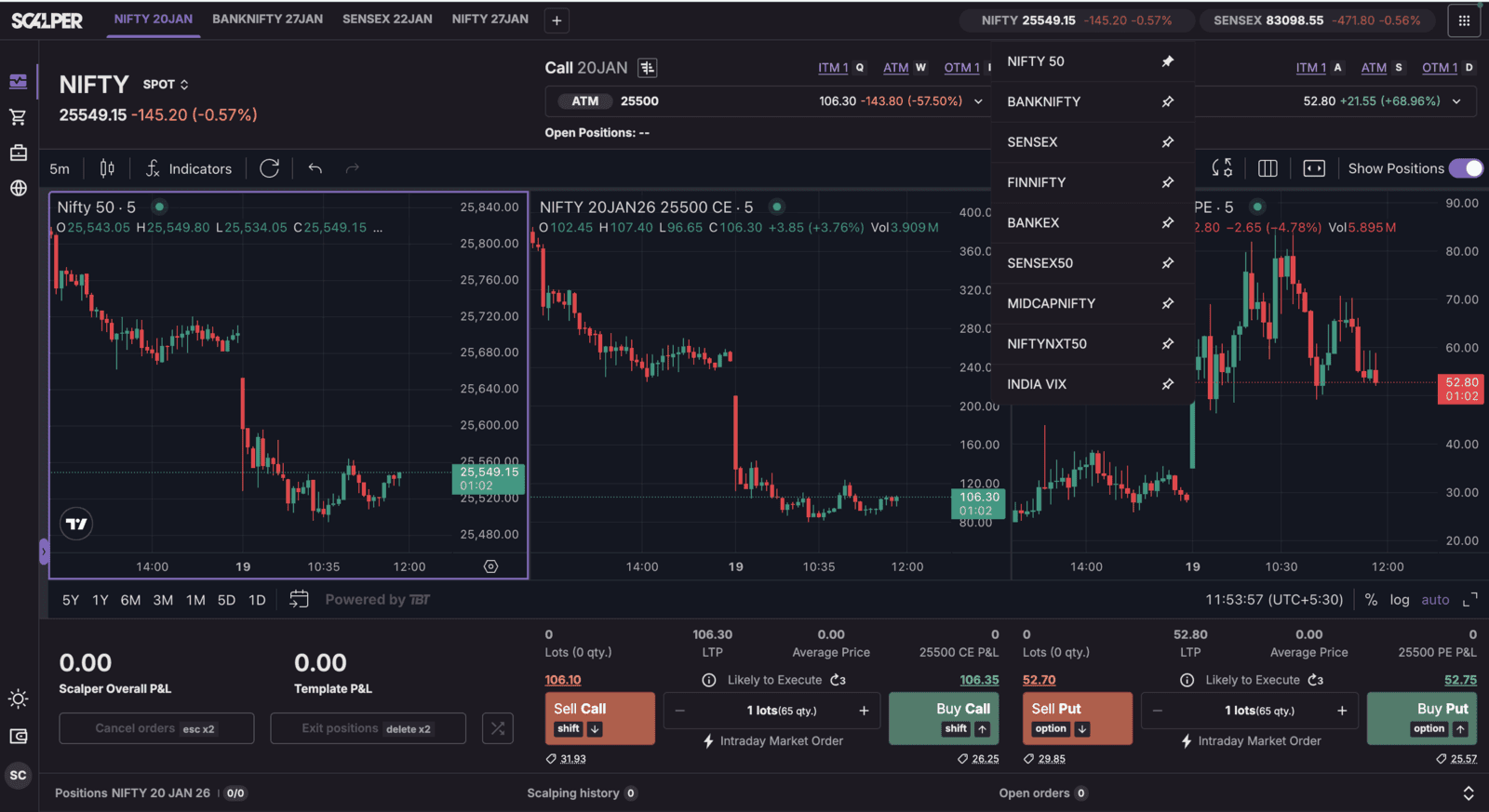
Step 3: Click on the index name and a pin icon will appear: click the pin icon to pin the index to the top of your terminal interface.
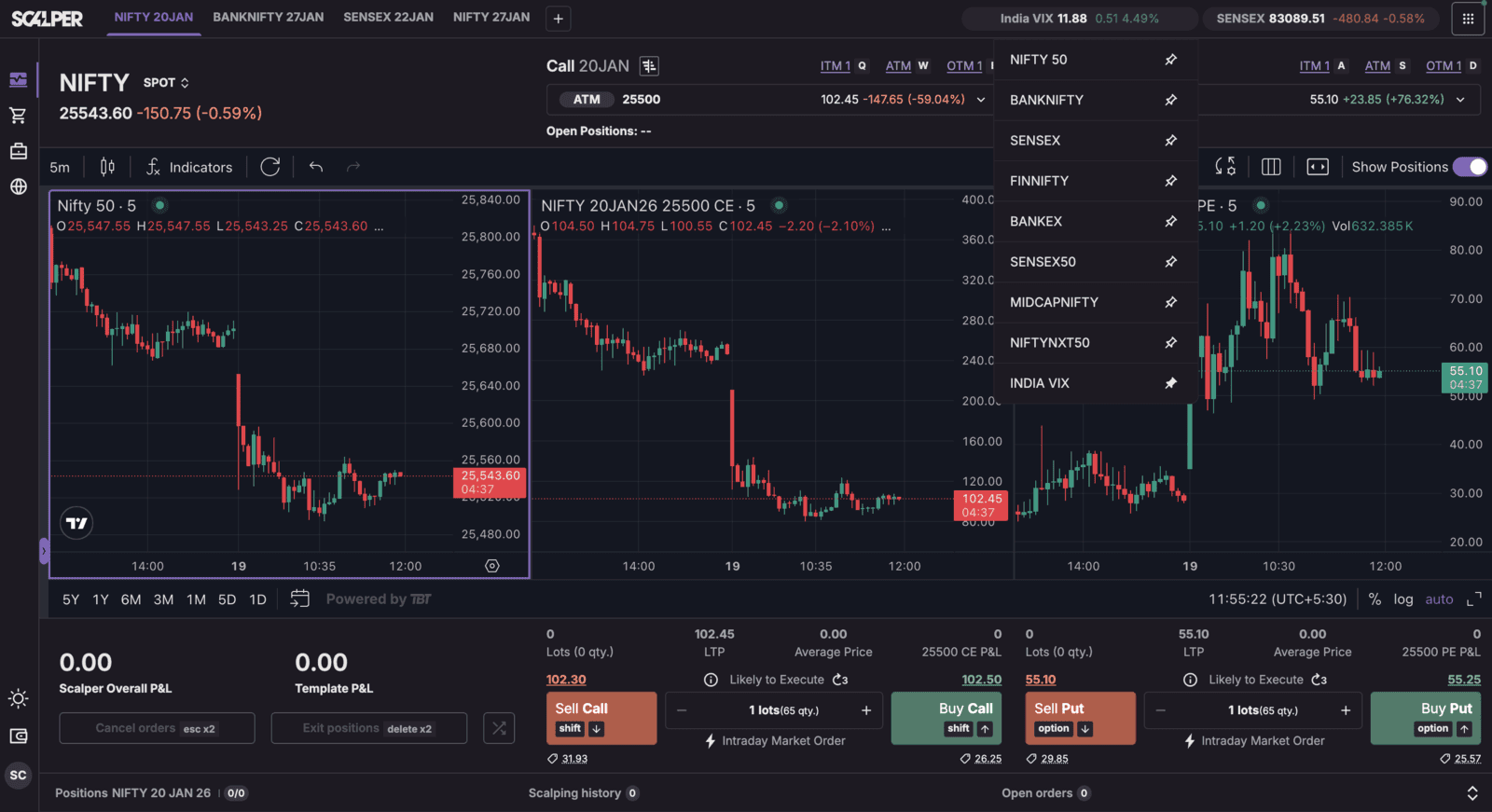
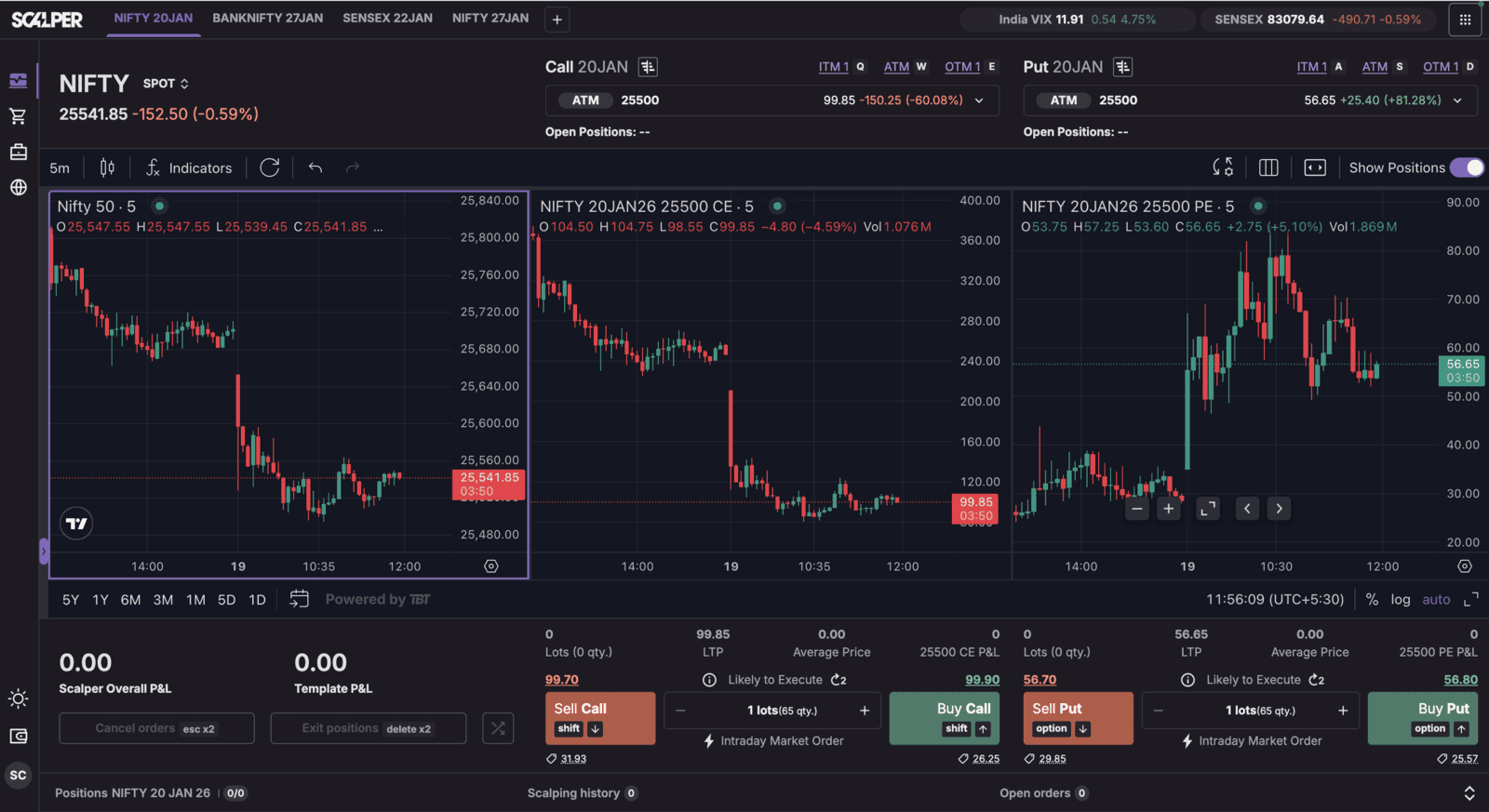
Step 4: The pinned index will now remain pinned at the top, regardless of your active list, once you scroll down or navigate using templates. In order to help scalpers and active traders make faster, informed decisions in a high-frequency trading environment, visibility of key index monitoring must always be available.
Trade with Upstox
Want to open a Demat account?
Open a FREE Demat and Trading account to invest in Stocks, Mutual Funds, IPOs and more.
By signing up you agree to receive transaction updates on Whatsapp. You may also receive a call from an Upstox representative to help you with the account opening process.
Upstox Community
Upstox Community
| Topic | Replies | Views | Activity |
|---|