
Help Center

Getting Started
Trading
My Account
Mutual Funds
IPOs
Stock SIP
Gold
NPS
Government Securities
Fixed Deposits
Insurance
Loan
Smallcase
DartStock
Upstox API
NCD
US Stocks
Minor Account
How can I check my IPO application status?
To check the status of your IPO application, you can follow these simple steps:
On the Upstox App
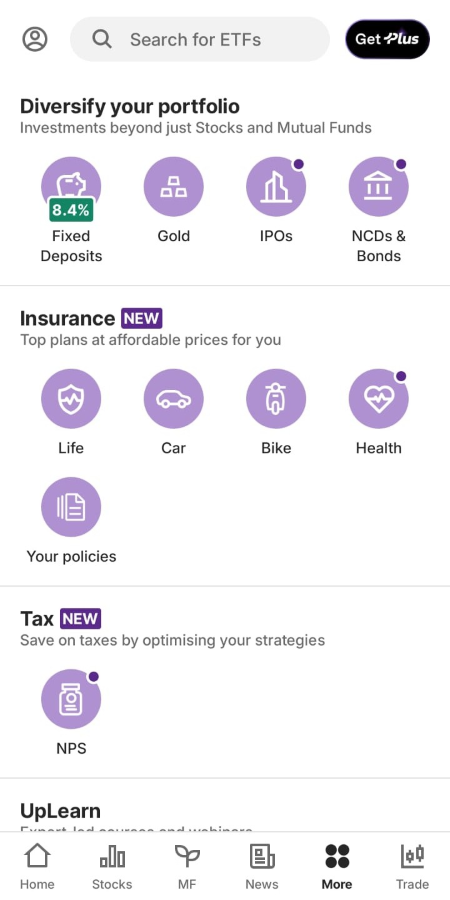
Step 1: After logging in, go to the ‘More’ tab in the navigation bar at the bottom and select ‘IPO’.
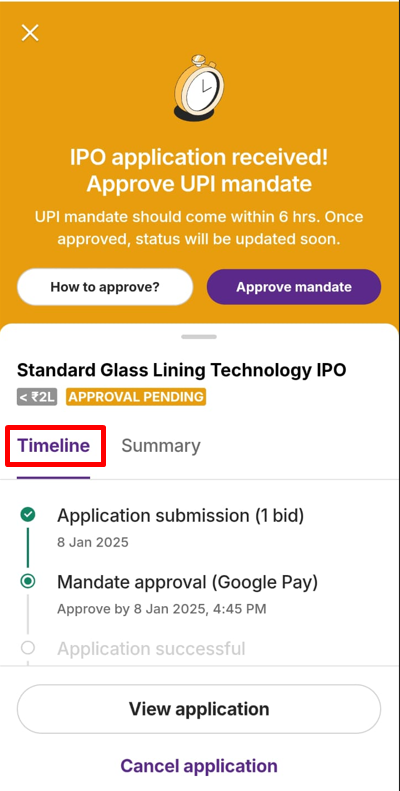
Step 2: Tap on ‘My applications’ to view your IPO status. From this section, you can easily track your IPO application status.
On the Upstox Web Portal
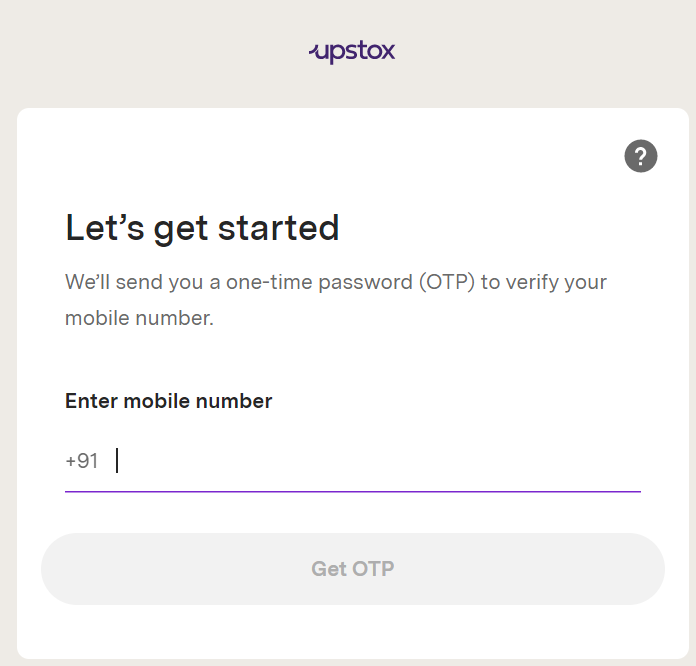
Step 1: Login to the Upstox Pro using your 6-digit PIN or Biometrics.
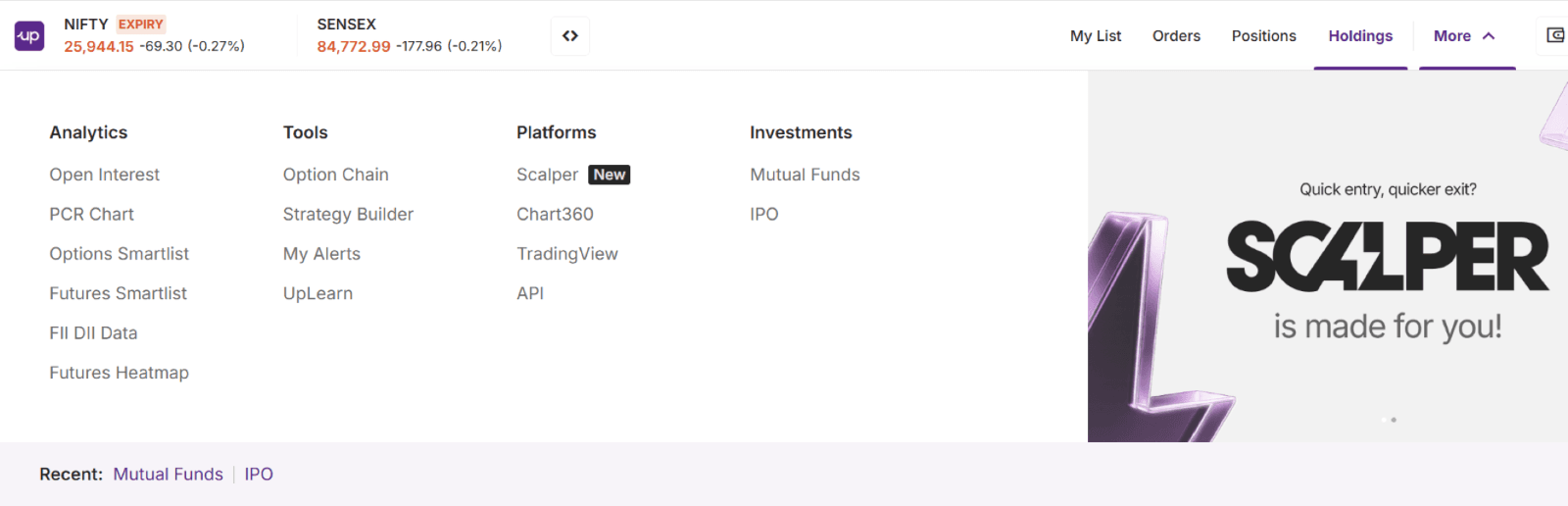
Step 2: Click on the ‘IPO’ option under the ‘More’ menu.
Step 3: You will be redirected to the Upstox IPO Portal, where you’ll see two tabs: ‘Explore’ and ‘My applications’.
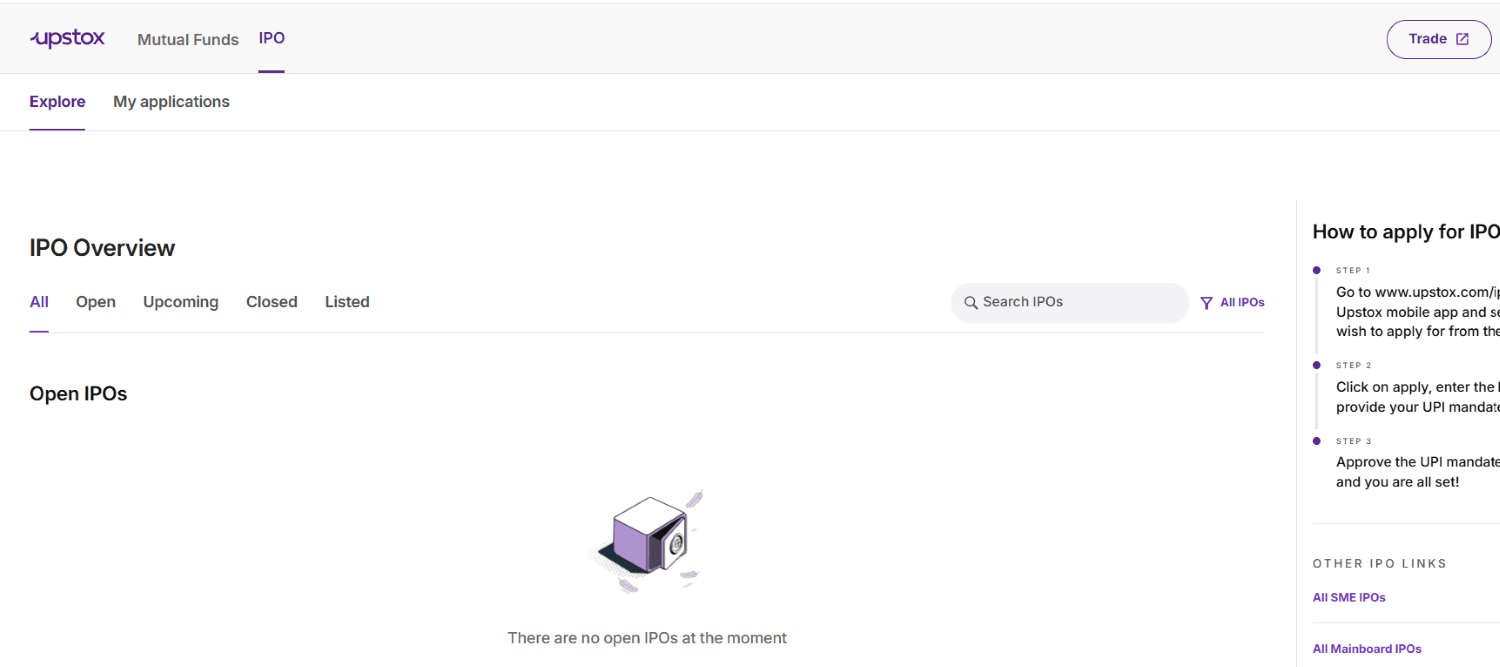
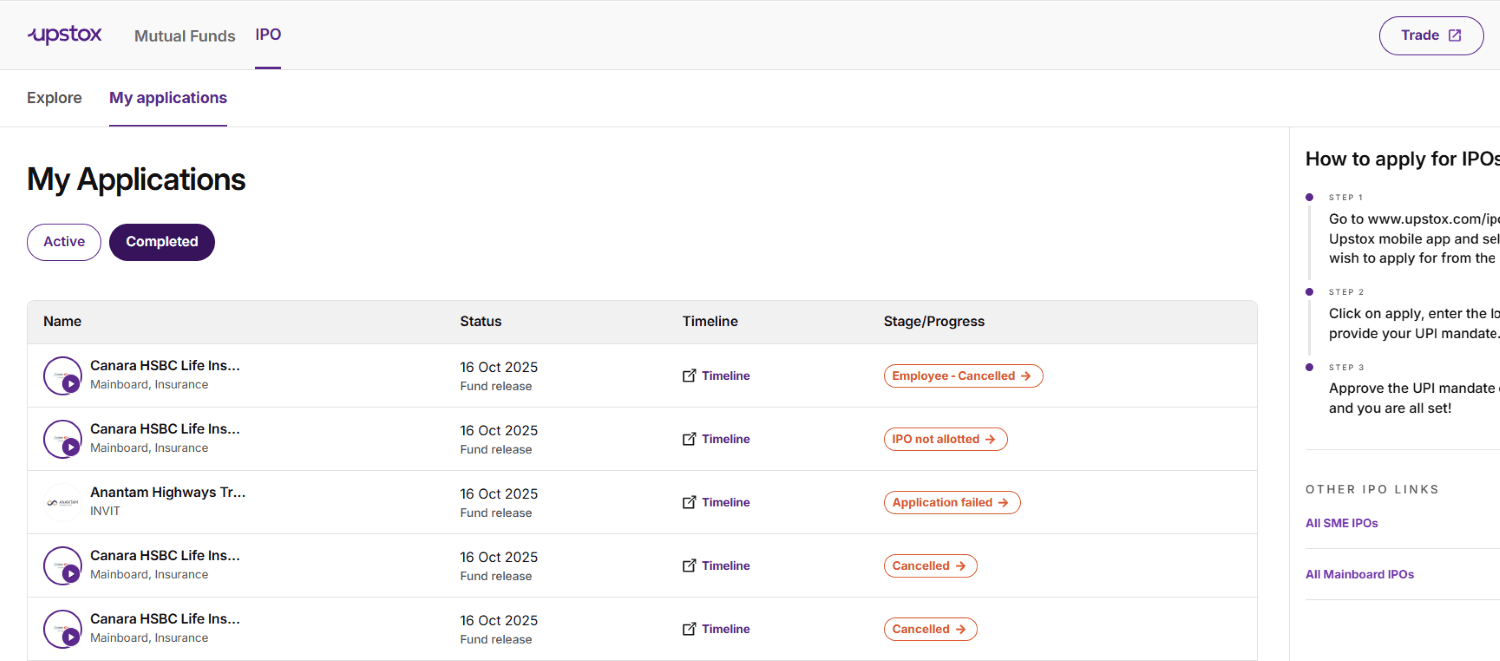
Step 4: Click on ‘My applications’ to view your Active or Completed IPO application status and related details.
Trade with Upstox
Want to open a Demat account?
Open a FREE Demat and Trading account to invest in Stocks, Mutual Funds, IPOs and more.
By signing up you agree to receive transaction updates on Whatsapp. You may also receive a call from an Upstox representative to help you with the account opening process.
Upstox Community
Upstox Community
| Topic | Replies | Views | Activity |
|---|