
Help Center

Getting Started
Trading
My Account
Mutual Funds
IPOs
Stock SIP
Gold
NPS
Government Securities
Fixed Deposits
Insurance
Loan
Smallcase
DartStock
Upstox API
NCD
US Stocks
Minor Account
How can I download my Mutual Funds account statement?
Mutual funds account statement gives you a summary of your current portfolio, list of funds you have invested in, and current P&L over it. It also has a history of all the previously completed orders for the current financial year.
Click the link to access the Upstox Mutual Funds portal - https://upstox.com/mutual-funds
Follow the simple steps below to download mutual funds account statement:
Step 1: Click on the ‘Sign In’ tab on the top right side of the screen.
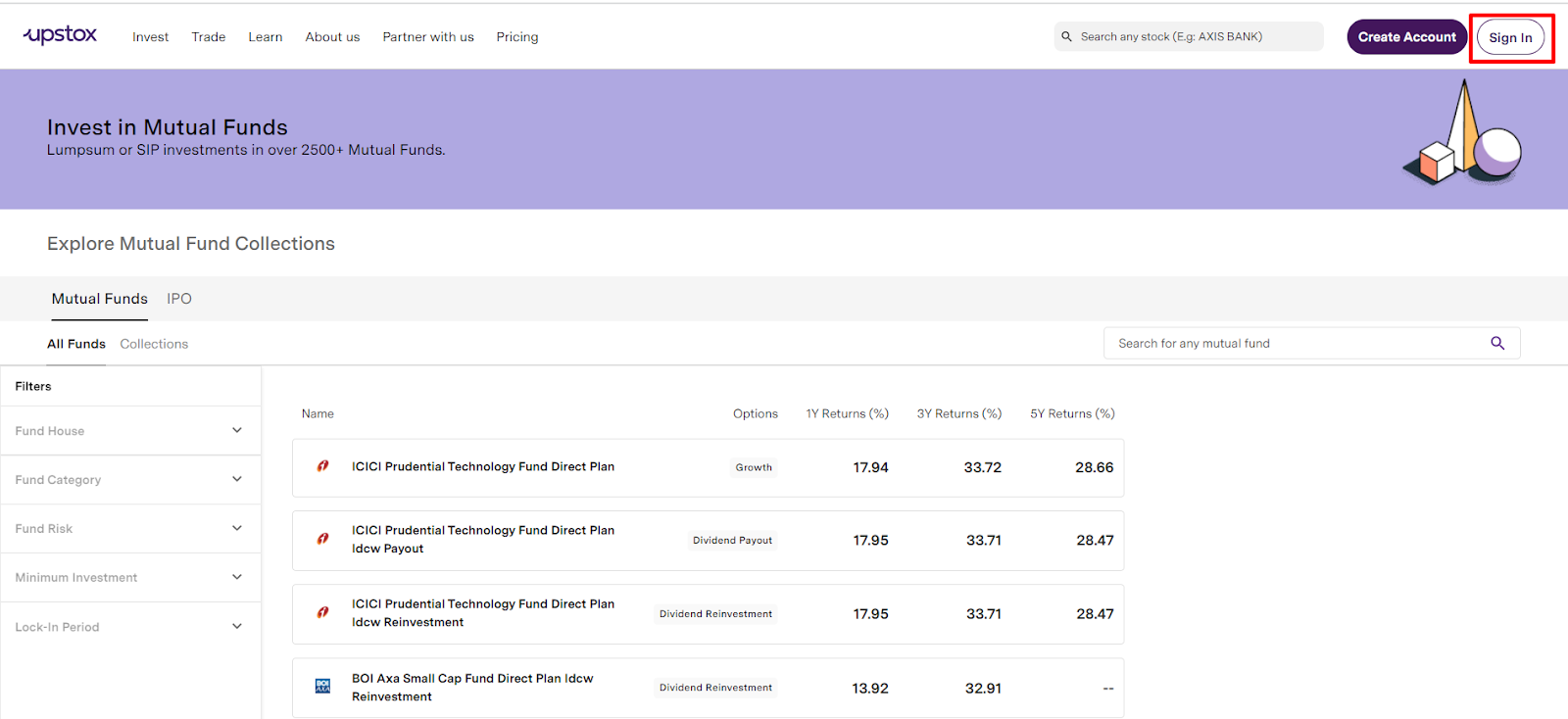
Step 2: Use the same login credentials as that of the Upstox trading platform.
- Enter registered mobile number with Upstox and click on ‘Get OTP’
- Enter the 6-digit OTP received on registered mobile number and email id. Click on ‘Continue’.
- Enter the 6-digit PIN and then click on ‘Continue’.
Step 3: Click on the ‘MF Portfolio’ on the top left side of the screen.
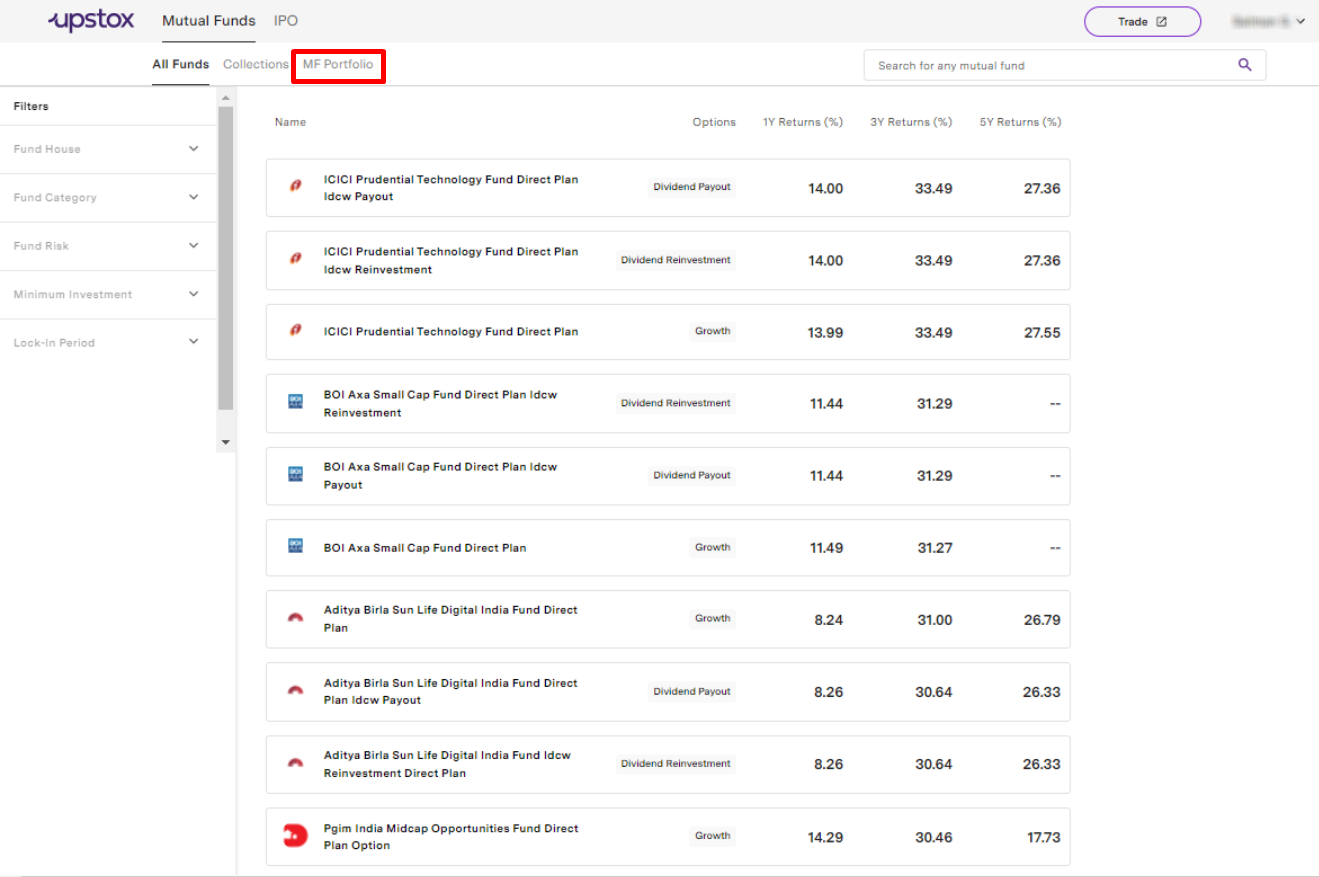
Step 4: Click on ‘Download Statement’.
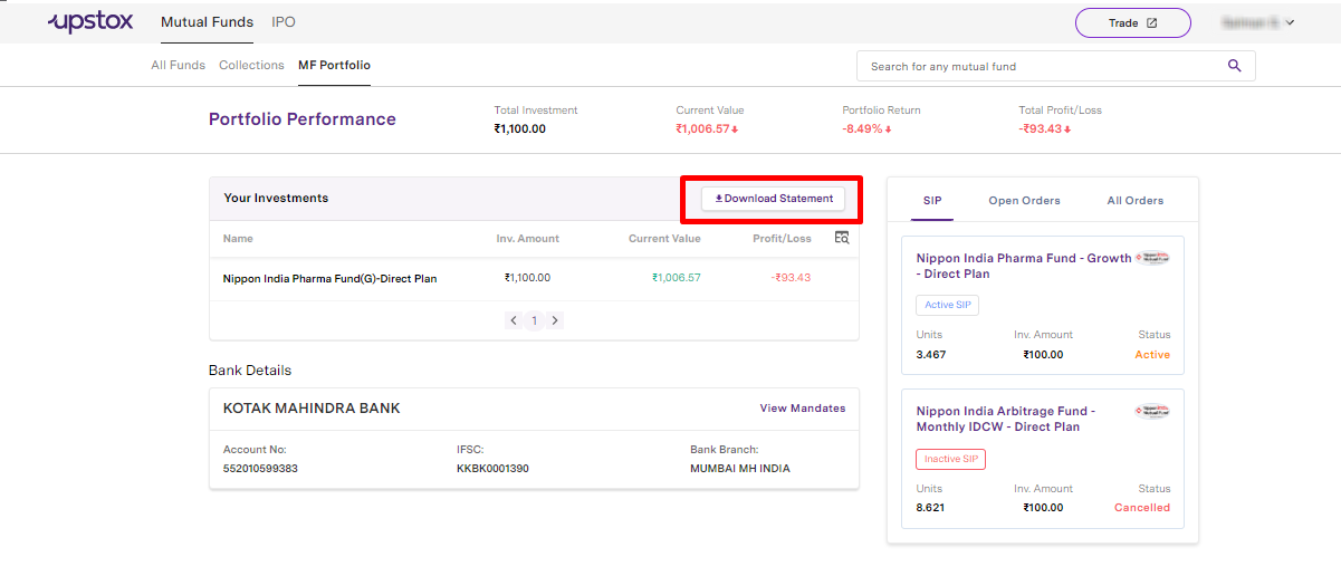
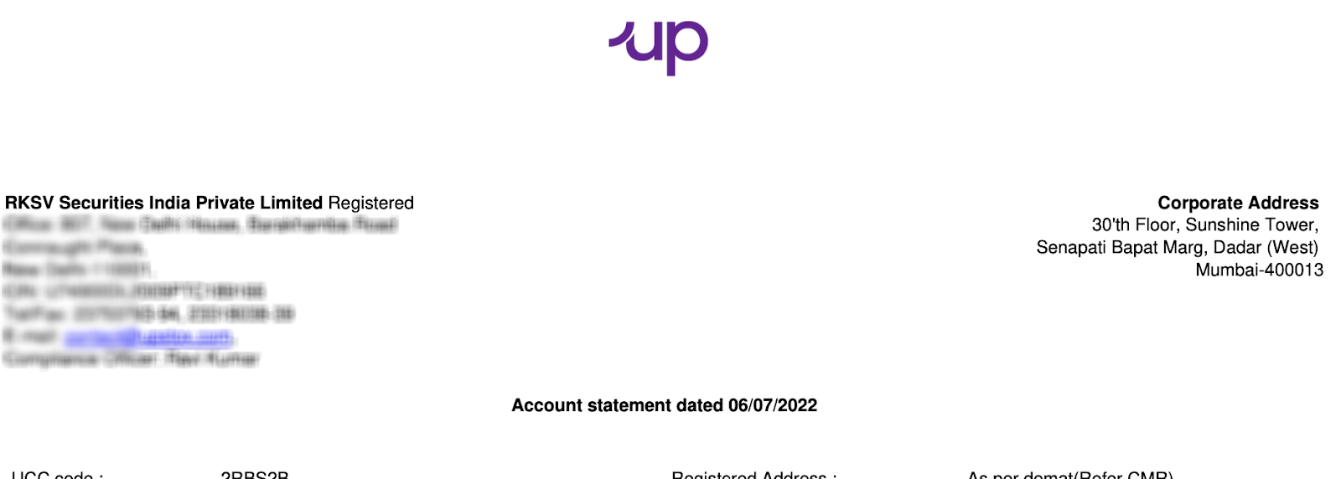
Step 5: Your mutual funds statement will now be downloaded on your device.
Related Articles:
Trade with Upstox
Want to open a Demat account?
Open a FREE Demat and Trading account to invest in Stocks, Mutual Funds, IPOs and more.
By signing up you agree to receive transaction updates on Whatsapp. You may also receive a call from an Upstox representative to help you with the account opening process.
Upstox Community
Upstox Community
| Topic | Replies | Views | Activity |
|---|