
Help Center

Getting Started
Trading
My Account
Mutual Funds
IPOs
Stock SIP
Gold
NPS
Government Securities
Fixed Deposits
Insurance
Loan
Smallcase
DartStock
Upstox API
NCD
US Stocks
How to Activate Your US Stocks Account?
You can activate your US Stocks account directly from the Upstox app. Follow the steps below to complete the activation process.
Before you begin:
Ensure that your Upstox account is active.
Keep the required personal, employment, source-of-wealth and investment-related information ready.
Review the applicable US Stocks legal agreements and regulatory declarations before completing activation.
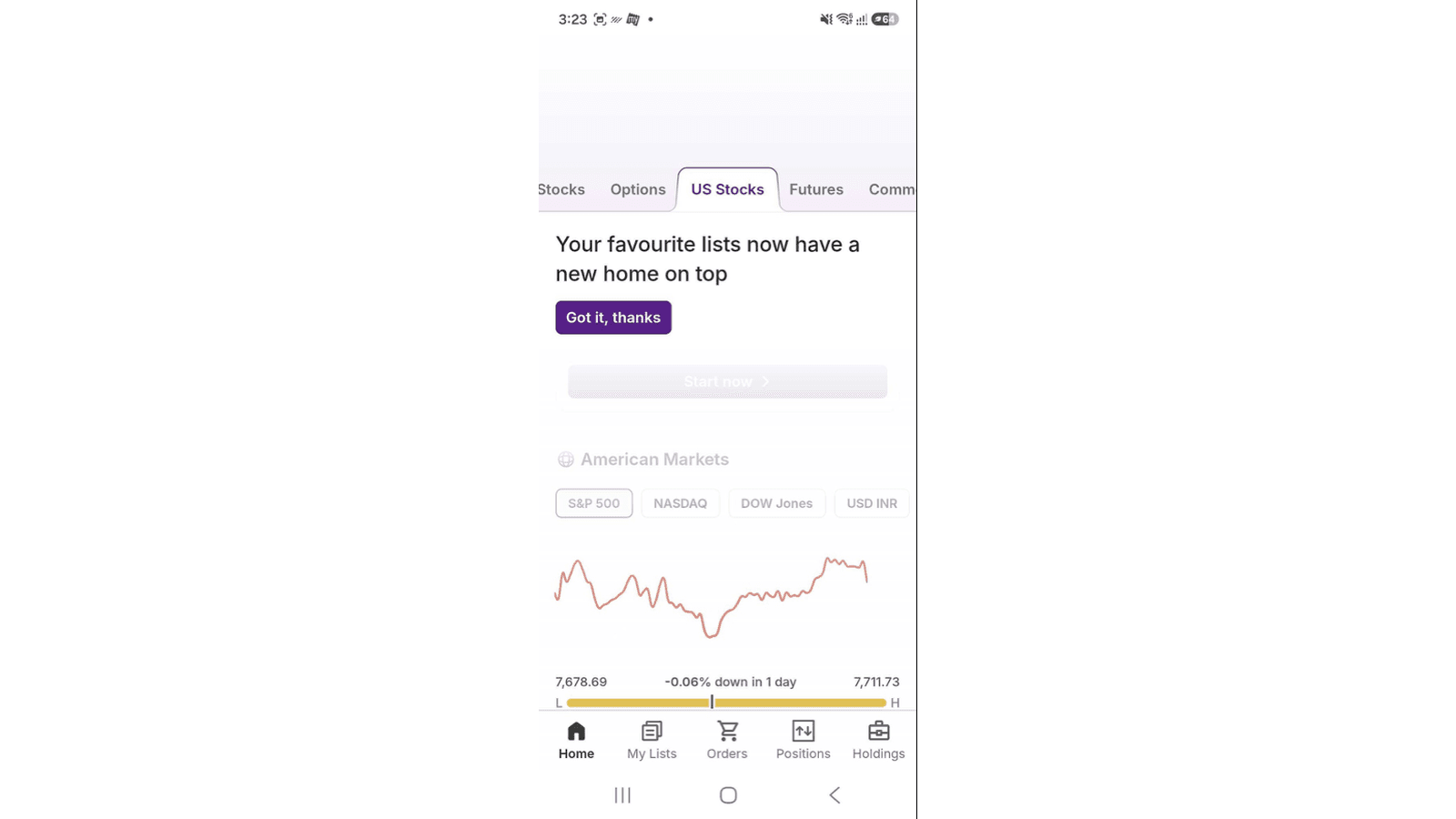
Step 1: Open the US Stocks section.
From the Upstox Home screen, tap the US Stocks tab to access the US Stocks section.
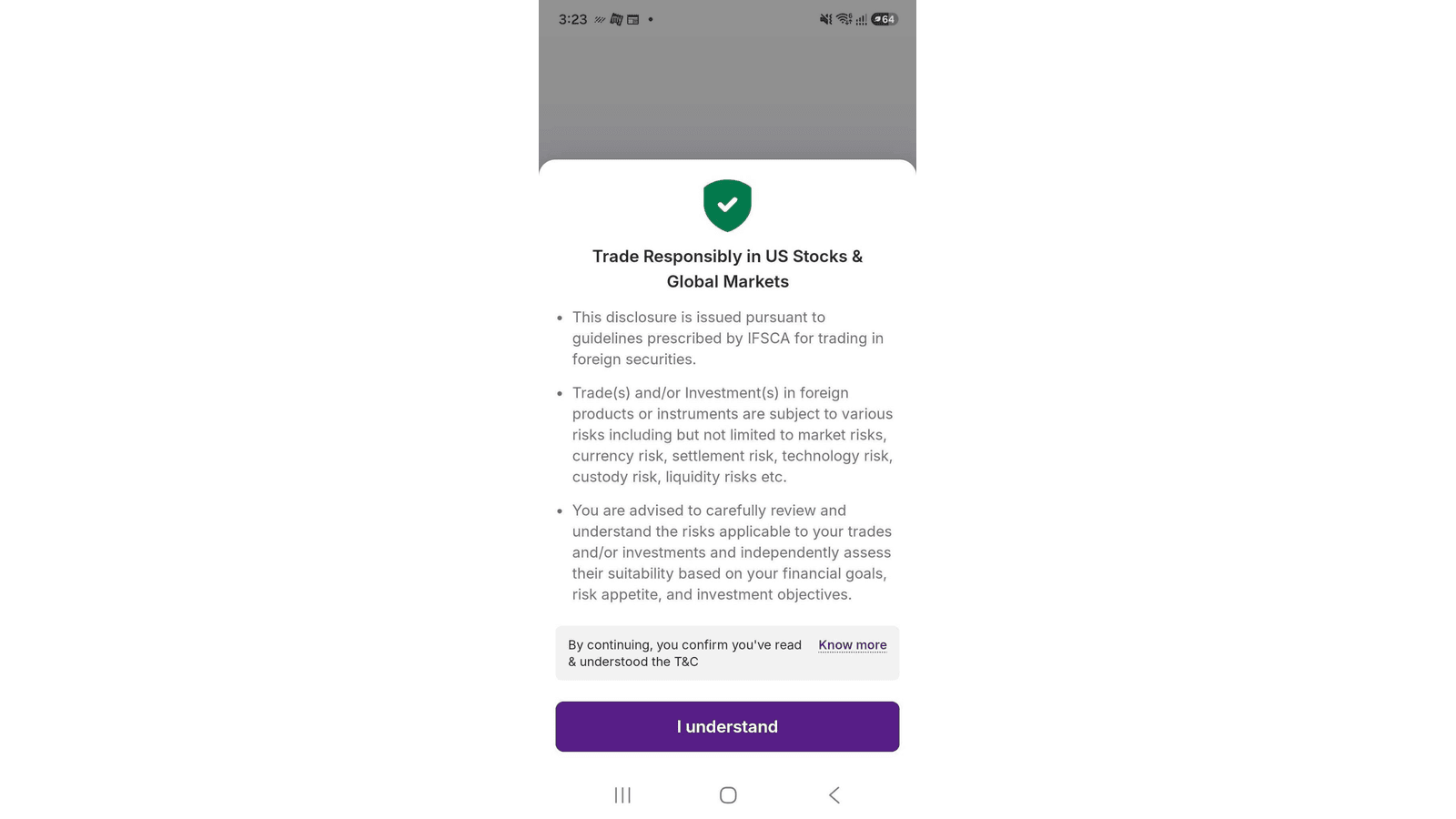
Step 2: Review the IFSCA disclosure.
When you open the US Stocks section, the “Trade Responsibly in US Stocks & Global Markets” disclosure is displayed. Review the disclosure and the risks associated with trading and investing in foreign securities, including market, currency, settlement, technology, custody and liquidity risks.
Tap I Understand to confirm that you have read and understood the disclosure and proceed further.
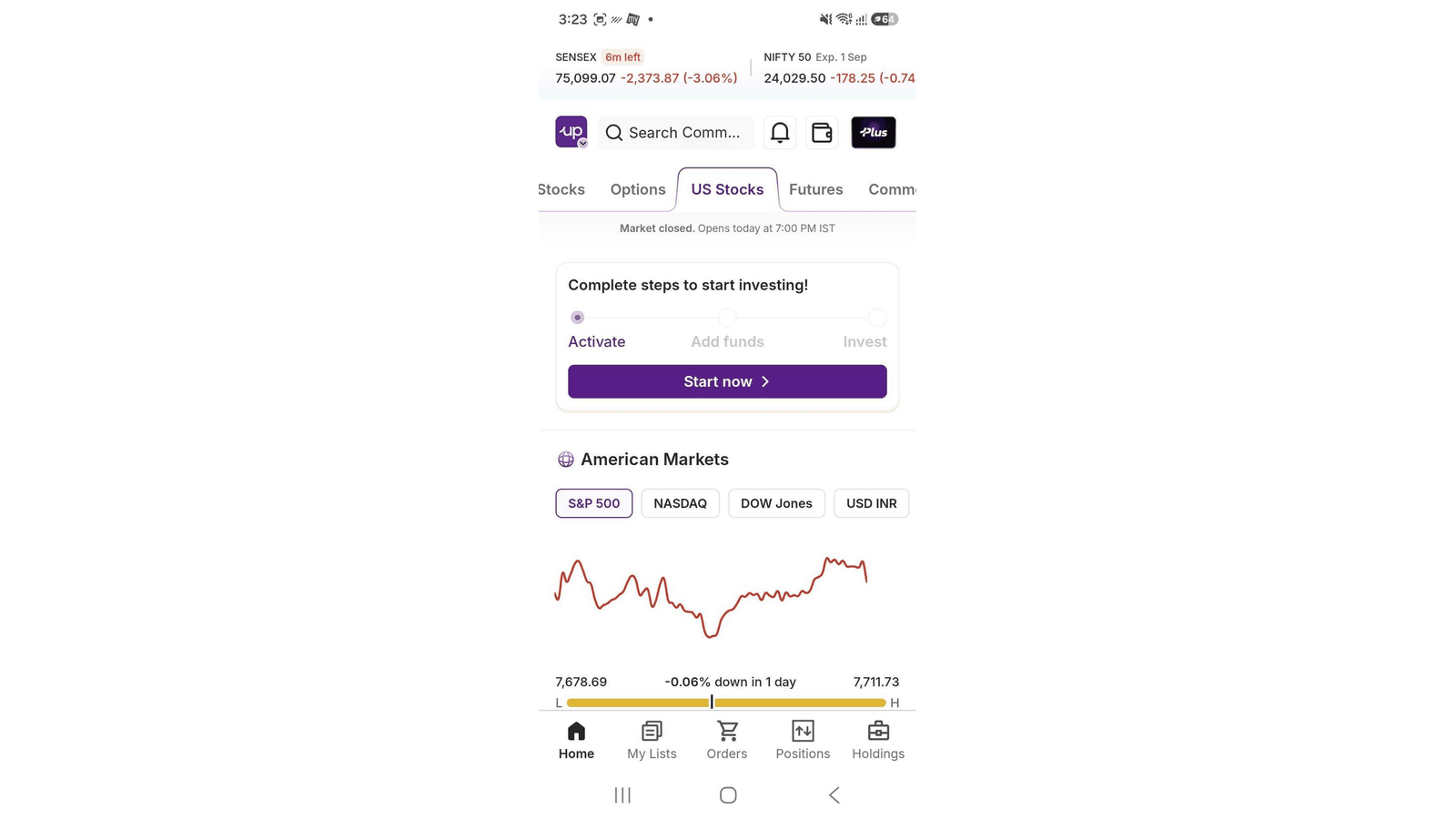
Step 3: Start US Stocks activation.
After tapping I Understand, you will be taken to the US Stocks screen. Under “Complete steps to start investing!”, the Activate step is displayed. Tap Start now to begin the US Stocks account activation process.
Step 4: Enter the required details.
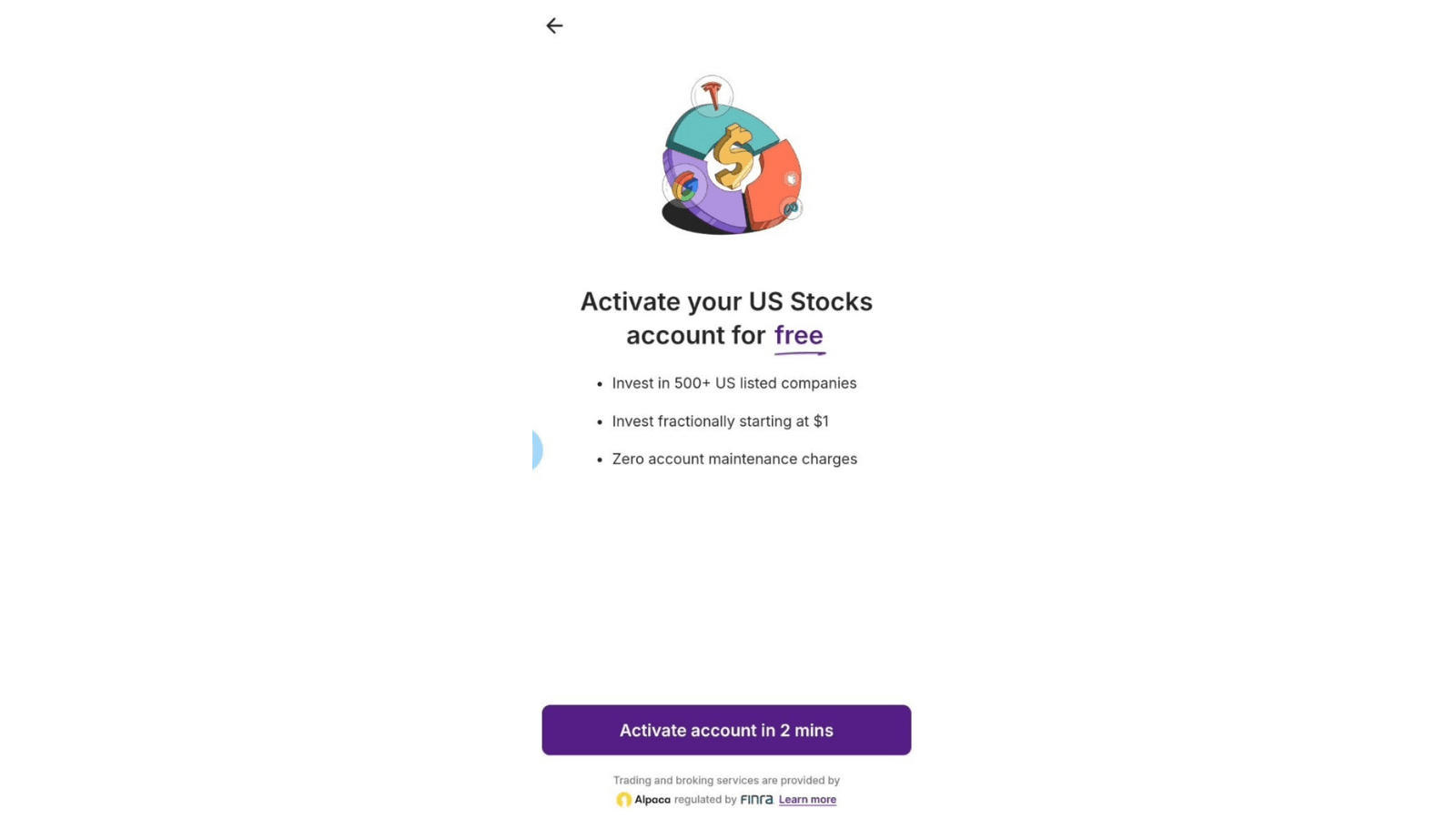
Provide the information requested during the activation process, including the applicable investment-related, employment and source-of-wealth details. Select the relevant options and tap Continue.
Step 5: Review the legal agreements.
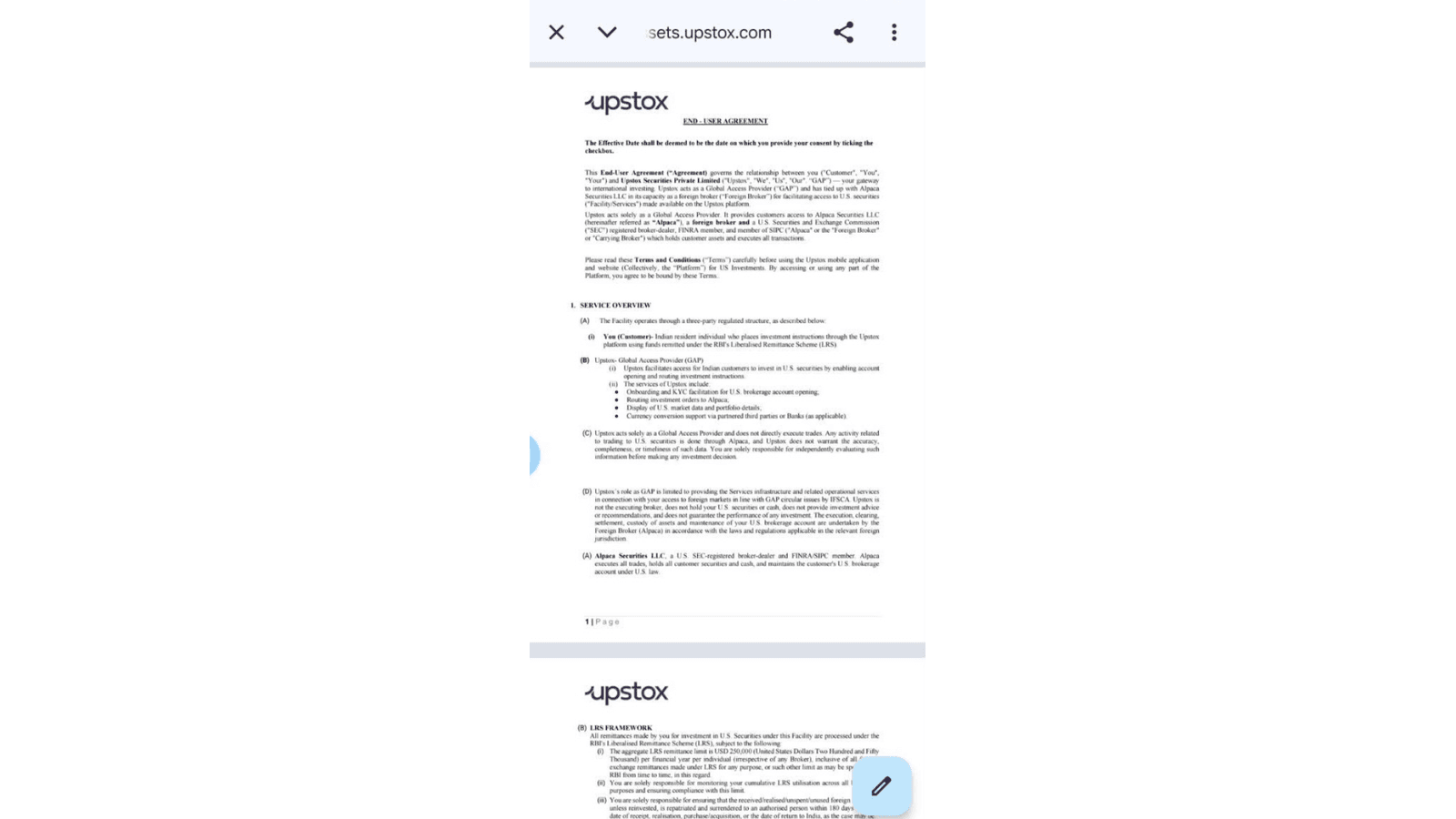
Review the applicable US Stocks legal agreements and related terms before proceeding with the activation.
Step 6: Review and accept the declarations.
Review the declarations and agreements displayed during activation. Confirm that the information provided by you is true and correct, and provide the required consent to proceed. Tap Finish Activation to complete the process.
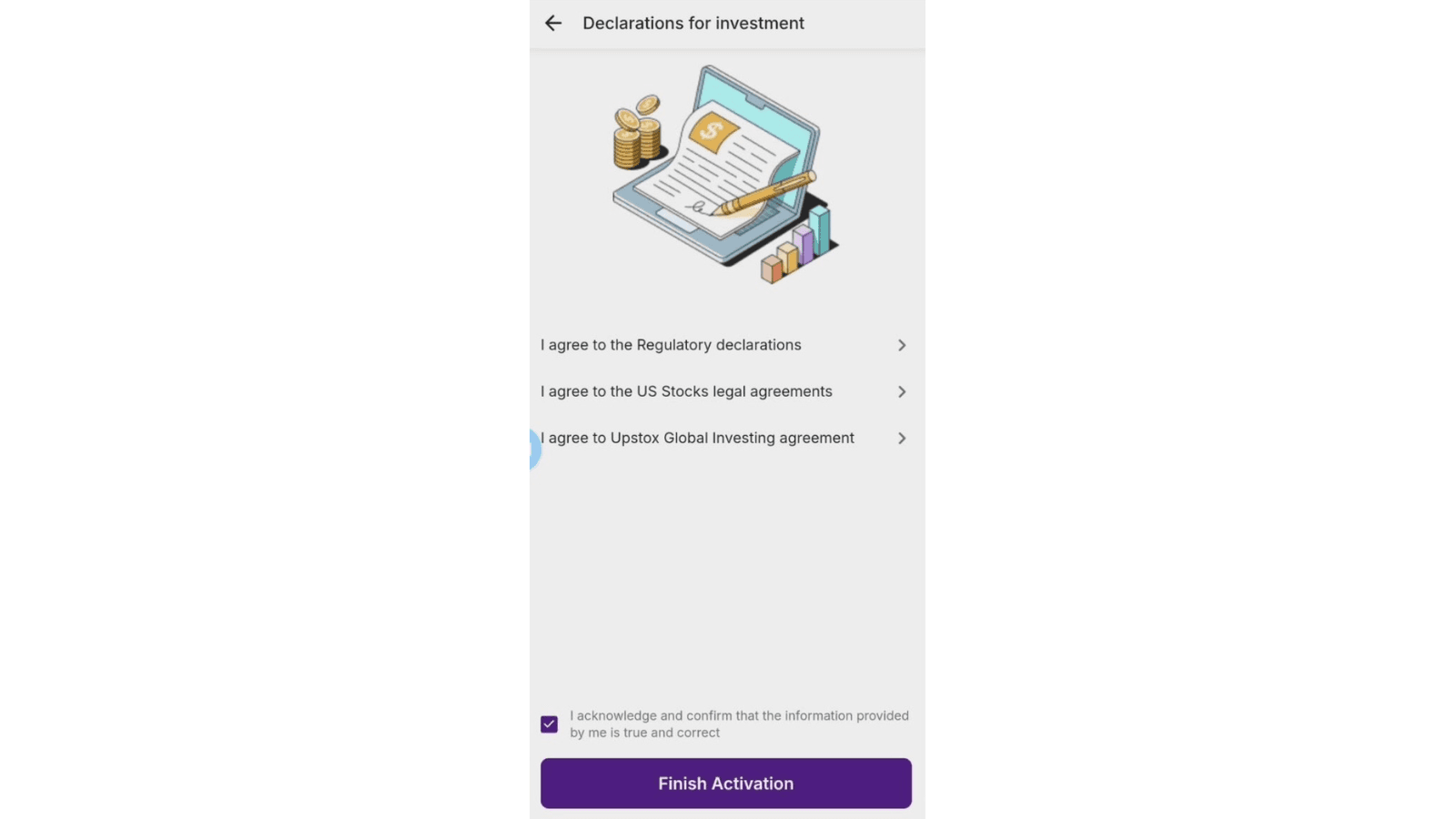
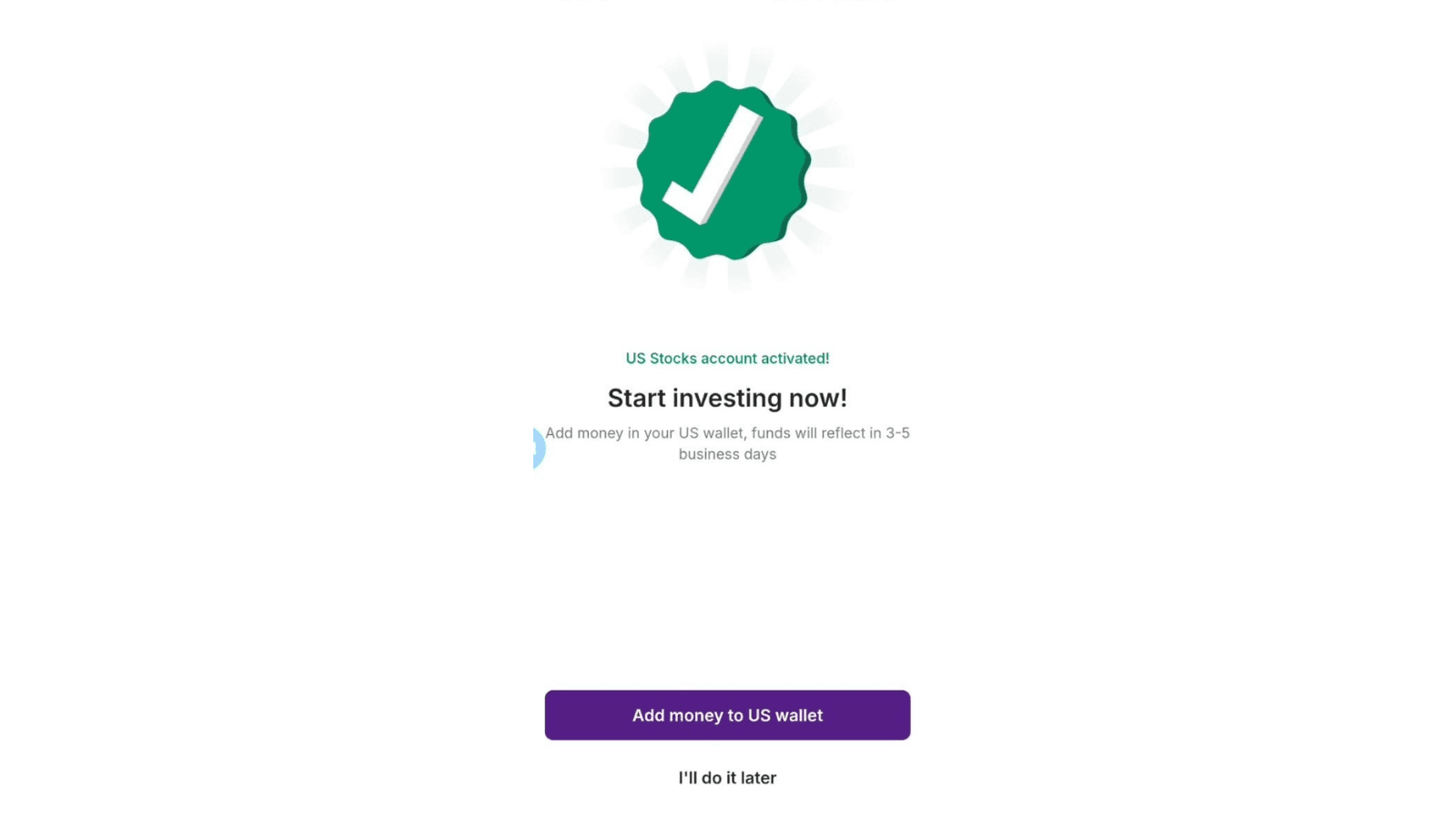
Step 7: Account activation is completed.
Once the activation is successfully completed, the app displays the US Stocks account activation confirmation. You can then proceed to add funds to your US Wallet.
Trade with Upstox
Want to open a Demat account?
Open a FREE Demat and Trading account to invest in Stocks, Mutual Funds, IPOs and more.
By signing up you agree to receive transaction updates on Whatsapp. You may also receive a call from an Upstox representative to help you with the account opening process.
Upstox Community
Upstox Community
| Topic | Replies | Views | Activity |
|---|