
Help Center

Getting Started
Trading
My Account
Mutual Funds
IPOs
Stock SIP
Gold
NPS
Government Securities
Fixed Deposits
Insurance
Loan
Smallcase
DartStock
Upstox API
NCD
US Stocks
Minor Account
How to Pledge shares (On Desktop)?
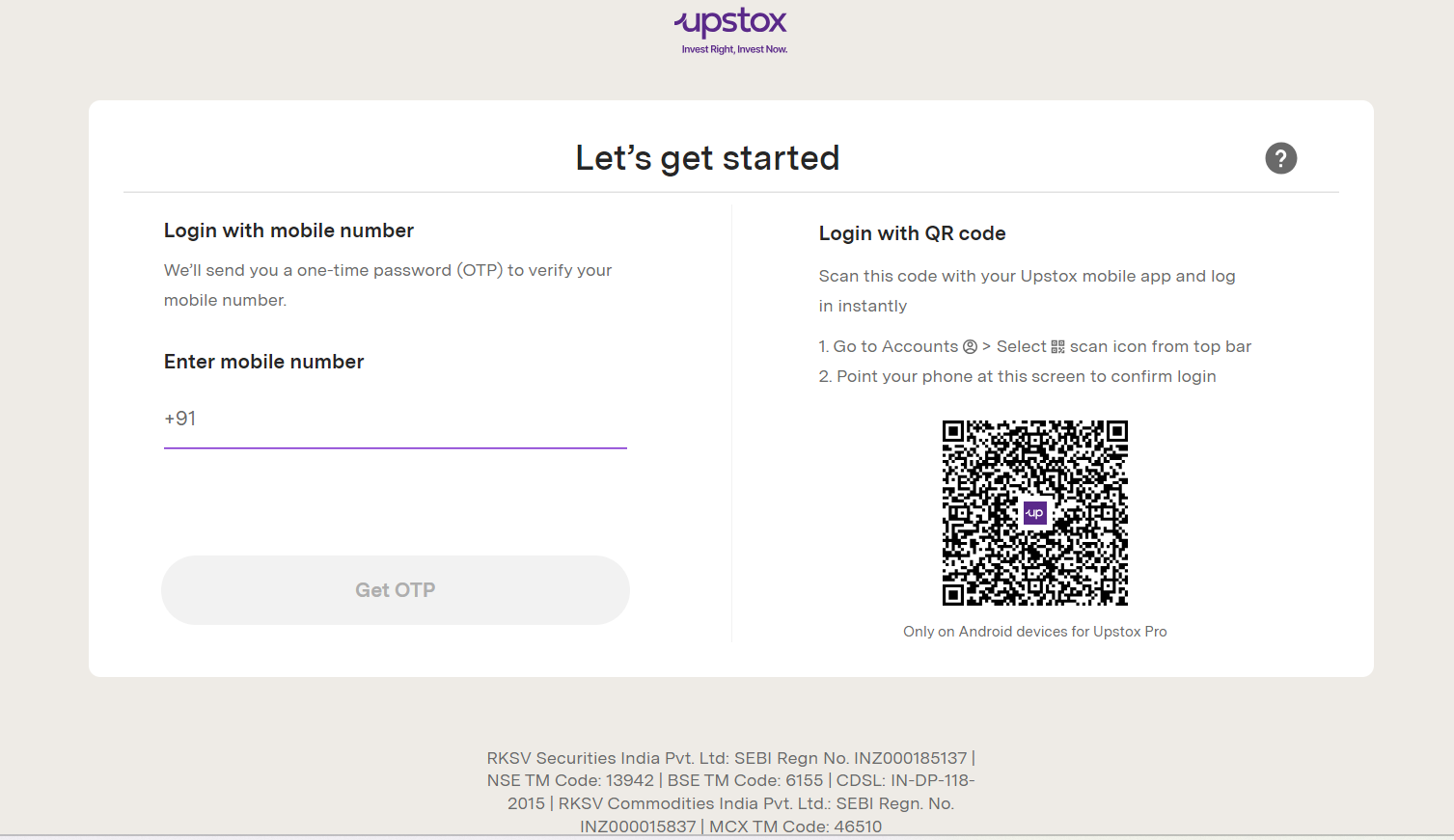
Step 1: Login to account.upstox.com using your registered mobile number or scan the QR code.
Step 2: Click on ‘Actions'.
Step 3: Select ‘Margin Pledge.'
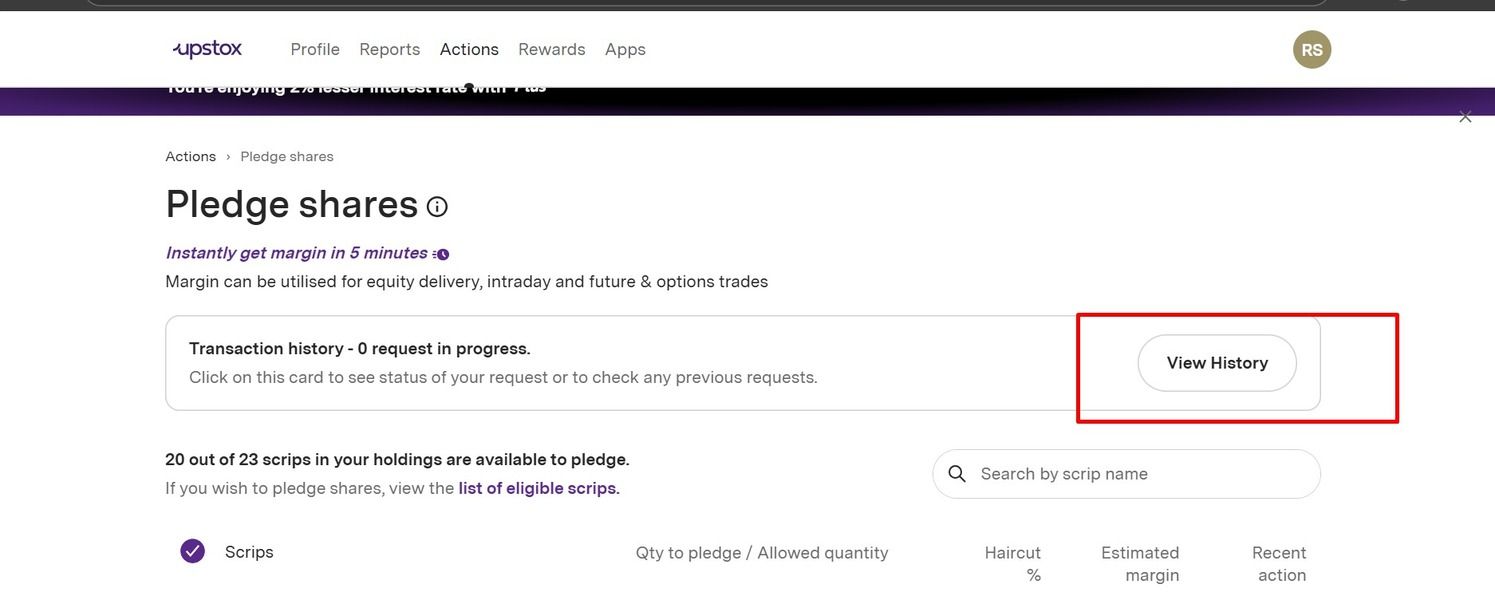
Step 4: To check previous transaction details, click ‘View History’.
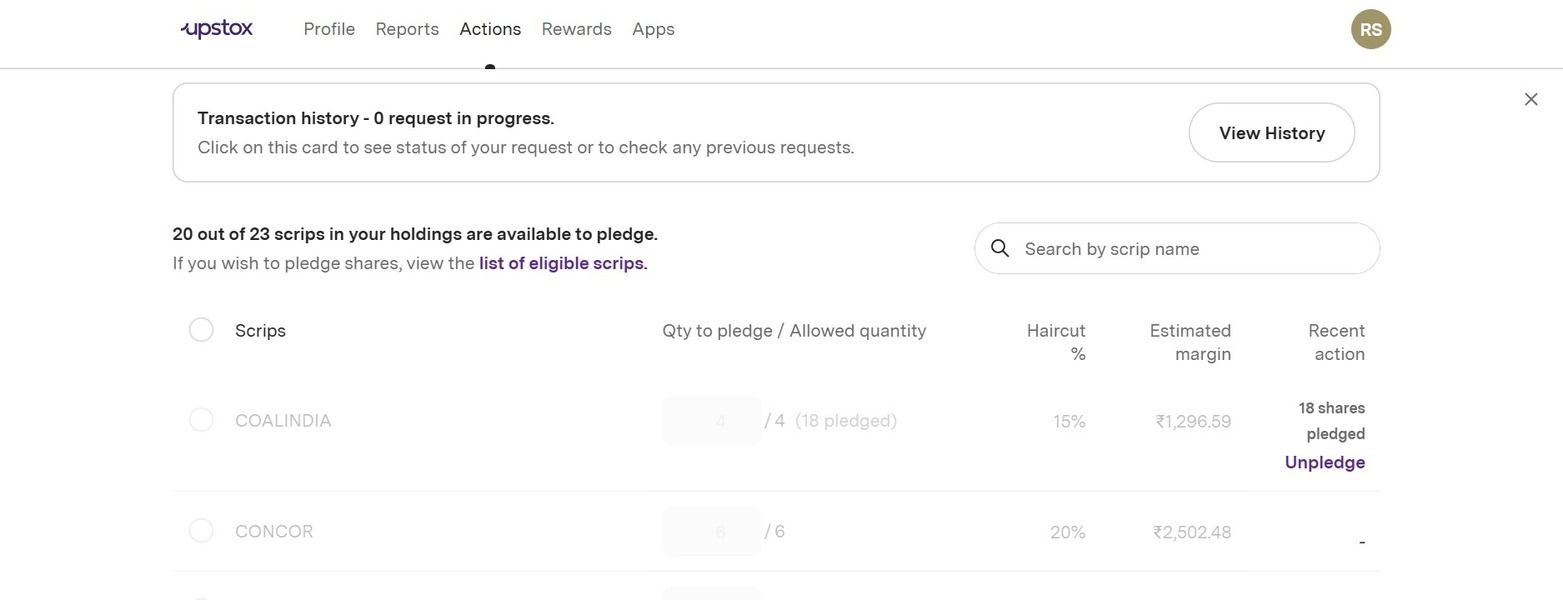
Step 5: In the 'holding are available to pledge' section, you will find information about the securities from the portfolio that are pledged, along with those permitted for pledging.
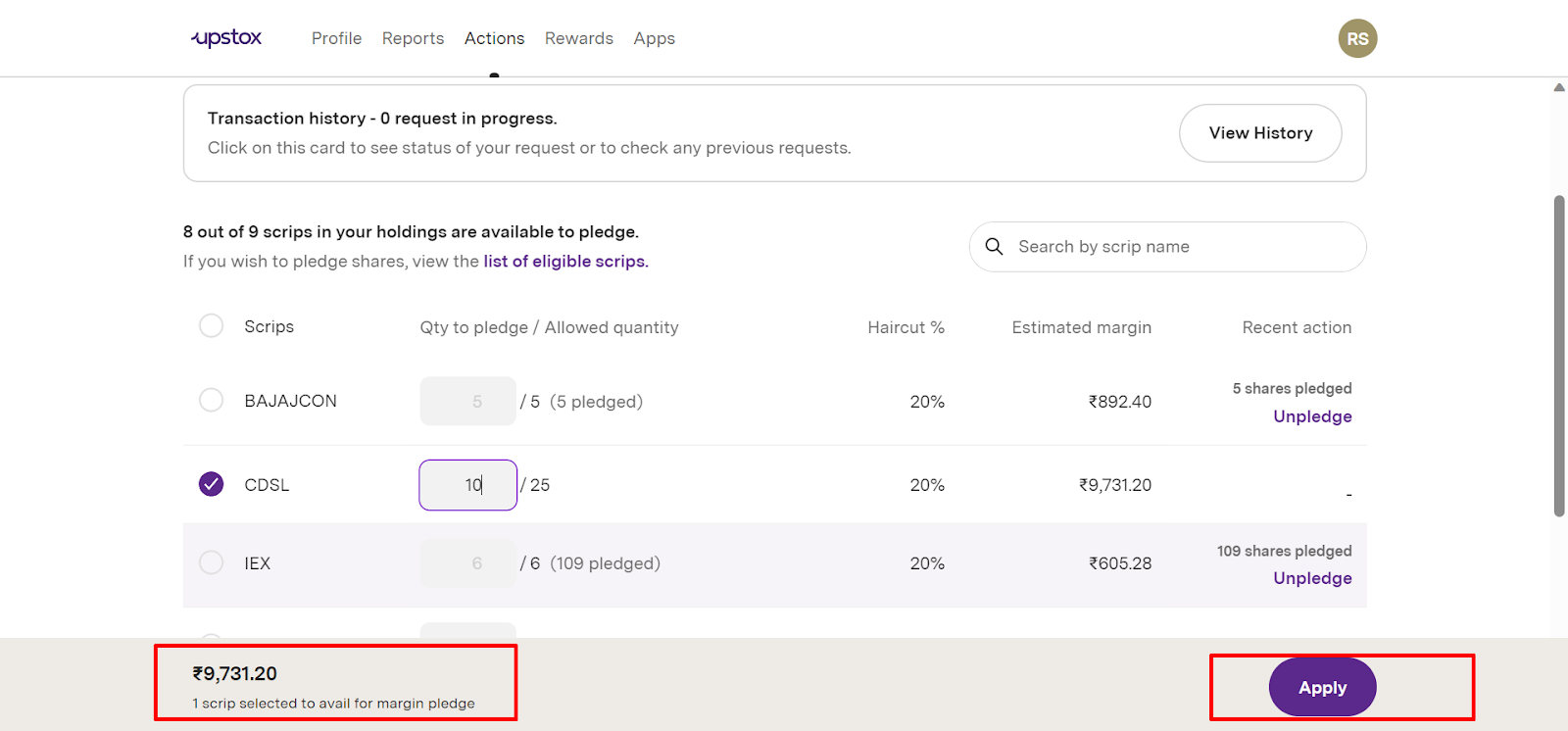
Step 6: Check the pledge details and click on ‘Apply'.
Step 7: Verify the number of scrips, margin, and terms & conditions.
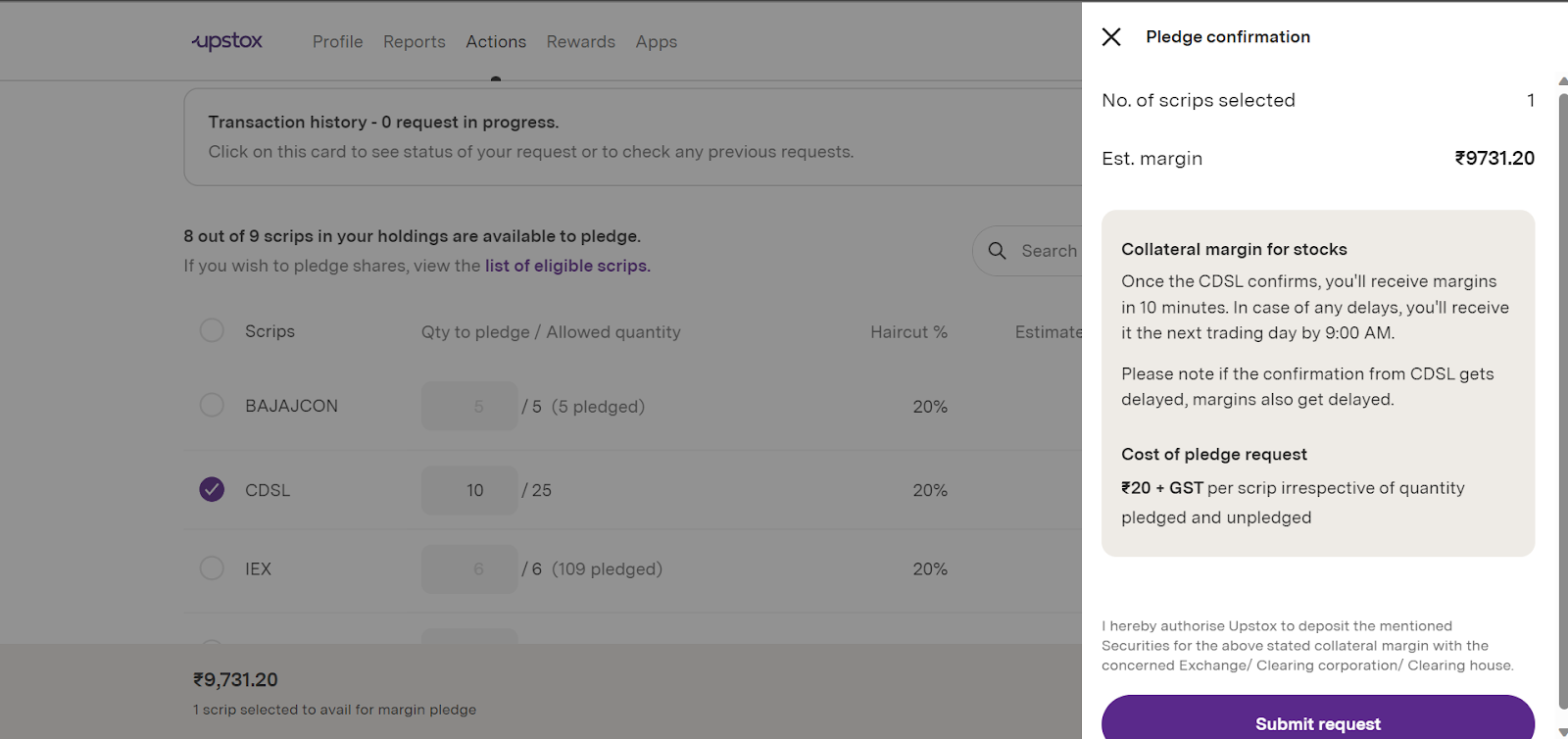
Step 8: Scroll down and click on ‘Submit request’.
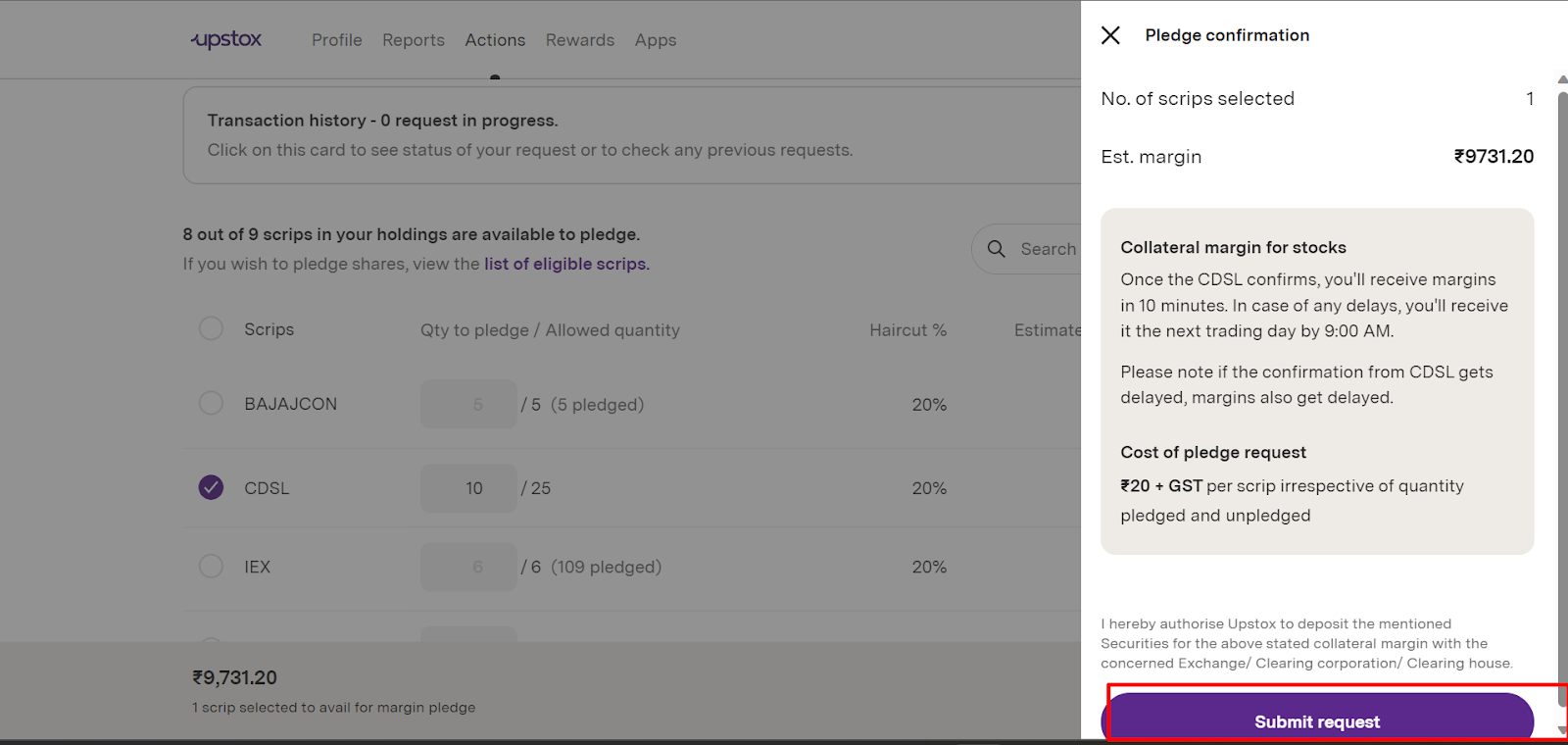
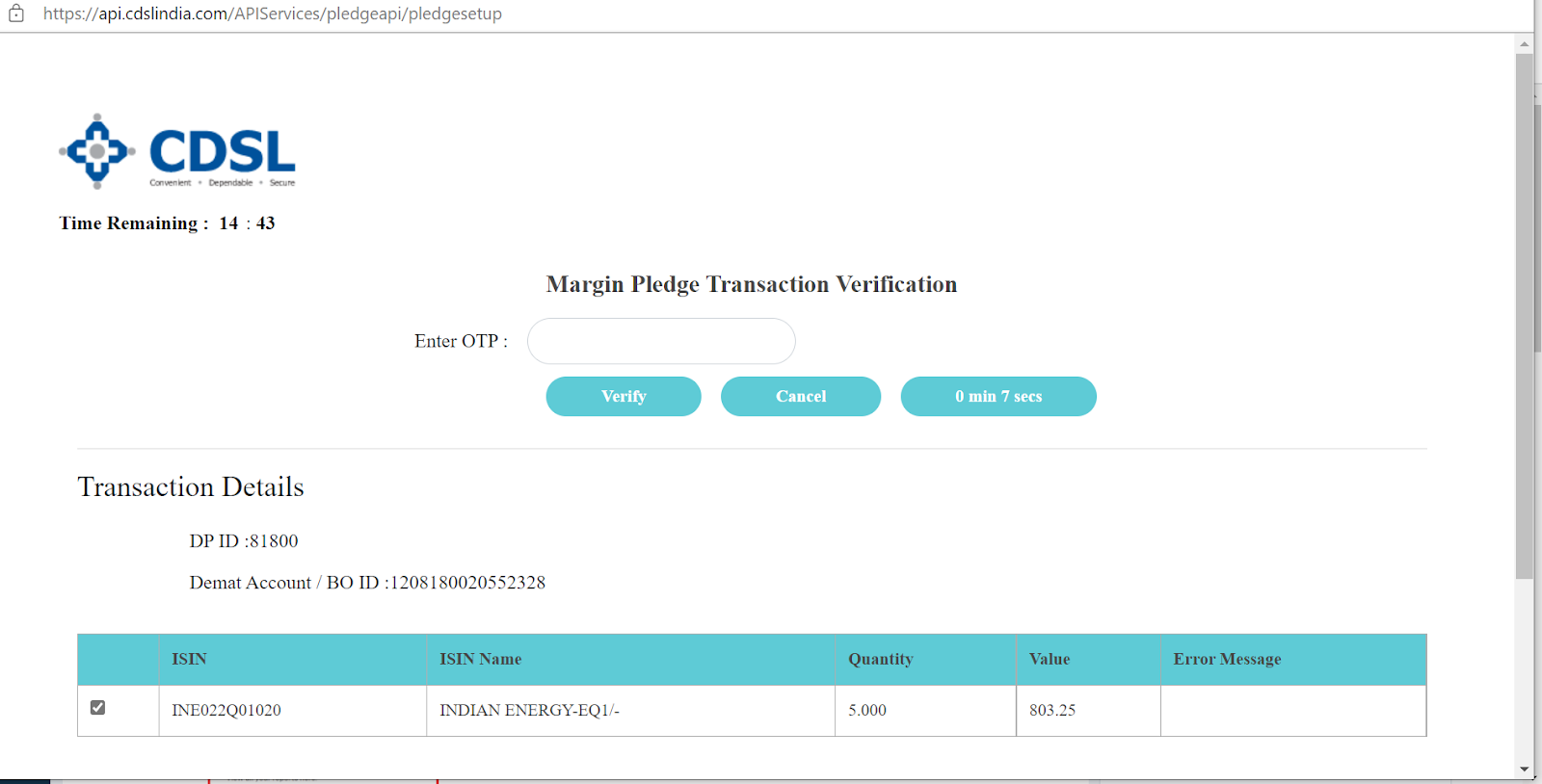
Step 9: Upon clicking ‘Submit request’, you will be redirected to the CDSL page where you have to enter the OTP received on the registered Mobile number.
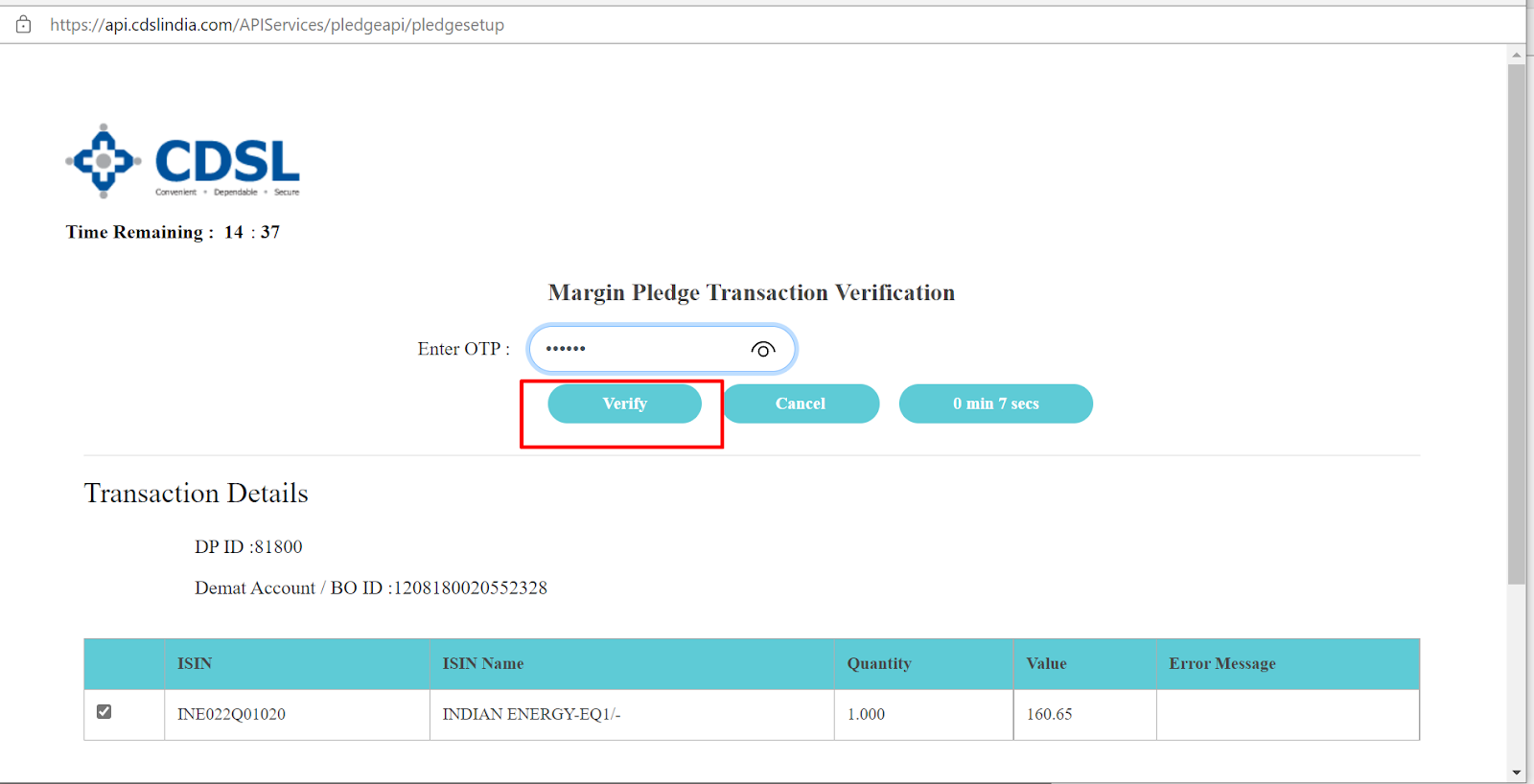
Step 10: Click ‘Verify’.
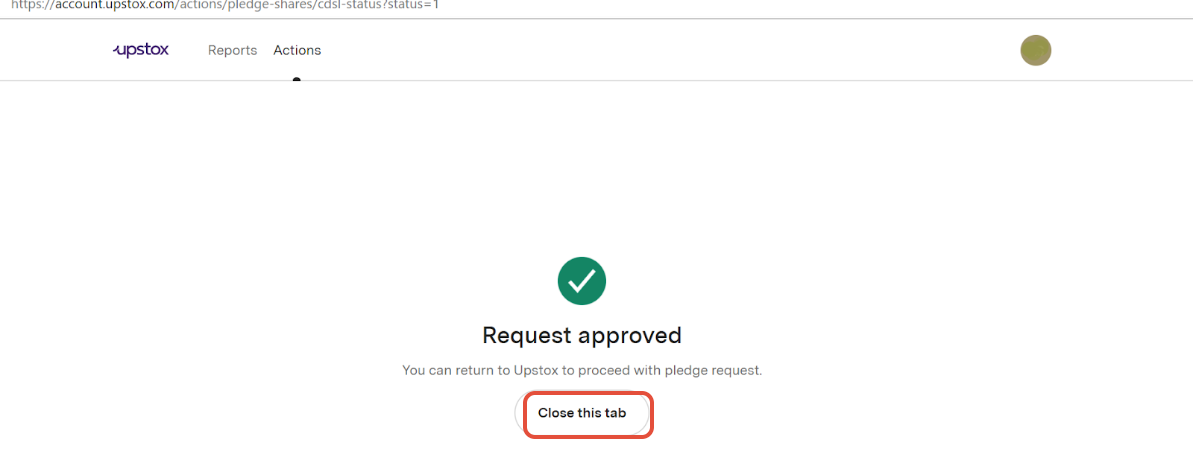
Step 11: Click on the ‘close tab’ to return to the web portal.
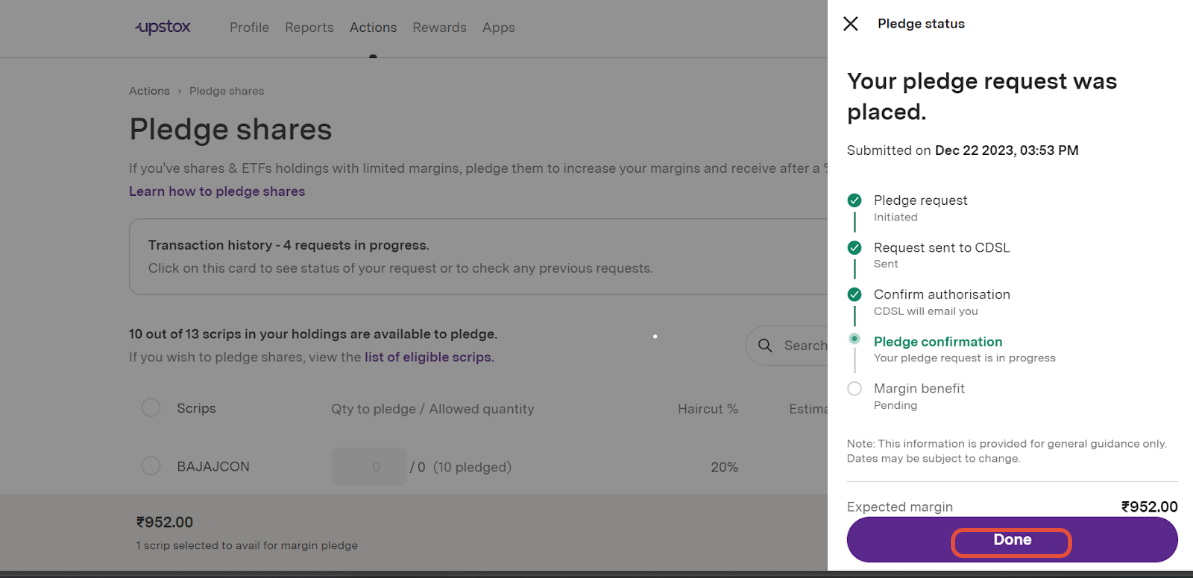
Step 12: Click on ‘Done’.
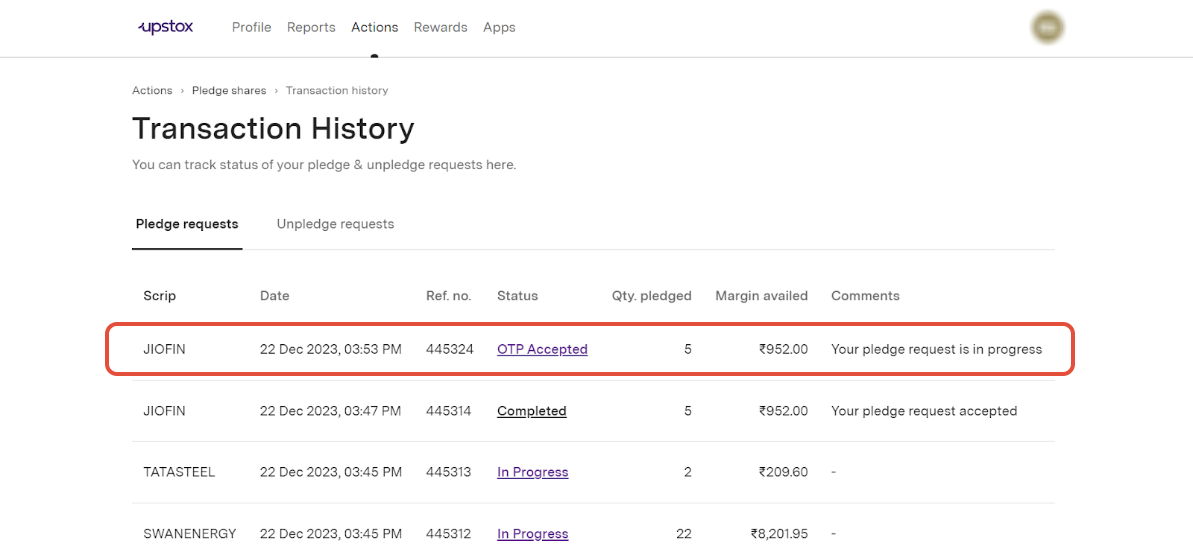
Step 13: You can check the Pledged status of the current and previous requests in Transaction History.
You will receive an SMS from CDSL mentioning the pledge details.
Additional Notes:
- The cost for pledging or unpledging is ₹20 + GST per scrip.
- If you pledge your shares between 8:30 AM and 4:00 PM, the margin will be available within 5 minutes upon confirmation by CDSL.
- If you pledge your shares between 4:00 PM and 7:00 PM, the margin will be credited the next trading day by 8:30 AM.
Related Articles
Trade with Upstox
Want to open a Demat account?
Open a FREE Demat and Trading account to invest in Stocks, Mutual Funds, IPOs and more.
By signing up you agree to receive transaction updates on Whatsapp. You may also receive a call from an Upstox representative to help you with the account opening process.
Upstox Community
Upstox Community
| Topic | Replies | Views | Activity |
|---|