How to Invest in a Fixed Deposit (FD) Online – Process Guide

Written by Pradnya Surana
Published on November 27, 2025 | 2 min read
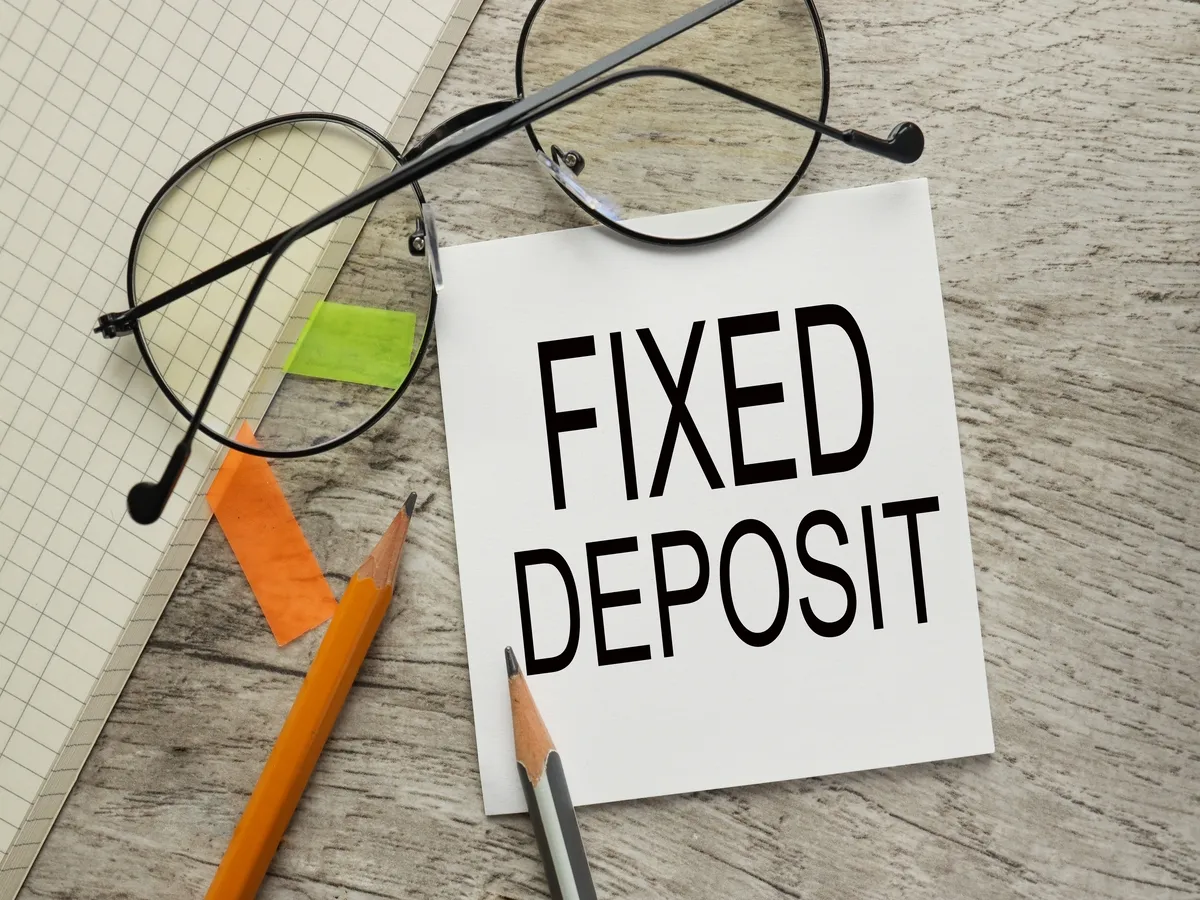

Fixed deposit (FD) has been a staple of Indian savings since generations. Even today, people looking for assured returns invest in FDs. Its guaranteed returns, assurance of principal amount being safe, which in turn gives predictable sum makes it a risk-free saving instrument.
Today, opening an FD has become even easier thanks to online banking and mobile apps. It's paperless and you no longer need to visit a bank branch. With just a few clicks, you can open an FD from the comfort of your home or on the go. Let us walk through how to invest in a fixed deposit online, step by step.
What Is a Fixed Deposit (FD)?
A fixed deposit is a saving instrument offered by banks and Non-Banking Financial Corporations (NBFC). You deposit an amount for a fixed period and your interest rate gets fixed from day one. At the end of the term, you receive your principal amount along with the interest earned.
Why Should You Open an FD Online?
- Opening an FD online has several benefits,
- Convenience - No need to visit a branch
- Paperless - Everything is digital, no documents are needed
- Instant process - Takes only a few minutes
- Easy tracking - You can check your FD details anytime through internet banking or mobile apps
Thus, opening an FD online is a simple hassle free process
Step-by-Step Process to Opening an FD Online
Log in to Your Online Banking Account
Start by logging into your bank account through internet banking or mobile banking app using your username and password. If you don’t have an online banking account yet, you will need to register first.
Go to the ‘Fixed Deposit’ Section
This is usually found under the “Deposits” or “Investments” menu.
Choose the Type of FD
Most banks offer different types of FDs, such as,
- Regular Fixed Deposit
- Tax-Saving FD
- Senior Citizen FD
- Recurring Deposit (RD) – not an FD but often listed in the same section
Select the FD type that best suits your needs. For example, if you want higher interest rates and are a senior citizen, choose a Senior Citizen FD.
Enter the Deposit Amount
Next, enter how much money you want to invest. Most banks have a minimum limit (for example, ₹ 5000 and there is usually no maximum limit.
Select the Tenure
Tenure is the duration for which you want to keep your money locked in the FD. It usually ranges from 7 days to 10 years, depending on the bank. Your interest rate depends on the tenure, so choose carefully based on your financial needs.
Choose the Interest Payout Option
Banks generally offer two interest options
- Cumulative FD – Interest is added to the principal and paid at maturity.
- Non-cumulative FD – Interest is paid periodically (monthly, quarterly or annually).
If you want regular income, choose non-cumulative. If you want compounded returns, choose cumulative.
Select the Linked Savings Account
Choose the savings account from which the FD amount will be deducted. Make sure you have sufficient balance.
Review and Confirm
Before submitting, review all the details, including,
- Deposit amount
- Tenure
- Interest rate
- Maturity date
- Payout option
Once everything looks correct, click on Confirm or Submit.
Download or Save the FD Receipt
The bank will generate an FD receipt or confirmation letter. Download it or take a screenshot for your records. The bank will also send an email with an FD certificate. If you need a physical copy of the FD certificate, you can visit the bank branch and get it. You can view your FD anytime in the ‘Deposits’ section.
Opening Online FD with NBFC
Many opt to invest in FD with an NBFC, as NBFC offers slightly better interest rates on FD. To open an online FD with any NBFC, you can visit their website and fill in the relevant information. At the end of the process it will ask you from which bank account the money has to be debited. You then have to enter your bank details and NBFC will then debit money from the given bank account.

Opening a Fixed Deposit online is quick, simple and completely secure. It saves time and gives you the freedom to choose tenure and interest payouts as per your convenience.
Whether you are planning for a short-term goal or want to build long-term savings, it can be all done online with just a few clicks. Follow the steps above and you will have your FD set up in just a few minutes.
About Author
Pradnya Surana
Sub-Editor
is an engineering and management graduate with 12 years of experience in India’s leading banks. With a natural flair for writing and a passion for all things finance, she reinvented herself as a financial writer. Her work reflects her ability to view the industry from both sides of the table, the financial service provider and the consumer. Experience in fast paced consumer facing roles adds depth, clarity and relevance to her writing.
Read more from Pradnya



















Upstox is a leading Indian financial services company that offers online trading and investment services in stocks, commodities, currencies, mutual funds, and more. Founded in 2009 and headquartered in Mumbai, Upstox is backed by prominent investors including Ratan Tata, Tiger Global, and Kalaari Capital. It operates under RKSV Securities and is registered with SEBI, NSE, BSE, and other regulatory bodies, ensuring secure and compliant trading experiences.
Related articles




Online Trading
What Are High-Yield NCDs? A Beginner’s Guide to Safer Fixed-Income Investing3 min read | Written by Mariyam Sara

Online Trading
Understanding the Put-Call Ratio: A Key Indicator for Market Sentiment and Trading Strategies5 min read | Written by Dev Sethia

Online Trading
Is Forex Trading Legal in India? All You Need to Know About Legalities and Penalties6 min read | Written by Dev Sethia
Online Trading
Understanding Profit After Tax (PAT): What It Means for Investors and Businesses5 min read | Written by Dev Sethia