Tools to power your trades and investments: March 2025
Tariff talks, AI wars and portfolios painted all over in red. That's been the market vibe lately. Time to roll into March with a fresh vibe along with fresh new tools to trade & invest 🚀
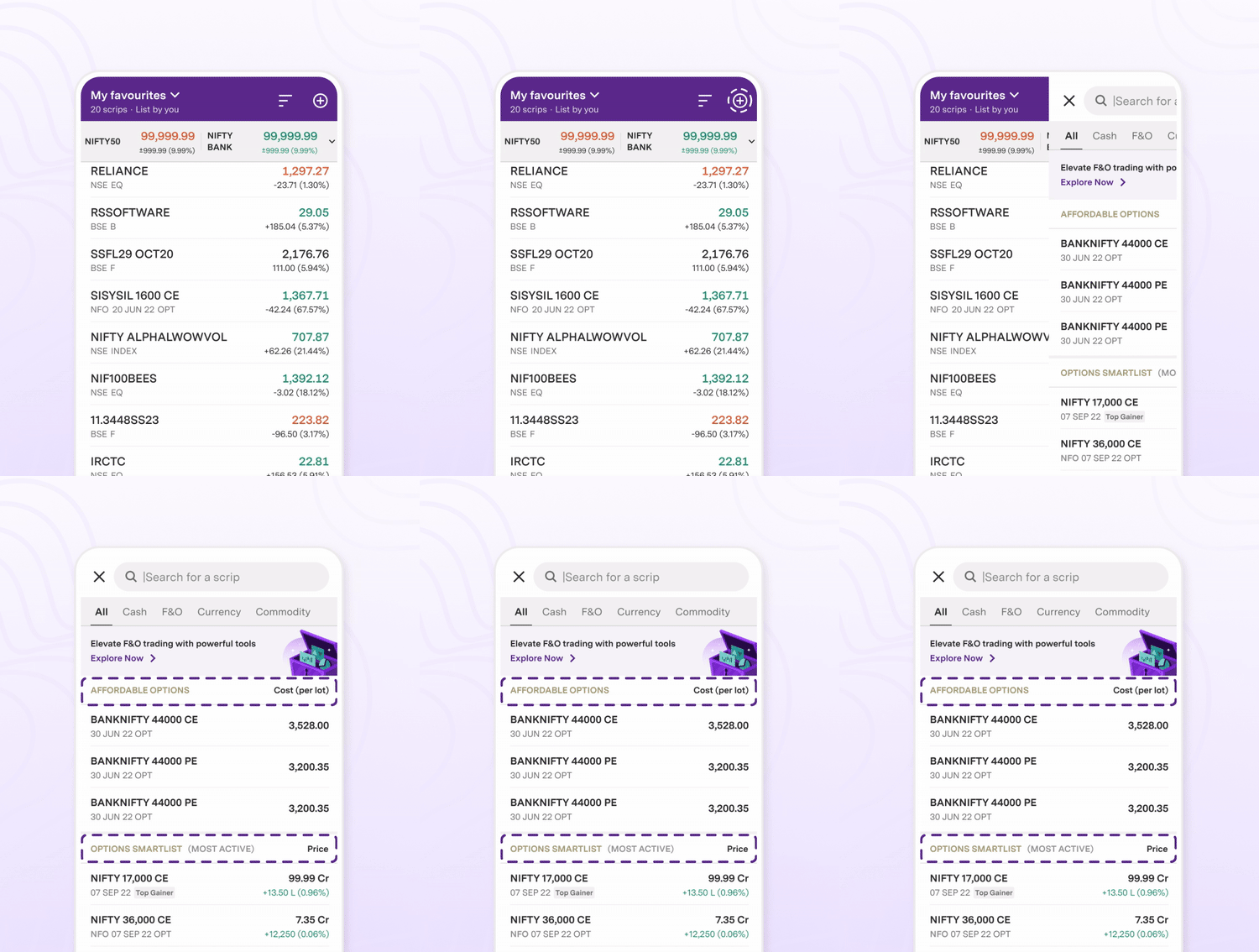
💜 Major Updates on ‘Upstox Pro for traders’F&O search, now a lot more on point 🔍
Most Active and Affordable Options are now right where you need them the most– under the search bar. Tap away to explore other Smartlists (Top Traded, Price Gainers & more) or find trades within your budget!
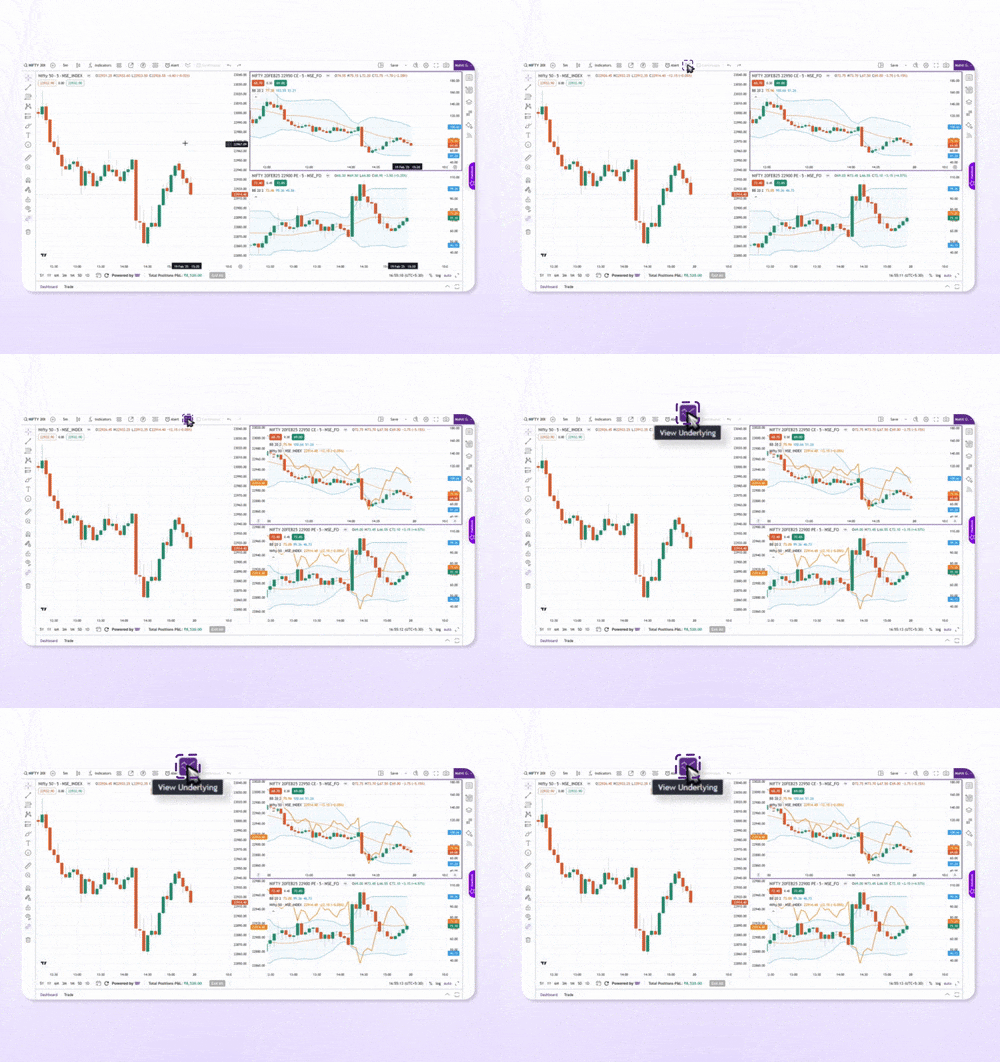
Add underlying charts in just a tap 📈
Lost track of the underlying? Just toggle a switch to overlay it on your derivative chart! See the underlying price scale on the left & derivative one on the right. Use it in bar or hollow candle mode!
💜 Minor Updateson ‘Upstox Pro for traders’
-
iOS users, you will now get nudges about your Right Entitlements (RE) from your order and holdings tabs! Remember to apply before they expire, or they turn to zero!
-
Get updates on your holdings when a corporate action is coming up, including its impact on your shares (Splits, Dividends or Bonuses). This is available on Upstox Pro Web 3.
💜 Major Updateson ‘Upstox Wealth’Hit the road with complete security🚗
Buying Motor Insurance on Upstox is now quicker, simpler and oh-so seamless!
💜Minor Updateson ‘Upstox Wealth’
-
We have term and motor insurance partners
-
Linking your external Mutual Funds is now a lot smoother & simpler.
That’s it for now, folks! 🎉 These new features are here to make your trading and investing journey a lot more smoother. Love them? Drop us a review on the Play Store or App Store—it’ll make our day! 🚀
👉** If you’re using old Upstox app (blue):** The new features are only available on the new Upstox app. Once you download the new app, login with your registered mobile number → Go to ‘Accounts’ tab at the bottom of the screen →Switch the toggle button to ‘Upstox Pro’ from the top of the screen.
Download new Upstox
Download new Upstox
👉 If you’re already using new Upstox app (purple): Directly go to ‘Accounts’ tab at the bottom of the screen. Switch the toggle button to ‘Upstox Pro’ from the top of the screen.
Take me to the app
Take me to the app