EPF Balance Check Guide 2026: Learn Different Methods to Check PF Balance

Written by Sachin Gupta
Published on May 21, 2026 | 8 min read

Key Takeaways
- EPF balance is the total of monthly contributions made by both the employer and employee to an employee’s EPF account.
- The PF balance earns annual interest and accumulates into a retirement corpus over time.
- EPF members can check PF balance via the EPFO portal, UMANG app, SMS or missed call service, and DigiLocker.
- Regularly checking your EPF balance ensures that the employer is depositing contributions correctly and on time.
Have you ever wondered how much money has accumulated in your Employees’ Provident Fund (EPF) account over the years? As a salaried employee in India, you contribute to your provident fund account every month but rarely keep track of your EPF balance. But don’t worry, checking PF balance is easier than ever.
Now, you do not need to visit the Employees' Provident Fund Organisation (EPFO) office and wait in a long queue. You just need a good internet connection and smartphone. In this article, we will delve into the different ways to check EPF balance quickly and securely.
What is EPF Balance?
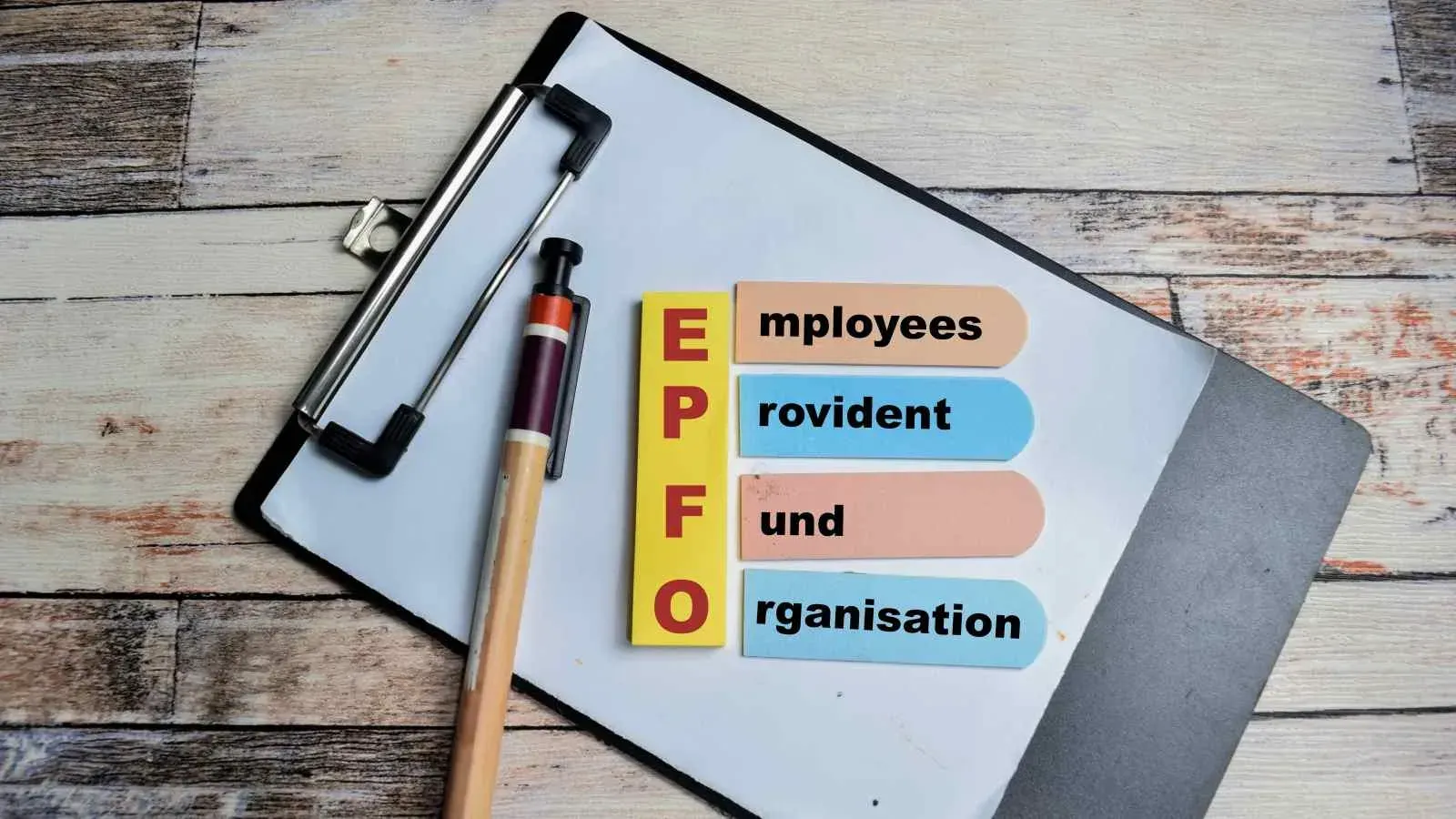
EPF balance is the total amount accumulated in the EPF account of the member registered with EPFO. The EPF balance includes the monthly contributions made by both the employer and employee. EPF balance is managed by EPFO, a government organisation operating under the Ministry of Labour and Employment.
As per the rules, both employee and employer contribute a fixed percentage of the employee’s basic salary and Dearness Allowance (DA) monthly to the EPF account. These contributions are deposited regularly and earn interest at the rate notified by the government. As per the latest EPFO guidelines in 2026, both the employee and employer contribute 12% each of the employee’s basic salary and dearness allowance (DA) towards the EPF account. The employee’s share is automatically deducted from the monthly salary, while the employer adds an equal contribution on top of it. Together, this creates a total monthly EPF contribution of 24% of the employee’s basic pay and DA.
The accumulated amount in the PF account grows into a substantial retirement fund that can be used by the employees after retirement. It is important to note that employees can withdraw their EPF in other conditions as well. These conditions may include medical emergencies, higher education, or unemployment. Apart from managing PF accounts, EPFO also provides benefits like pension schemes and insurance coverage for employees and their families.
Key Requirements Before Checking EPF Balance
Before you proceed to check your EPF balance, you should ensure the fulfilment of the below-mentioned conditions:
- You should have an active Universal Account Number (UAN)
- UAN should be linked with your Aadhaar, PAN, and bank account.
- Your registered mobile number should be linked to your UAN.
Note: If your UAN is not activated, you can do the same through the EPFO portal.
How to Check EPF Balance?
Check EPF Balance Online Through EPFO Portal
This is one of the most widely used and popular methods to check PF balance. You just need to follow these simple steps to fetch your EPF account balance.
Step 1: Visit the official EPFO Members Passbook Portal.
Step 2: Log in to the portal using UAN, password, and captcha.
Step 3: Enter the OTP sent to your Aadhaar-linked mobile number.
Step 4: Now, click the relevant member ID for which you want to check EPF balance.
Step 5: Select the “View Passbook” option.
You will see three columns after clicking on the “View Passbook” option.
- Employee Share: This shows the contribution made by the employee.
- Employer Share: This shows the contribution made by your employer.
- Pension Contribution: This shows the part of the employer's share that goes to the pension fund.
Check Your PF Balance via UMANG App
With the evolving digitalisation in India, the government launched the UMANG app, which provides over 500 central and state government services. EPF members can check PF balance and file and track claims via the UMANG app.
Step 1: The first step is to download the UMANG app from the Play Store or App Store.
Step 2: Register on the UMANG app using your UAN-linked mobile number.
Step 3: Now, under the “Services” option, click on “Social Security” and then select “EPFO.”
Step 4: Click on the “View Passbook” option under “Employee Centric Services.”
Step 5: Enter your UAN and verify using the OTP received on your registered mobile number.
Step 6: After logging in, choose the employer account for which you want to view the passbook.
PF Balance Check Through Missed Call
EPF members can easily check EPF balance by giving a missed call from their registered mobile number.
Step 1: Give a missed call on 9966044425 from your registered mobile number.
Step 2: After two rings, the call will disconnect automatically.
Step 3: After a few minutes, you will receive an SMS containing your PF details such as Member ID, last contribution and total balance.
Check PF Balance via SMS
SMS is one of the simplest ways to check the EPF balance. You can follow these steps to check your EPF balance:
Step1: Type “EPFOHO UAN ENG”
UAN: Type your UAN number. You can replace the “ENG” code with your preferred language, like HIN (Hindi), PUN (Punjabi), or TAM (Tamil).
Step 2: Send the SMS to 7738299899 from your registered mobile number.
Note: This method is one of the easiest, but sometimes the reply is delayed by the EPFO.
Check EPF Balance Through DigiLocker
EPF members can check their PF balance through DigiLocker by linking their PF account.
Step 1: You need to log in to the DigiLocker app or website using the registered mobile number or Aadhaar.
Step 2: Navigate to “Issued Documents” or “Search Documents.”
Step 3: Search for “EPFO” services.
Step 4: Now, click on “Employee Provident Fund- Passbook”.
Step 5: Enter your UAN and complete the verification using OTP sent on your registered mobile number.
Step 6: After verification, your EPF account will be linked, and the EPFO documents will be fetched automatically.
Common Problems While Checking EPFO Balance
EPF members may get stuck if they face any of the below problems while checking their PF balance:
- UAN Not Activated: It is mandatory to activate the UAN number in order to use EPFO services. You can activate your UAN number online via the EPFO portal.
- Mobile Number Not Registered: You will not be able to use the SMS or missed call services if your mobile number is not registered and linked with UAN.
- Details Mismatch: If there is any mismatch in details between Aadhaar and the PF account, your KYC will fail. To fix this, you need to file a “Joint Declaration Form” online.
- Passbook Not Updated: This problem arises when an EPF member is an "exempted" employee or when the UAN was activated less than 6 hours ago. Members need to wait for 24 hours after registering or activating their UAN.
EPF Balance Check Methods: Which Option to Use in Different Situations
| Method | Internet Needed | UAN Required | UAN Activated | Mobile Number Registered with EPFO | Aadhaar Linked |
|---|---|---|---|---|---|
| EPFO Member Passbook Portal | Yes | Yes | Yes | Yes (for OTP) | Usually Yes |
| UMANG App | Yes | Yes | Yes | Yes | Usually Yes |
| Missed Call Service (9966044425) | No | No | Yes | Yes | Recommended |
| SMS Service (7738299899) | No | Yes | Yes | Yes | Recommended |
| DigiLocker | Yes | Yes | Yes | Yes | Yes |

The government has made checking EPF balance simple, fast, and accessible for every salaried person in India. Whether you choose the EPFO portal, UMANG app, SMS, or missed call service, you can stay updated on your accumulated PF funds.
Regularly tracking your EPF balance not only ensures timely deposit of contributions by the employer but also helps you stay financially aware. EPF members should always use only official EPFO/UMANG/DigiLocker channels to check PF balance and avoid sharing OTP/UAN/password with third parties.
FAQs
What is an EPF balance?
EPF balance is the total amount accumulated in your provident fund account, including employee contribution, employer contribution, and interest earned.
How can I check my EPFO balance online?
You can check your EPFO balance through the EPFO portal by logging in with your UAN and password.
Can I check my EPF balance without internet?
Yes, you can check it through SMS or by giving a missed call from your registered mobile number.
What is UAN in EPFO?
UAN (Universal Account Number) is a unique number assigned to every EPF member for managing PF accounts.
Is it necessary to activate UAN?
Yes, your UAN must be activated to access EPFO online services and check your balance.
How often is the EPF balance updated?
EPF balances are usually updated after employer contributions are processed and interest is added annually.
Can I check my EPF balance using the UMANG app?
Yes, the UMANG app allows users to view their EPF passbook and balance easily.
Why should I regularly check my EPF balance?
Regular checking of EPF balance helps ensure your employer contributions are deposited correctly and your savings are growing properly.
About Author
Sachin Gupta
Senior Sub-Editor

is a seasoned financial writer with over eight years of experience across global markets, including Australia, the UK, and New Zealand. He specialises in simplifying complex financial concepts, making them accessible and engaging for a wide range of readers. When he’s not writing or traveling, he can often be found exploring the mountains, drawing inspiration from the calm and clarity of the outdoors.
Read more from Sachin

















Upstox is a leading Indian financial services company that offers online trading and investment services in stocks, commodities, currencies, mutual funds, and more. Founded in 2009 and headquartered in Mumbai, Upstox is backed by prominent investors including Ratan Tata, Tiger Global, and Kalaari Capital. It operates under RKSV Securities and is registered with SEBI, NSE, BSE, and other regulatory bodies, ensuring secure and compliant trading experiences.
Related articles
Personal Finance
Investing in Debt Instruments: Meaning, Types, Benefits, Risks and More13 min read | Written by Sachin Gupta


Personal Finance
Time Value of Money: Meaning, Formula, How to Calculate It?10 min read | Written by Subhasish Mandal
Personal Finance
What is Public Provident Fund: Meaning, Benefits, Risks, Investment Process and More12 min read | Written by Sachin Gupta

Personal Finance
Complete Guide to Debt Investments in India: Types, Benefits, Risks, and More13 min read | Written by Sachin Gupta

Personal Finance
What is E-Insurance Account and How to Open it?12 min read | Written by Subhasish Mandal
Personal Finance
Post Office Time Deposit: A Complete Guide to Interest Rates, Eligibility & Benefits13 min read | Written by Sachin Gupta

Personal Finance
Bond Yields Explained: Understanding Coupon Rate, Current Yield, and YTM11 min read | Written by Sachin Gupta