Personal Finance News
ITR filing 2026: When you will get Form 16 and why it matters for tax filing

4 min read | Updated on June 03, 2026, 09:39 IST


SUMMARY
Waiting for Form 16? Learn when employers must issue it, who can download it, and why this document is important for filing your income tax return.
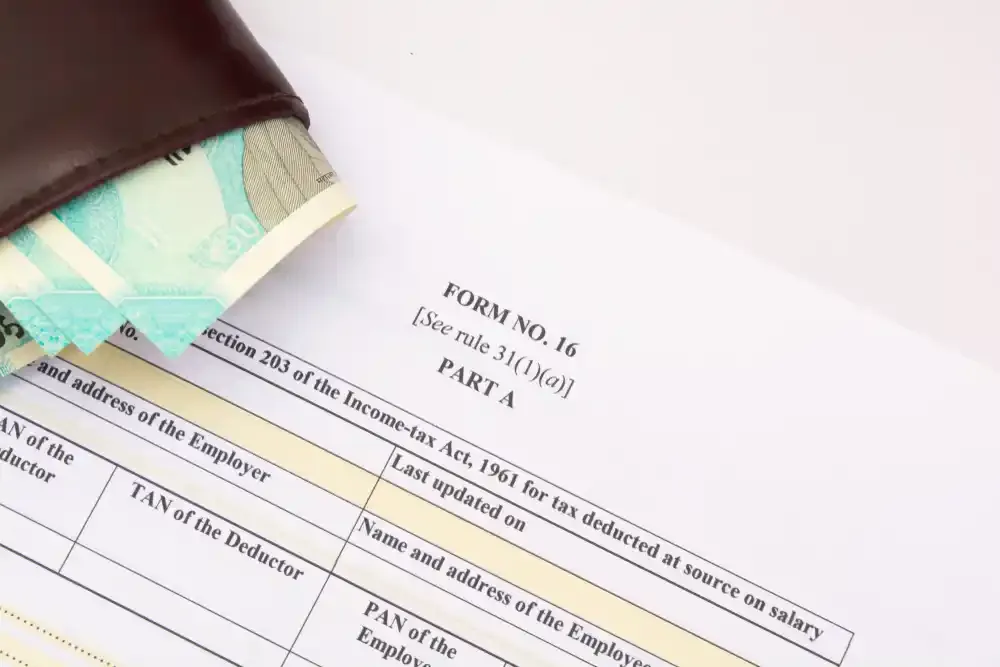
Employees who changed jobs during the financial year can receive a Form 16 from each employer for the period they worked with that employer. | Image: Shutterstock.
With the income tax return (ITR) filing season approaching, salaried taxpayers are likely waiting for Form 16, one of the key documents required to file their returns.
What is Form 16?
The certificate is issued when an employer deducts tax under Section 192 of the Income-tax Act from an employee's salary. It is one of the most important documents used while filing income tax returns.
What does Form 16 contain?
-
The employer and employee
-
PAN and TAN numbers
-
The amount of tax deducted from salary
-
A quarterly summary of TDS deposited with the government
-
Salary paid during the financial year
-
Allowances and perquisites
-
Deductions claimed under Chapter VI-A, such as Sections 80C and 80D
-
Taxable income and tax liability
-
Rebate and relief details, if applicable
The employer is required to verify the details in both Part A and Part B before issuing the certificate. The document may be authenticated either through a manual signature or a digital signature.
When do employers issue Form 16?
Employers must issue Form 16 by June 15 of the financial year immediately following the year in which the salary was paid, and tax was deducted.
For example, for the Financial Year 2025-26 (Assessment Year 2026-27), Form 16 must be issued on or before June 15, 2026.
Employees who changed jobs during the financial year can receive Form 16 from each employer for the period they worked with them.
Can Form 16 be downloaded before June 15?
Yes. Form 16 can be downloaded before June 15 if it has already been generated on the TRACES portal by the employer.
However, employees cannot directly download Form 16 from the Income Tax Department's website. Only the employer, or the deductor, has the authority to generate and download the certificate through the TRACES portal.
Once generated, employers may share the document with employees before the June 15 deadline.
How is Form 16 downloaded?
Form 16 is generated through the TRACES portal by the employer using their TAN credentials. After selecting the relevant financial year and employee PAN details, the employer can submit a request to generate the certificate and download it once it becomes available.
The downloaded file can then be converted into a PDF using the TRACES PDF Generation Utility and shared with employees.
Steps to download Form 16
-
Log in to the TRACES portal using your User ID, Password, and TAN.
-
Select the relevant financial year, enter the employee's PAN, and submit the request.
-
Choose the validation option and note the request number generated.
-
Navigate to Downloads, then Requested Downloads and use the request number to download the Form 16 file.
-
Download the TRACES PDF Generation Utility.
-
Use the utility to extract and generate Form 16 Part A and Part B, and digitally sign the certificates if required.
How employees can download Form 16?
Form 16 is issued by the employer and shared with the employee; it is not available for direct download by employees from the Income Tax Department or any other source.
Why is Form 16 important?
Form 16 provides a consolidated record of salary income and tax deducted during a financial year. It helps employees verify their tax payments and simplifies the process of filing income tax returns.
ITR filing 2026 due date
Filing the return before the deadline helps taxpayers avoid late filing fees, interest on unpaid taxes, and other compliance issues. Since Form 16 is typically issued by employers by June 15, taxpayers have sufficient time to review their income details and complete the filing process before the July 31 deadline.
Related News


About The Author
Next Story