
Personal Finance News
Money deducted but Tatkal ticket not booked on RailOne app? Know the 2 refund scenarios
4 min read | Updated on November 11, 2026, 15:02 IST

SUMMARY
Unused money is always refunded. The only difference is the mode of refund and the time it may take for the amount to be credited back. The mode of payment also affect the refund timeline.
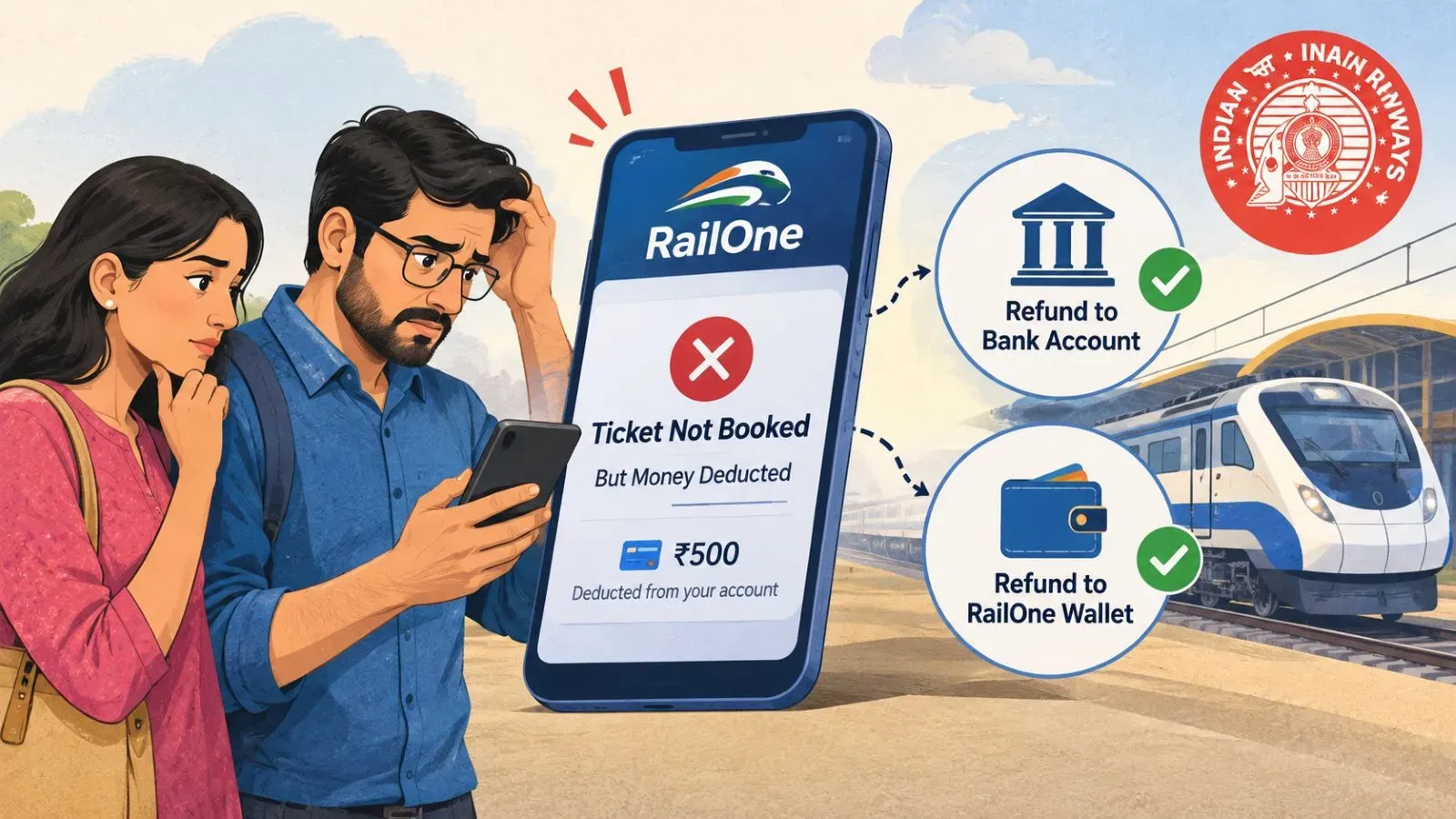
Users can raise a concern though the RailOne app. | Representational image/AI generated
While the Railways officially denied reports claiming tatkal booking platforms were not operational for a long time, it did acknowledge that the performance of the portal was affected due to high concurrent logins.
"There are some media news about IRCTC Railway Ticket Booking website not operational to the users today morning i.e. 10/11/2026. In this respect, it is to clarify that the online reservation portal remained up and operational during these periods, however, the performance in terms of availability to users was seemingly delayed due to the high concurrent logins on the portal," IRCTC said in a post on X.
The IRTCTC further said "these issues were temporary and e-ticketing service through all the channels is normal now."
However, several passengers on X claimed their amount was deducted but tickets were not booked. Some were concerned about how long will it take to get their money back.
In reply to one such user's concern, the IRCTC said, "Sir, You will be charged for booked ticket only, amount deducted will revert back. Please refer your booked ticket history & Failed txn history under My Transaction."
If you ever face a situation where money is deducted but the ticket is not booked while trying to get a Tatkal ticket through RailOne app, there are two refund scenarios you should know.
Adding money to the RailOne's R-Wallet in advance can help speed up the booking process and comes in handy when trying Tatkal tickets. However, if money is deducted from the R-Wallet but the ticket is not booked, the Railways usually credits the amount back to the user's R-Wallet automatically. This generally happens within a few hours. However, in some cases, the refund may take longer and can take up to 24 hours.
For instance, my own money was deducted twice from the R-Wallet on Tuesday but I received the refunds in two instalments: first within two hours and the second within 24 hours.
However, there is catch that you should be aware of. Money refunded to the R-Wallet cannot be transferred to a bank account. It can be used only for booking railway tickets, including reserved, unreserved and platform tickets.
In such cases, the money is refunded to the user's bank account or card, as applicable, within 3 to 7 days.
Please note that the unused money is always returned to the user. The only difference is the mode of refund and the time it may take for the amount to be credited back. The mode of payment also affect the refund timeline. Usually, UPI payments are refunded faster than other modes.
What if you do not get the money back?
Users can raise a concern though the RailOne app by going to the "Help & Support" section. There, they can click on "Refund", select the issue applicable to them from the dropdown menu, and submit their concern along with the transaction ID.
The available refund-related concern categories are:
1.Ticket cancelled, refund not received
-
Showing refunded, amount not reflecting in bank account
-
Refund not received against TDR
-
Payment deducted, ticket not booked
-
Payment deducted, R-Wallet recharge failed
-
Showing refunded, amount not reflecting in R-Wallet
The transaction ID is available in a dropdown menu when raising a concern. Alternatively, users can find it in the "My Transaction" section of the app.
Related News

About The Author
Next Story

