Business News
Apple WWDC 2025: 13 things you need to know about iPhone maker's announcements
.png)
3 min read | Updated on June 10, 2025, 10:31 IST


SUMMARY
At WWDC 2025, Apple introduced a major design overhaul called Liquid Glass, its most significant UI update since 2013.
Apple WWDC 2025: The OS naming has shifted to year-based versions, debuting as iOS 26 and macOS Tahoe 26.
Apple Inc. on Monday unveiled a sweeping new design language called Liquid Glass, terming it the tech giant’s most significant software overhaul in over a decade, at its annual Worldwide Developers Conference (WWDC).
The new design language, which Apple calls its “broadest design update ever,” will roll out this fall across iPhone, iPad, Mac, Apple Watch and Apple TV devices. It’s the company’s first major software redesign since iOS 7 debuted in 2013.
It was presented during a keynote led by design head Alan Dye at Apple’s headquarters.
- Liquid Glass design debuts
Liquid Glass touches nearly every interface element, from control surfaces and tab bars to widgets and app icons, creating what Apple calls a more immersive, fluid experience. The Mac’s menu bar is now transparent, and photo-based lock screens display the time through Liquid Glass, subtly interacting with subjects in the background.
- Unified cross-platform look
For the first time, the same design language will be used across iOS 26, iPadOS 26, macOS Tahoe 26, watchOS 26 and tvOS 261.
- Modern hardware integration
Controls and navigation elements have been re-engineered to fit the rounded corners of current devices, giving apps a more fluid and integrated appearance.
- iOS 26 introduces dynamic tab bars
In iOS 26, tab bars now shrink when scrolling down to prioritise content and expand on scroll-up to ease navigation.
- Refreshed sidebars on iPad and Mac
On iPadOS and macOS, sidebars in apps like Apple TV now blend with the background and reflect nearby wallpaper to enhance immersion.
- New look for home screens and docks
Lock Screens, desktops and Docks now incorporate Liquid Glass effects, with the time appearing seamlessly behind subjects in photo wallpapers.
- More personalisation options
Icons and widgets feature layered Liquid Glass with new tints, and macOS gets a transparent menu bar.
- APIs updated for developers
Apple is rolling out updated APIs for SwiftUI, UIKit and AppKit, allowing developers to align their apps with the new design language.
- AI Integration and ChatGPT partnership
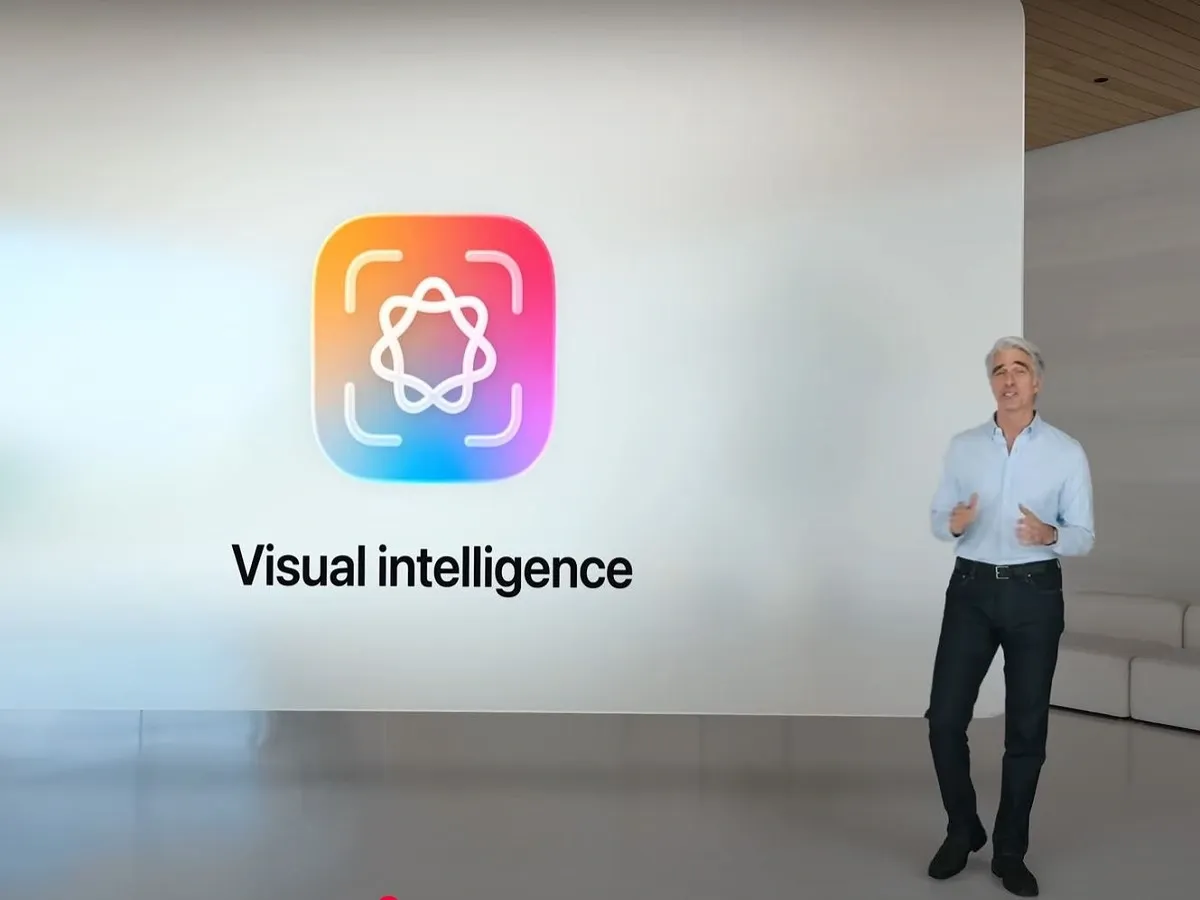
Apple announced deeper integration with OpenAI’s ChatGPT, enabling iPhones, iPads and Macs to analyse on-screen content and offer context via Apple’s Visual Intelligence tool.
- Live translation comes to messages and calls
Apple’s apps, including Messages, Phone, and FaceTime, will support real-time voice and text translation, a feature already present in rival Android devices.
- AI-powered fitness coaching on Apple Watch
A new AI-based voice coach called Workout Buddy will deliver fitness insights during workouts, modelled on Apple Fitness+ trainers.
- Creative emoji and image tools
The new Genmoji feature lets users combine emojis creatively. Apple’s Image Playground now offers ChatGPT-powered image transformations into artistic styles.
- Software naming shift and AI capabilities for developers
Apple is switching to year-based OS naming. The iPhone’s operating system is now iOS 26. Developers can tap into Apple’s on-device AI models for enhanced, privacy-preserving features.
By signing up you agree to Upstox’s Terms & Conditions

About The Author
Next Story